Curated ToolThis tool is part of our curated AI directory. We only include tools that meet our standards for relevance, usability and real-world value.

Salesloft

AI platform for sales workflows, deal signals, and forecasting

Sales & OutreachAnalytics & Reporting
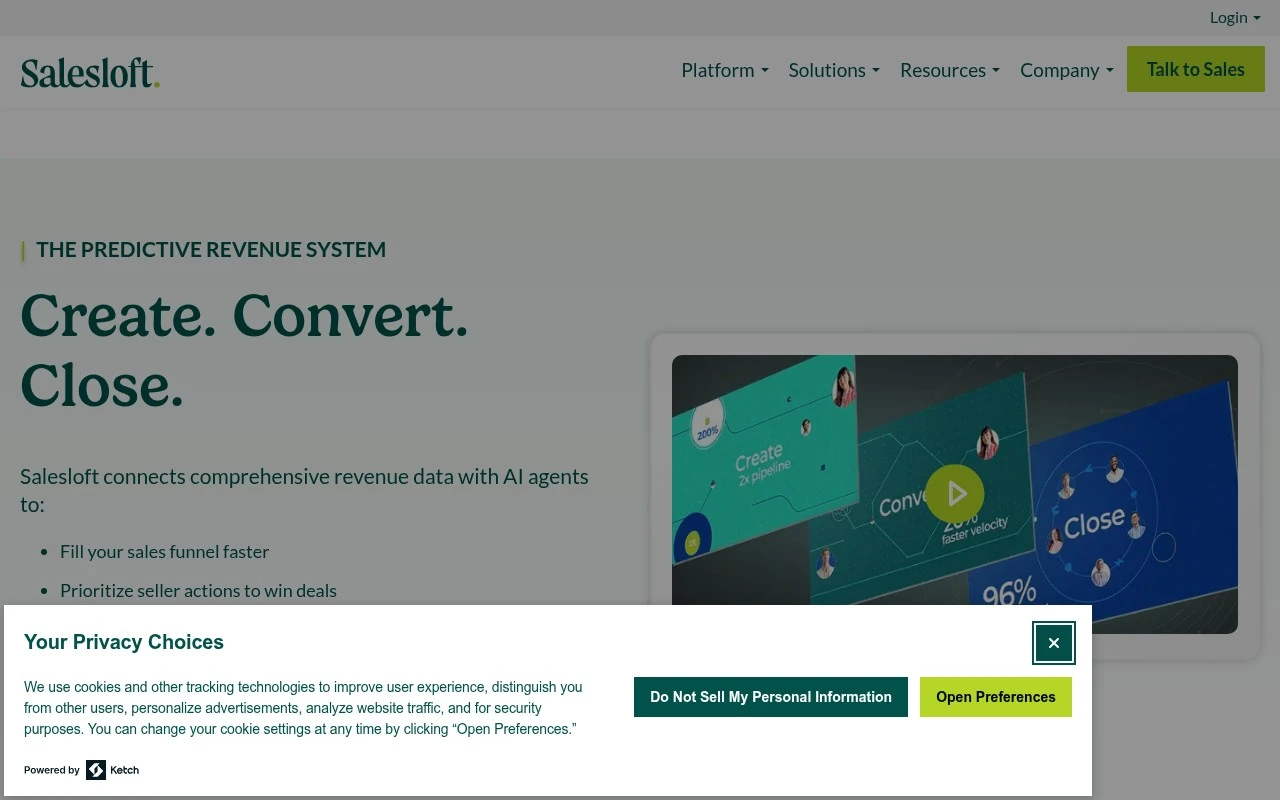
Salesloft is a revenue orchestration platform centered on helping sales organizations turn revenue data into action. Its platform brings together AI chat agents, sales engagement cadences, revenue intelligence, conversation intelligence, deal management, forecasting, analytics, coaching, and AI-driven seller workflows. It is aimed at teams that need to create pipeline, engage buyers, manage opportunities, improve forecast confidence, and standardize sales execution across a revenue organization.

FYAI Score

7.8 / 10

Based on 4.287 reviews

Pricing:

Paid

Best for:

Sales orgs standardizing execution and improving forecast accuracy

Score Breakdown

  • Ease of use7.3 / 10
  • Features8.3 / 10
  • Pricing7.0 / 10
  • Integrations9.3 / 10
  • Support7.3 / 10

PRODUCT PREVIEW

What this AI tool does

Salesloft is an AI tool page intended to help readers understand what the tool is and how it might be used in a practical workflow. Since the introductory details and primary use case are not provided, this description focuses on how to interpret the page and what information you can typically expect to find when evaluating an AI tool. On this page, you can look for a plain-language summary of the tool’s purpose, the kinds of tasks it supports, and the context in which it’s most useful. If you’re researching salesloft2 for informational purposes, the most helpful details are usually how it fits into existing processes, what inputs it needs to work well, and any limitations or assumptions that affect results. If you plan to use the tool, it’s also worth checking for guidance on setup, data handling, and expected outputs so you can judge whether it aligns with your requirements. When more specifics about the tool’s intended audience and use case are available, this description can be updated to reflect those details more accurately.

Use cases

Best for

Sales Enablement

Salesloft standardizes outreach with cadences, templates, and coaching insights from call and email activity.

Business Intelligence

It aggregates engagement, conversation, and deal signals into dashboards so teams can analyze pipeline and rep activity.

Revenue Forecasting

It generates forecasts by combining CRM opportunity data with engagement and deal health signals to flag risk and changes.

ANALYSIS

Strengths & limitations

Strengths
  • Unifies several sales workflow areas, including prospecting, forecasting, deal management, coaching, analytics, and buyer engagement.
  • Uses AI agents and AI-driven workflows to prioritize actions, surface insights, and automate repetitive sales process tasks.
  • Connects with common revenue systems such as CRM, conferencing, dialer, email, calendar, and mobile tools according to the official site.
Limitations
  • The platform is oriented toward revenue teams and may be broader than needed for individuals or very small teams seeking only a simple outreach tool.
  • The official page does not provide pricing details, so cost and packaging need to be confirmed with Salesloft.
  • Its value depends on connecting revenue data and workflows, so teams with limited CRM discipline or fragmented sales processes may need operational setup before getting full benefit.

Evaluation

FYAI score breakdown

Our structured evaluation across five key criteria

7.8 / 10

Overall score

Based on 4.287 reviews

  • Ease of use7.3 / 10
  • Features8.3 / 10
  • Pricing7.0 / 10
  • Integrations9.3 / 10
  • Support7.3 / 10

What users say

Findings from public reviews, documentation and community sources.

  • Ease of use

    SoftwareAdvice’s review signal summarizes users as saying Salesloft is “reliable,” has a “built-in Gmail integration,” and is “simple to use throughout the sales process.”

  • Features

    Salesloft’s pricing page describes a revenue platform with “AI agents” for creating, converting, closing, and retaining business. Salesloft’s pricing page also references “Bi-directional CRM sync,” “Coaching,” “Reporting & analytics,” and “AI powered workflows.”

  • Pricing

    Salesloft’s pricing page presents packages but directs buyers to “contact us” for pricing questions and to “Talk to Sales” for an intro call.

  • Integrations

    Salesloft’s marketplace describes the ecosystem as the “industry’s most expansive network of 180+ partners across technology integrations.” Salesloft’s marketplace snippets also reference CRM connectivity and partner categories.

  • Support

    Salesloft’s pages show buyer-facing resources such as “Resources for revenue leaders” and a “Talk to Sales” path. SoftwareAdvice reports Salesloft at 4.3/5 across 231 reviews.

Who is this for?

Best for revenue teams that want CRM-connected sales engagement workflows, Salesloft’s pricing page references “Bi-directional CRM sync,” “AI powered workflows,” and “AI agents” for creating, converting, closing, and retaining business. Less suited to buyers who need to compare costs before speaking with a vendor, Salesloft’s pricing page directs pricing questions to “contact us” and asks buyers to “Talk to Sales” for an intro call.

PRODUCT PREVIEW

Feature highlights

AI Seller Workflows

Automate next-best actions from signals across accounts and deals.

Conversation Intel

Capture calls, surface insights, and coach reps with AI summaries.

Forecast & Deal Health

Spot risk early with deal signals, analytics, and pipeline views.

COMPARE

Discover curated alternatives worth comparing

Compare similar AI tools based on features, pricing and use cases

7.5/ 10Based on 12.890 reviews

Zoominfo

Lead GenerationCRM & Segmentation
Find and enrich B2B leads with firmographic and contact data
Best for:
Sales teams
Pricing
Paid only

8.6/ 10Based on 6.982 reviews

Zoho CRM

Sales & OutreachAnalytics & Reporting
AI assists CRM tasks: rewrite emails, detect anomalies, predict
Best for:
Sales teams
Pricing
Freemium

8.0/ 10Based on 1.041 reviews

Zoho Campaigns

Lead GenerationCRM & Segmentation
Create, automate, and analyze email and SMS marketing campaigns
Best for:
Marketing teams
Pricing
Freemium

See why revenue teams choose Salesloft to book more meetings and close more deals. Turn every touch into momentum and keep your pipeline moving.

FAQ

Frequently asked
questions

Everything you need to know about this AI tool,
its features, pricing, use cases, and limitations.

When is Salesloft a good fit, and when should I pick a simpler tool?
Salesloft fits B2B teams running structured outbound motions that need sequences, call/email workflows, and coaching tied to CRM data. It’s strongest when multiple reps need consistent cadences and managers want activity and engagement reporting. If you only need basic email sequencing or have a very small team, a lighter-weight outreach tool may be easier to adopt and justify.
Does Salesloft have a free plan, and what typically requires a paid subscription?
Salesloft is generally sold as a paid platform, and most core capabilities (cadences, dialing, analytics, and integrations) are part of paid packages. Pricing and feature access can vary by edition and add-ons, so you’ll usually need a sales quote to confirm what’s included. If you’re comparing tools based on a self-serve free tier, Salesloft may be less aligned with that buying preference.
How does Salesloft compare with Outreach or HubSpot Sales Hub for sales engagement?
Salesloft and Outreach are closest in scope, with both focusing on multi-channel sequences, rep workflows, and performance analytics; the decision often comes down to UI preferences, reporting depth, and how each fits your CRM and dialing needs. HubSpot Sales Hub can be a better match if you want sales engagement tightly bundled with CRM and marketing automation in one ecosystem. If your priority is advanced sales engagement operations across a larger team, Salesloft is typically evaluated against Outreach first.
How quickly can Salesloft be set up, and what onboarding effort should I expect?
Cost can be a hurdle for smaller teams, especially if you need multiple add-ons or seats. The platform has a learning curve, and teams without a clear process may underuse features or create inconsistent cadences. If you want minimal configuration and a very simple workflow, Salesloft can feel heavier than necessary.
What should I check about data privacy, retention, and compliance before using Salesloft?
Confirm what data Salesloft syncs from your CRM and email/calendar, where it’s stored, and how long it’s retained—especially if you enable call recording or conversation intelligence. Review available admin controls, audit logs, and role-based permissions to match your internal policies. If you operate in regulated regions, validate support for requirements like GDPR/DSAR workflows and your preferred data residency and subprocessors.