Curated ToolThis tool is part of our curated AI directory. We only include tools that meet our standards for relevance, usability and real-world value.

Salesforce

AI agents that automate CRM workflows and predict deal outcomes

Sales & OutreachCRM & Segmentation
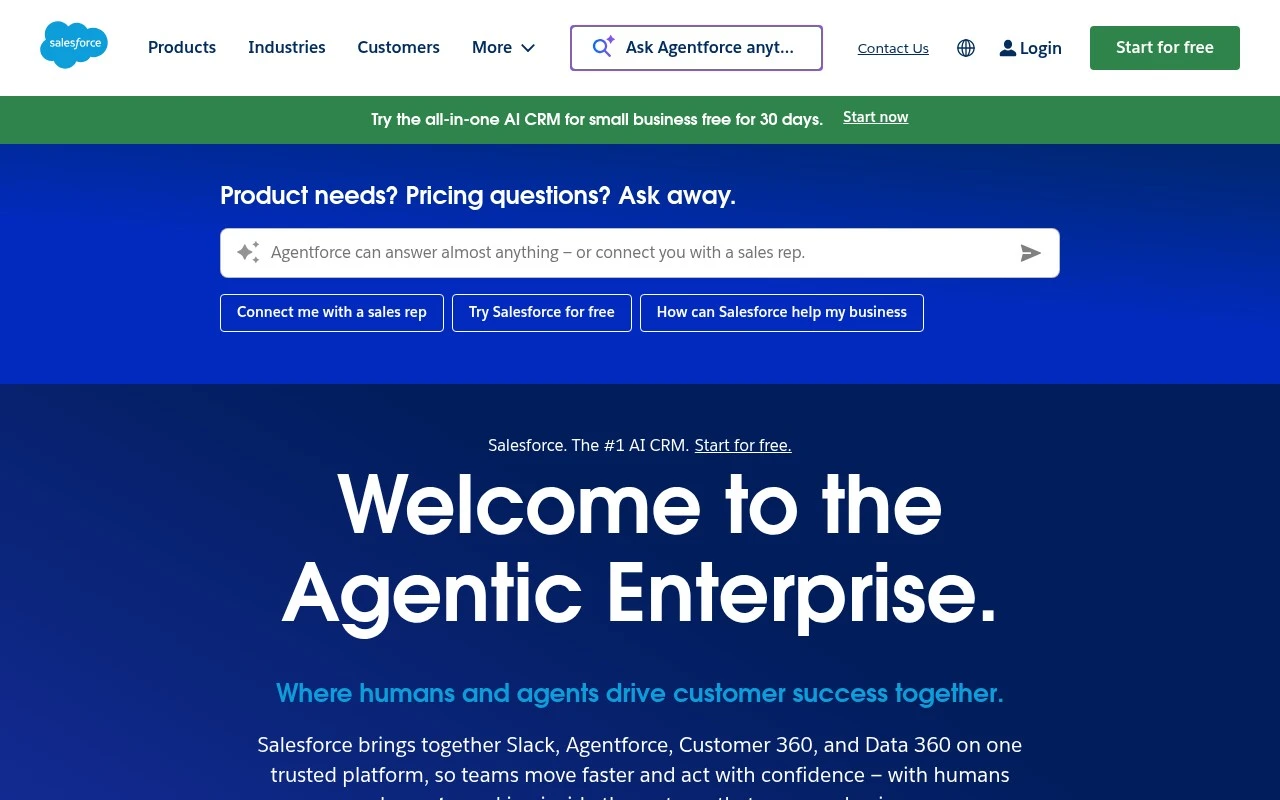
Salesforce is a cloud CRM and Customer 360 platform for managing company relationships with customers and prospects. It brings together applications for sales, service, marketing, commerce, and IT, and the official site emphasizes its newer Agentforce, Data 360, Tableau, and Slack-connected capabilities for building AI-assisted and agentic workflows on top of unified customer data.

FYAI Score

8.4 / 10

Based on 95.397 reviews

Pricing:

Paid

Best for:

Sales, service, and marketing orgs managing customer relationships at scale

Score Breakdown

  • Ease of use7.1 / 10
  • Features9.4 / 10
  • Pricing7.4 / 10
  • Integrations9.4 / 10
  • Support9.1 / 10

PRODUCT PREVIEW

What this AI tool does

Salesforce is a cloud-based platform used by organizations to manage customer relationships and day-to-day sales activities. It brings customer data, communication history, and deal progress into one place so teams can track interactions consistently and coordinate work across roles. Many companies use it to support lead and opportunity management, customer service workflows, and reporting for business performance. Because it is designed to be configurable, it can be adapted to different processes and integrated with other business tools. On an AI tool page, this overview helps readers understand what salesforce is typically used for, what kinds of teams rely on it, and why it is often chosen as a central system for customer and revenue operations.

Use cases

Best for

Crm Automation

Automate lead routing, task creation, and follow ups using Salesforce Flow and Sales Cloud rules tied to CRM records.

Business Intelligence

Build dashboards in Tableau and Salesforce reports that query unified Customer 360 data for KPIs and trend analysis.

Customer Segmentation

Create audience segments by filtering CRM and Data Cloud profiles on attributes, behavior, and engagement for activation.

ANALYSIS

Strengths & limitations

Strengths
  • Covers multiple customer-facing departments on one integrated platform rather than only one CRM function.
  • Designed to scale from small-business starter needs to large enterprise and industry-specific deployments.
  • Includes AI and data features aimed at workflow automation, analytics, prediction, and personalized customer engagement.
Limitations
  • The breadth of the platform can be more complex than a team needs if it only wants a simple contact database or lightweight sales tracker.
  • Effective use depends on clean customer data, process design, and configuration across teams.
  • The official page is high-level and promotional, so pricing, implementation effort, and product-specific limitations need separate review.

Evaluation

FYAI score breakdown

Our structured evaluation across five key criteria

8.4 / 10

Overall score

Based on 95.397 reviews

  • Ease of use7.1 / 10
  • Features9.4 / 10
  • Pricing7.4 / 10
  • Integrations9.4 / 10
  • Support9.1 / 10

What users say

Findings from public reviews, documentation and community sources.

  • Ease of use

    Salesforce onboarding materials include “Start for free,” a trial where users can “import data in minutes,” and a Salesforce Starter setup described as “simple.” Reddit user sentiment also reports setup friction, with one thread saying “Something must be set up wrong” and another saying Salesforce “requires a ton of” work.

  • Features

    Salesforce positions itself on its website as a unified “AI, data, and Customer 360 platform” with Agentforce for “build trusted, agentic experiences.” Salesforce says Agentforce can automate workflows like “lead qualification or service case resolution,” predict outcomes, and personalize interactions across marketing, sales, and service.

  • Pricing

    The Salesforce pricing page covers Agentforce, Sales Cloud, Service Cloud, and Marketing Cloud, and includes a Flex Credit Pricing Calculator. The Salesforce pricing page lists several products as “Contact Sales,” says most subscriptions are “generally paid annually in advance,” and says add-ons/apps may require discussing exact needs with sales.

  • Integrations

    Salesforce’s integration page says users can connect Salesforce with apps they already use, AppExchange lists dedicated “integration apps,” and the Salesforce developer site documents “APIs and Integration” options including APIs, Apex, platform events, and no-code tools.

  • Support

    Salesforce provides Salesforce Help, Agentforce learning levels, and a customer community with “customers, partners, and product experts.” Salesforce Success Cloud offers paid “advisory, adoption, and support plans.”

Who is this for?

Best for organizations that want conversational AI tied to CRM workflows across sales, service, and marketing, Salesforce says Agentforce can automate workflows like “lead qualification or service case resolution” and personalize interactions across those functions. Less suited to teams that need quick, self-serve setup and simple purchasing, Reddit user sentiment mentions setup friction, and the Salesforce pricing page lists several products as “Contact Sales” with subscriptions “generally paid annually in advance.”

PRODUCT PREVIEW

Feature highlights

Customer 360 data

Unify customer profiles across sales, service, and marketing.

Agentforce agents

Deploy AI agents to automate tasks and assist reps in context.

Tableau insights

Turn CRM data into dashboards and decisions with analytics.

COMPARE

Discover curated alternatives worth comparing

Compare similar AI tools based on features, pricing and use cases

8.1/ 10FYAI score

Helply

Customer Support BotsKnowledge Base Bots
Answers support tickets, drafts replies, and flags churn risk
Best for:
Customer support teams
Pricing
Freemium

8.7/ 10Based on 7.757 reviews

Zoho Desk

Customer Support BotsKnowledge Base Bots
Uses Zia AI to triage tickets, draft replies, and flag issues
Best for:
Customer support teams
Pricing
Freemium

7.8/ 10Based on 31.824 reviews

Zoho

Customer Support Bots
Cloud suite for CRM, finance, HR, and business operations
Best for:
Operations teams
Pricing
Freemium

See why teams choose Salesforce to unify customer data and turn every interaction into revenue. Start building stronger relationships today.

FAQ

Frequently asked
questions

Everything you need to know about this AI tool,
its features, pricing, use cases, and limitations.

When is Salesforce a good fit for marketing teams, and when is it overkill?
Salesforce is a strong fit if you need marketing automation tightly connected to CRM data, sales pipelines, and service interactions (e.g., lead scoring, lifecycle journeys, and attribution). It’s often less suitable if you only need lightweight email campaigns or basic landing pages without deep CRM-driven personalization. Teams with complex segmentation, multiple business units, or strict reporting needs tend to benefit most.
Does Salesforce offer a free plan for marketing, and what are the main limitations?
Salesforce generally doesn’t offer a full-featured free plan for its marketing products; most capabilities are paid and priced for mid-market to enterprise use. Trials may be available, but advanced automation, analytics, and integrations are typically gated behind higher tiers or add-ons. Budget for implementation and ongoing admin support in addition to licenses.
How does Salesforce compare with HubSpot, Adobe Marketo Engage, and Microsoft Dynamics 365 for Marketing?
Compared with HubSpot, Salesforce usually offers deeper enterprise customization and tighter alignment with large sales/service orgs, but it can require more setup and admin effort. Versus Marketo, Salesforce can be simpler if you want a unified CRM-centric stack, while Marketo is often chosen for complex B2B automation alongside varied CRMs. Against Dynamics 365, the decision often comes down to whether your organization is more invested in the Salesforce ecosystem or Microsoft’s data and productivity stack.
How quickly can a team get Salesforce running for marketing, and what onboarding is typically required?
Cost can rise quickly once you add advanced features, additional users, or integrations, which may not fit smaller teams. The platform’s flexibility can also create complexity—custom objects, automations, and reporting require disciplined maintenance. If you want fast, out-of-the-box workflows with minimal admin overhead, simpler tools may be easier to sustain.
What should we check about data handling, privacy, and compliance when using Salesforce for marketing?
Review how Salesforce stores and processes customer data across products (CRM, marketing tools, and connected apps), including data residency options and subprocessors. Confirm support for your requirements around consent management, retention, and audit trails, especially for GDPR/CCPA and regulated industries. Also validate how integrations move data between systems and whether encryption and access controls meet your internal policies.