Curated ToolThis tool is part of our curated AI directory. We only include tools that meet our standards for relevance, usability and real-world value.

Hubspot

Uses AI to draft outreach, generate content, and answer CRM data queries.

Sales & OutreachAnalytics & Reporting
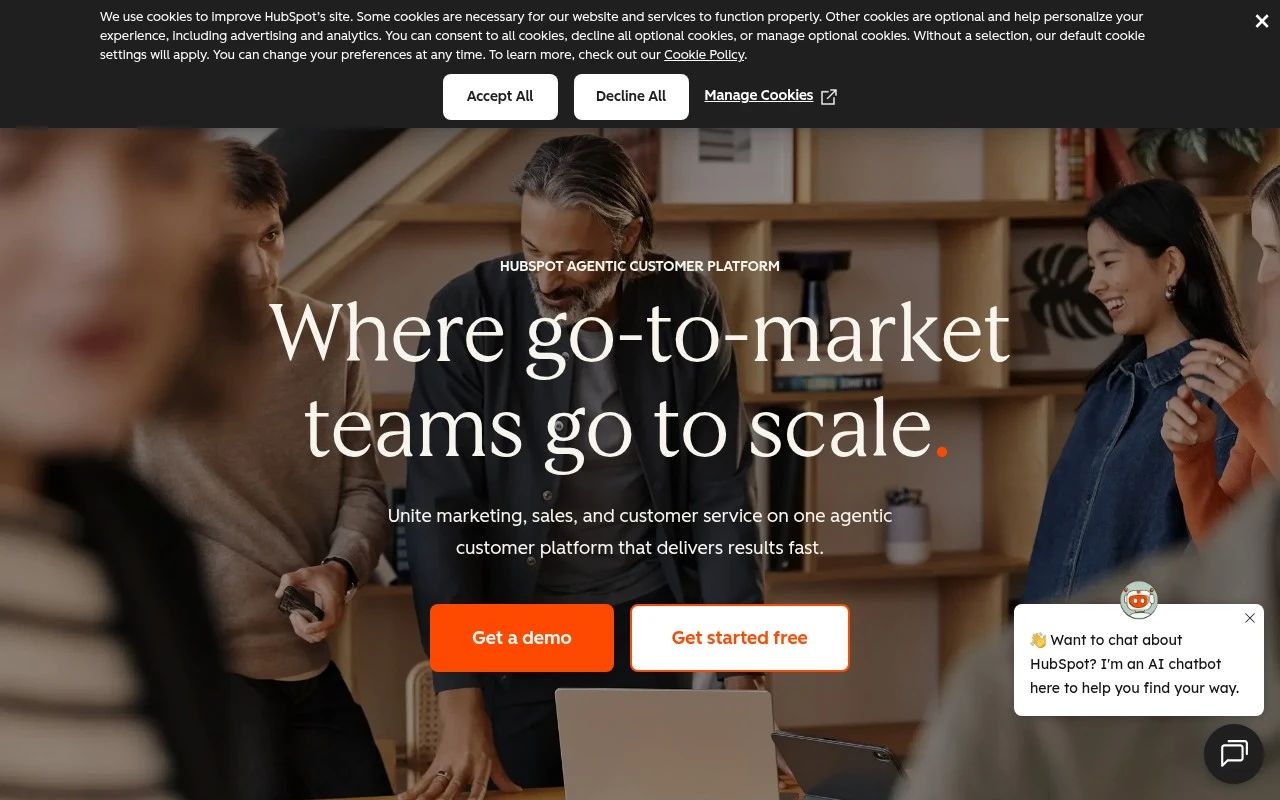
Hubspot is an agentic customer platform built around its Smart CRM. It brings together HubSpot hubs for marketing, sales, service, content, data, and revenue, with built-in AI tools called Breeze for tasks such as customer inquiry resolution, prospecting, and answering questions about customer data. The platform is positioned for companies that want a single connected system for customer-facing teams rather than separate tools for each stage of growth.

FYAI Score

8.3 / 10

Based on 35.747 reviews

Pricing:

Freemium

Best for:

Go-to-market teams unifying marketing, sales, and service in one CRM

Score Breakdown

  • Ease of use8.0 / 10
  • Features8.8 / 10
  • Pricing7.4 / 10
  • Integrations9.3 / 10
  • Support8.0 / 10

PRODUCT PREVIEW

What this AI tool does

Hubspot is a business software platform used to manage customer relationships and support marketing, sales, and customer service work in one place. It’s commonly used by teams that want a shared view of contacts and company interactions, with tools that help organize outreach, track activity, and keep records up to date. On an AI tool page, this can be described as a system that can connect with AI-assisted workflows to help draft messages, summarize notes, and surface relevant context from past interactions. The goal is typically to reduce manual data entry and make it easier for teams to act on customer information consistently. People researching hubspot often want to understand what it does, who it’s for, and how it fits into existing processes. A clear overview should explain the kinds of tasks it supports, what data it works with, and what setup or integrations may be needed depending on the team’s tools and permissions.

Use cases

Best for

Marketing Automation

Set up HubSpot workflows that trigger emails, tasks, and lead routing based on form fills, page views, and CRM properties.

Customer Segmentation

Create customer segments by filtering Smart CRM contacts with lists using properties, behaviors, and lifecycle stage.

Build Landing Page

Build a landing page with HubSpot’s drag and drop editor, forms, and CRM connected CTAs, then publish to your domain.

ANALYSIS

Strengths & limitations

Strengths
  • Combines CRM, marketing, sales, service, content, data, and revenue tools in one connected platform.
  • Includes built-in AI agents and assistants for support, prospecting, content, and customer data tasks.
  • Offers a large integration ecosystem, with the homepage citing more than 2,000 app integrations.
Limitations
  • The breadth of the platform may be more than a small team needs if it only wants one narrow tool.
  • The homepage gives limited detail on pricing and plan limits beyond free tools, premium software, and a small business bundle.
  • AI automation results, such as resolving customer inquiries, will likely depend on the quality of the business data, setup, and workflows.

Evaluation

FYAI score breakdown

Our structured evaluation across five key criteria

8.3 / 10

Overall score

Based on 35.747 reviews

  • Ease of use8.0 / 10
  • Features8.8 / 10
  • Pricing7.4 / 10
  • Integrations9.3 / 10
  • Support8.0 / 10

What users say

Findings from public reviews, documentation and community sources.

  • Ease of use

    G2 lists HubSpot at “4.4 stars” across “35747 verified reviews.”

  • Features

    HubSpot’s product page describes an “Agentic Customer Platform” with Smart CRM and Marketing, Sales, and Service Hubs. HubSpot’s product page lists Breeze AI with “Agents & assistants everywhere you need them,” including Customer Agent, Prospecting Agent, and Data Agent, and says Customer Agent can “Resolve 65% of your customer inquiries automatically.”

  • Pricing

    HubSpot’s pricing page says “Get started free with HubSpot’s free tools” and references a “Small Business Bundle” with “the Starter edition of each product, at one low price.”

  • Integrations

    HubSpot’s product page states “Works with the tools you already use” and “2,000+ integrations.”

  • Support

    HubSpot’s customer stories quote customers saying “pre-sales and subsequent support really stood out” and “support has been vital.” Trustpilot shows a low rating with customer-service dissatisfaction, while G2 lists HubSpot at “4.4 stars” across “35747 verified reviews.”

Who is this for?

Best for teams that want conversational AI inside a broader GTM platform, HubSpot’s product page describes an “Agentic Customer Platform” with Smart CRM and Marketing, Sales, Service, Content, Data, and Revenue Hubs, plus Breeze AI agents. Best for teams with existing software stacks, HubSpot states “2,000+ integrations.” Less suited to buyers who need concrete pricing detail before evaluation, HubSpot’s pricing page references free tools and a “Small Business Bundle,” but the supplied page text does not show concrete tier prices or limits.

PRODUCT PREVIEW

Feature highlights

Smart CRM

One record for contacts, deals, tickets, and activity across teams.

Breeze AI agents

Resolve inquiries, prospect faster, and answer CRM questions instantly.

Automation & workflows

Trigger emails, tasks, and routing to keep leads and customers moving.

COMPARE

Discover curated alternatives worth comparing

Compare similar AI tools based on features, pricing and use cases

8.1/ 10FYAI score

Helply

Customer Support BotsKnowledge Base Bots
Answers support tickets, drafts replies, and flags churn risk
Best for:
Customer support teams
Pricing
Freemium

8.7/ 10Based on 7.757 reviews

Zoho Desk

Customer Support BotsKnowledge Base Bots
Uses Zia AI to triage tickets, draft replies, and flag issues
Best for:
Customer support teams
Pricing
Freemium

7.8/ 10Based on 31.824 reviews

Zoho

Customer Support Bots
Cloud suite for CRM, finance, HR, and business operations
Best for:
Operations teams
Pricing
Freemium

Join thousands of teams growing faster with Hubspot. Turn more visitors into leads and customers with a connected platform built for inbound growth.

FAQ

Frequently asked
questions

Everything you need to know about this AI tool,
its features, pricing, use cases, and limitations.

What types of teams and workflows is Hubspot a good fit for?
Hubspot tends to work best for SMB to mid-market teams that want marketing automation, CRM, email, landing pages, and reporting in one system. It’s a strong choice when you need lead capture, nurturing, and lifecycle tracking tied closely to sales follow-up. If you require highly bespoke workflows or a heavily customized front-end, you may find some parts restrictive compared with more developer-centric platforms.
How useful is Hubspot’s free plan, and what do you typically need to pay for?
Hubspot’s free tools can cover basic CRM, forms, email marketing, and simple reporting, which is enough for early-stage lead capture and contact management. Most automation depth (advanced workflows, attribution, and higher limits) sits behind paid Marketing Hub tiers. Costs can rise quickly as you add marketing contacts, additional hubs, or advanced features.
How does Hubspot compare with alternatives like Salesforce, Marketo, or Mailchimp?
Compared with Salesforce, Hubspot is usually faster to deploy for marketing + CRM basics, but Salesforce can offer deeper enterprise customization and ecosystem flexibility. Versus Marketo, Hubspot is generally easier for smaller teams, while Marketo can be stronger for complex enterprise automation and governance. Compared with Mailchimp, Hubspot is more of an all-in-one suite (CRM + automation + reporting), whereas Mailchimp is often simpler and cheaper for email-first needs.
How quickly can you get Hubspot running, and what onboarding effort should you expect?
Pricing can become a constraint as your database and feature needs grow, especially when you move into higher tiers. Some users hit limits around template/workflow customization and need workarounds or custom development. There’s also a learning curve to use the platform’s breadth effectively, particularly for reporting and automation design.
What should we check about data handling, privacy, and compliance when using Hubspot?
Review Hubspot’s data processing terms, hosting locations, and available compliance features (e.g., GDPR tools, consent tracking, and cookie management options) against your requirements. Confirm how integrations and connected apps access contact data, since third-party connectors can expand your risk surface. If you operate in regulated environments, validate retention controls, audit needs, and whether your plan supports the governance features you require.