
Curated ToolThis tool is part of our curated AI directory. We only include tools that meet our standards for relevance, usability and real-world value.
HeyGen
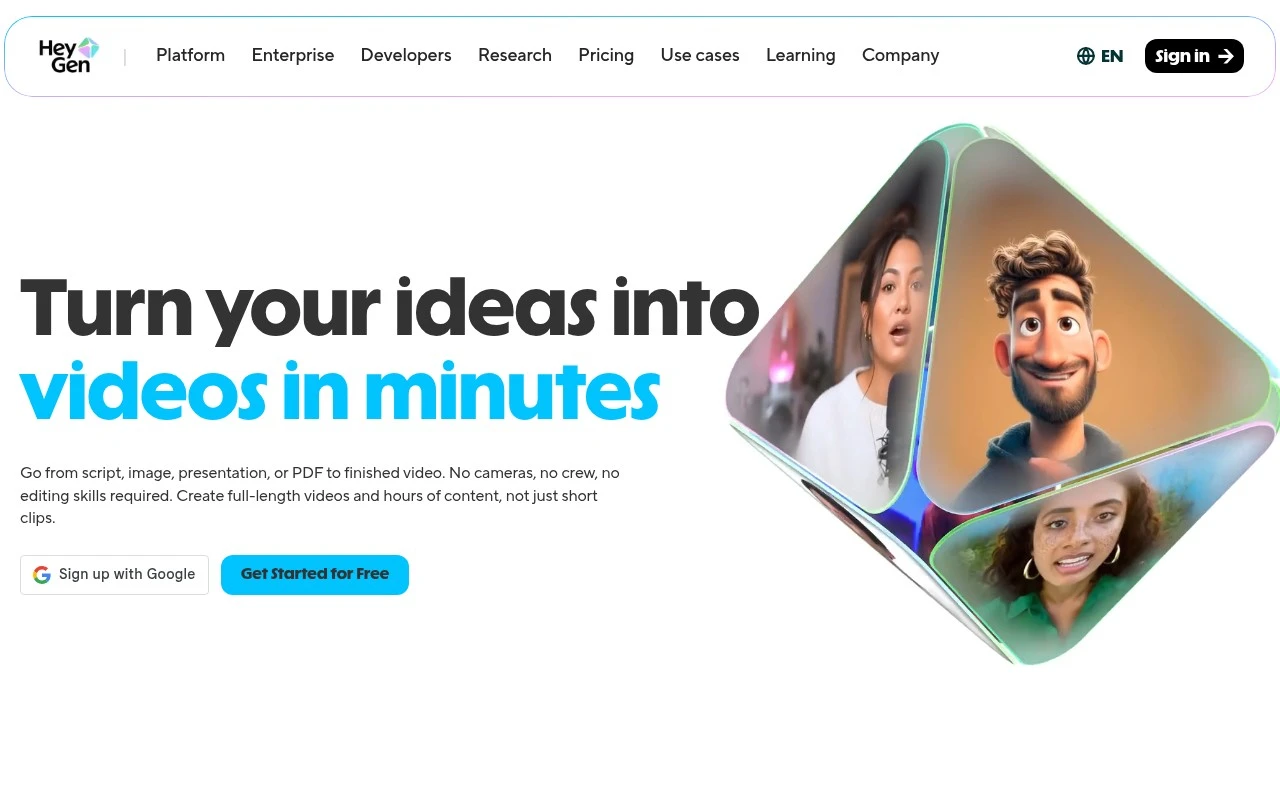
HeyGen is an AI video generation platform that creates presenter-led videos using realistic avatars, text-to-speech voices, and tools for translating or dubbing videos into multiple languages.
Marketing
FYAI Score
9.2 / 10
Based on 2,490 reviews
Pricing:
Freemium
Best for:
Marketing and enablement teams scaling repeatable video content
Score Breakdown
- Ease of use9.4 / 10
- Features9.4 / 10
- Pricing9.1 / 10
- Integrations8.8 / 10
- Support9.0 / 10
 | Strengths |
-
 Best suited to teams that need repeatable video production because it can turn scripts, images, presentations, PDFs, audio, or existing videos into finished AI videos.
 -
Strong fit for marketing, training, sales, and internal communications teams because AI avatars, voiceovers, captions, and templates reduce the need for studio shoots.
-
Useful for localization at scale because video translation, subtitles, and lip-sync help adapt existing content for multiple languages and regions.
 | Limitations |
-
 Less suitable for productions that require live-action filming because avatar-led generation cannot fully replace on-location footage, physical product interaction, or nuanced human performance.
 -
Freemium access is better for testing than high-volume operations because serious team workflows and repeated exports are likely to depend on paid capacity.
-
Teams handling sensitive footage, employee likenesses, or confidential documents need clear review processes because AI video workflows introduce consent, privacy, and brand-approval considerations.
Feature highlights
Script-to-video
Turn scripts, PDFs, or slides into share-ready videos fast.
AI avatars & voices
Add lifelike presenters and voiceovers without filming.
Video translation
Localize videos with lip-sync and subtitles in many languages.
Compared in

 | 7.2/ 10Based on 177 reviews |
Arcads
Ad Creation
Creates short-form video ads with AI actors and avatars
Best for: | Marketing teams |
Pricing | Paid |
 | 8.4/ 10Based on 85 reviews |
Higgsfield
Short-form VideoAnimation
Creates and remixes images, videos, voice, VFX, and ads
Best for: | Video creators |
Pricing | Paid |
 | 7.7/ 10Based on 122 reviews |
PixVerse
Short-form VideoVideo Generators
Generates, directs, and scales AI video from prompts and images
Best for: | Video creators |
Pricing | Paid |