Curated ToolThis tool is part of our curated AI directory. We only include tools that meet our standards for relevance, usability and real-world value.

Freshworks

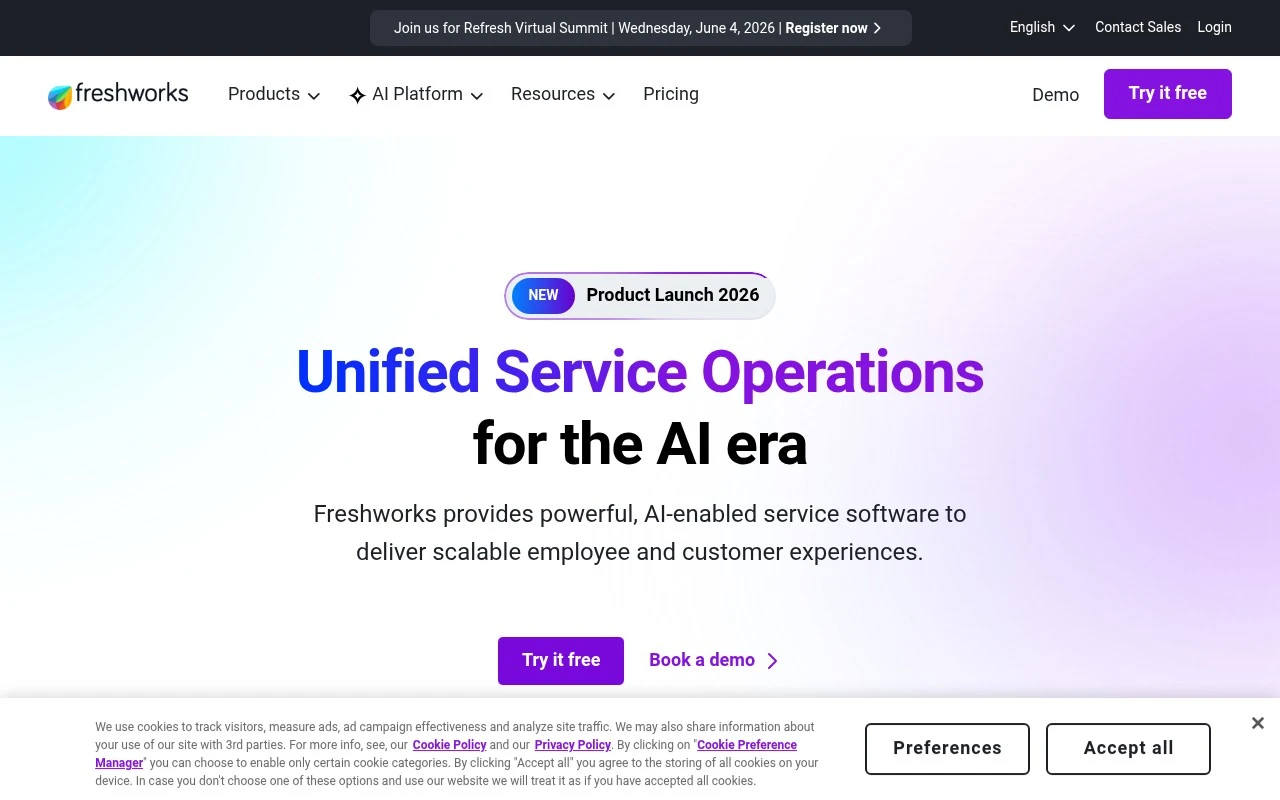
Freshworks is a cloud-based business software platform for customer support, IT service management, sales CRM, and customer engagement. Its products help teams manage support tickets, service requests, customer records, and communication workflows from shared workspaces.
Lead GenerationCRM & Segmentation

FYAI Score

7.7 / 10

Based on 8,731 reviews

Pricing:

Freemium

Best for:

Support, IT, and sales teams scaling service operations

Score Breakdown

  • Ease of use7.6 / 10
  • Features7.4 / 10
  • Pricing7.4 / 10
  • Integrations8.8 / 10
  • Support7.5 / 10

PRODUCT PREVIEW

What this AI tool does

Freshworks is a business software platform for customer support, IT service management, sales, and customer engagement teams that need practical tools for managing service requests, relationships, and operational workflows. Freshworks is best known for products such as Freshdesk, Freshservice, and Freshsales, which bring helpdesk ticketing, employee support, and CRM automation into a connected set of cloud applications. For customer-facing teams, the platform is built around turning incoming conversations into trackable, organised work. Support agents can manage email, chat, phone, web, and social interactions in one place, while customer support automation helps route issues, suggest responses, trigger follow-ups, and reduce repetitive manual handling. The result is a support environment designed for faster resolution without removing human agents from complex or sensitive conversations. Inside IT and employee service operations, Freshworks helps teams structure requests, incidents, approvals, assets, and internal support tasks. Freshservice applies the same usability-first philosophy to IT service management, giving organisations a way to manage employee needs without relying on fragmented inboxes or spreadsheets. Workflow automation is central here, because many internal processes depend on consistent routing, escalation, and status visibility. Artificial intelligence gives the suite much of its modern character. AI capabilities can summarise service interactions, classify tickets, recommend replies, surface relevant articles through knowledge base search, and assist with chatbot deployment for common questions. Rather than presenting AI as a separate experiment, the platform embeds it into the daily flow of support, sales, and service work. Sales teams use Freshworks through its CRM products to manage leads, contacts, accounts, deals, and communication history. Freshworks supports sales organisations with lead scoring, pipeline automation, activity tracking, and crm automation that helps representatives focus on the most relevant opportunities. This makes the tool useful for teams that want a CRM with guided selling and automation, but do not want a system that feels overly complex to administer. Customer engagement is another important part of the story. The platform can support chatbots, messaging, campaigns, and customer feedback collection, helping businesses understand both immediate service needs and longer-term satisfaction trends. These capabilities are especially useful when support, marketing, and account teams need shared context rather than isolated records. A defining trait of the product family is accessibility. Freshworks is designed for business users who need capable software that can be adopted quickly, configured through no-code or low-code controls, and scaled as teams mature. Administrators can create rules, automations, knowledge content, and service workflows without turning every change into a technical project. The broader positioning is not just helpdesk software or CRM software, but operational software for teams that interact with customers and employees every day. Freshworks connects communication, automation, AI assistance, reporting, and service records so organisations can make support and sales processes more consistent. It is particularly well suited to companies that value fast deployment, clear interfaces, and automation that improves everyday work rather than overwhelming it.

Use cases

Best for

Customer Support Automation

Freshworks uses AI to suggest replies, auto route tickets, and summarize conversations in Freshdesk and Freshservice.

Lead Scoring

Scores leads in Freshsales by applying rules and engagement signals from emails, calls, and website activity.

Workflow Automation

Automates ticket and CRM processes by triggering workflows that assign owners, update fields, and send notifications.

ANALYSIS

Strengths & limitations

Strengths
  • Best suited to support and IT teams that want AI embedded inside everyday service workflows because Freshworks can assist with drafting, summarising, routing, and automating interactions in the same product family.
  • Useful for growing organisations because Freshworks spans customer support, IT service management, sales, and operations workflows rather than limiting AI assistance to a single channel.
  • Accessible for smaller teams to evaluate because the freemium model allows adoption to start before committing to a broader paid rollout.

Limitations
  • Less suitable for teams that only need a lightweight standalone chatbot because Freshworks is a broader business software suite with more surrounding workflow and administration scope.
  • Less suitable for organisations already standardised on another helpdesk, ITSM, or CRM stack because getting full benefit can require migration, integration, and process alignment around Freshworks products.
  • The freemium model can become limiting for teams that need higher usage, advanced automation, or broader AI capabilities because those needs typically require moving to paid plans.

Evaluation

FYAI score breakdown

Our structured evaluation across five key criteria

7.7 / 10

Overall score

Based on 8,731 reviews

  • Ease of use7.6 / 10
  • Features7.4 / 10
  • Pricing7.4 / 10
  • Integrations8.8 / 10
  • Support7.5 / 10

What users say

Findings from public reviews, documentation and community sources.

  • Ease of use

    Freshworks positions its customer service, IT, and CRM software as “powerful yet easy to use,” and a Reddit user in r/sysadmin says “Freshdesk is ok. It’s easy to use.”

  • Features

    The Freshworks pricing page describes Freshdesk Omni as “all-in-one, easy-to-use, omnichannel customer service software, with an AI boost.” The same Freshworks pricing page lists Freshchat as “Bots and messaging” and Freshcaller as voice/contact-center software.

  • Pricing

    The Freshworks pricing page centralizes product families and routes Freshdesk Omni, Freshchat, Freshcaller, and Freshservice to “See pricing.” The same Freshworks pricing page presents Freshworks as “powerful yet easy to use” and “cost-effective” software.

  • Integrations

    Freshworks describes integrations with “cloud and on-premise enterprise applications,” and the Freshworks apps page says users can integrate with “Facebook, Slack, Mailchimp, Zapier, and many more.”

  • Support

    G2 shows Freshworks at “4.5 stars” across “8731 verified reviews,” while a Reddit user in r/sysadmin says “Their support is meh.”

Who is this for?

Best for teams that want one vendor covering customer service conversations across channels, the Freshworks pricing page lists Freshdesk Omni for omnichannel customer service, Freshchat for “Bots and messaging,” and Freshcaller for voice/contact-center software. Less suited to buyers who need a single pricing table with amounts before evaluating products, the Freshworks pricing page routes Freshdesk Omni, Freshchat, Freshcaller, and Freshservice to “See pricing.”

PRODUCT PREVIEW

Feature highlights

AI Agent Assist

Draft replies, suggest solutions, and guide agents in real time.

Workflow Automation

Auto-route, prioritize, and trigger actions across service processes.

Smart Summaries

Summarize, tag, and classify tickets to speed up resolution.

COMPARE

Discover curated alternatives worth comparing

Compare similar AI tools based on features, pricing and use cases

8.1/ 10FYAI score

Helply

Customer Support BotsKnowledge Base Bots
Answers tickets, drafts replies, flags gaps and churn risks
Best for:
Customer support teams
Pricing
Freemium

8.7/ 10Based on 7,757 reviews

Zoho Desk

Customer Support BotsKnowledge Base Bots
Handles routine tickets, flags issues, and drafts replies
Best for:
Customer support teams
Pricing
Freemium

7.8/ 10Based on 31,824 reviews

Zoho

Customer Support Bots
Runs business apps for sales, finance, HR, and support teams
Best for:
Operations teams
Pricing
Freemium

See why growing teams choose Freshworks to turn leads into loyal customers. Start building better customer journeys and faster follow-ups today.

FAQ

Frequently asked
questions

Everything you need to know about this AI tool,
its features, pricing, use cases, and limitations.

Who is Freshworks best suited for?
Freshworks is best suited for customer support, IT service desk, sales, and operations teams that need cloud tools for managing service and engagement workflows. It is especially relevant for teams handling tickets, internal requests, chat support, self-service, CRM activity, and repetitive customer or employee service processes.
Does Freshworks have a free plan, and what do paid plans add?
Freshworks follows a freemium pricing model, so teams can start with free access and move to paid plans as requirements grow. Paid options typically matter when teams need more advanced automation, reporting, AI-assisted workflows, administrative controls, or scale across support, IT, sales, and customer engagement use cases.
How does Freshworks compare with other customer support and service automation tools?
Freshworks stands out by combining customer support, IT service management, CRM, and engagement products within one broader software suite. Compared with narrower tools, it can cover more departments, but buyers should compare fit by workflow complexity, AI requirements, reporting needs, integrations, budget, and which Freshworks product they actually need.
How quickly can a team set up Freshworks?
The main trade-off with Freshworks is that it is a broad product suite, so success depends on choosing and configuring the right product for the use case. Advanced workflows, AI usage, reporting, and automation may require higher-tier plans, implementation effort, and ongoing administration rather than working as a simple plug-and-play setup.
What should buyers check about Freshworks data privacy and compliance?
Buyers should review Freshworks’ current security, privacy, data residency, and compliance documentation before using it for sensitive customer, employee, or IT service data. Teams should also confirm role-based access controls, retention settings, audit needs, integration permissions, and how AI-assisted features process support conversations, tickets, and CRM records.