
Curated ToolThis tool is part of our curated AI directory. We only include tools that meet our standards for relevance, usability and real-world value.
Zoho CRM
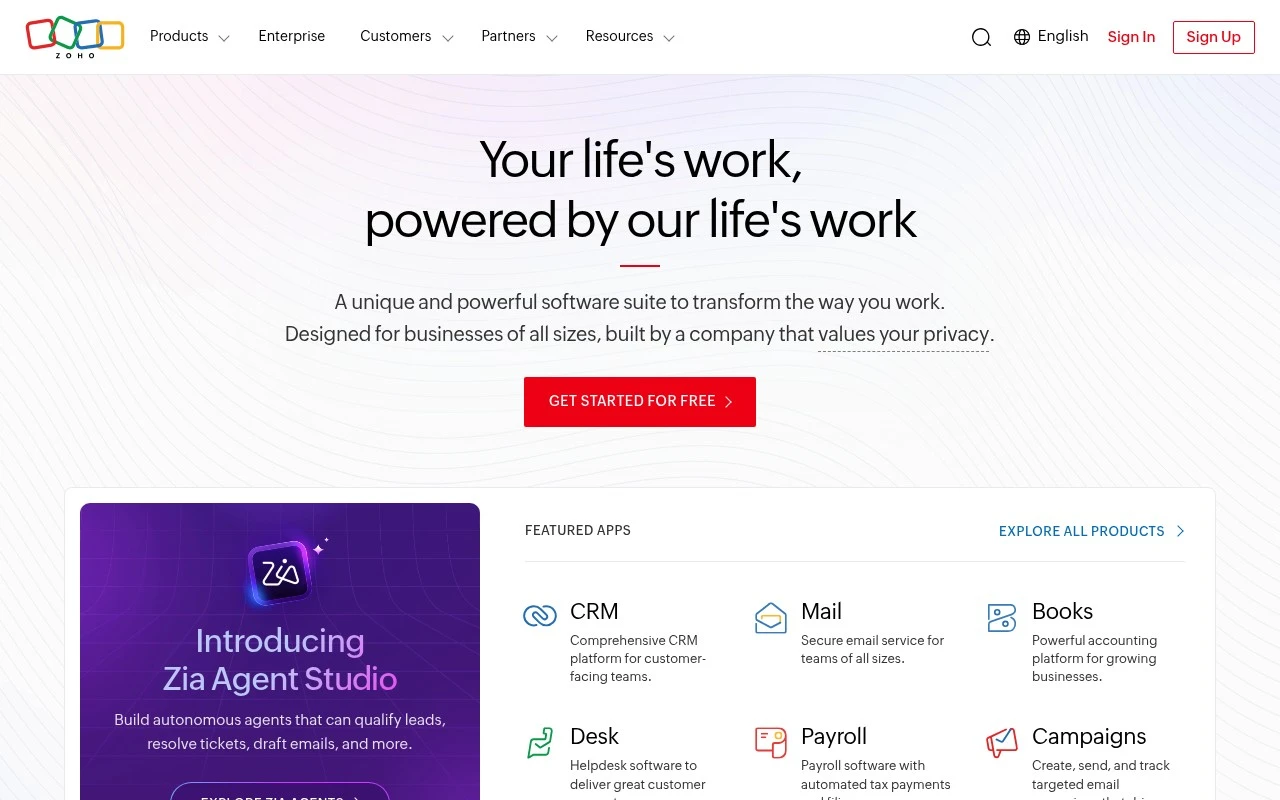
Zoho CRM is a customer relationship management platform for managing leads, contacts, accounts, deals, sales pipelines, and customer communications. It also supports workflow automation, reporting, and integrations for sales and customer-facing teams.
Sales & OutreachAnalytics & Reporting
FYAI Score
8.6 / 10
Based on 6,982 reviews
Pricing:
Freemium
Best for:
Sales teams needing a flexible CRM to manage pipeline and follow-ups
Score Breakdown
- Ease of use7.7 / 10
- Features8.9 / 10
- Pricing9.3 / 10
- Integrations9.0 / 10
- Support8.0 / 10
 | Strengths |
-
 Strong fit for sales-led teams that need one configurable workspace because it combines customer records, pipelines, automation, analytics, forecasting, and collaboration in a single CRM.
 -
Useful for teams adopting AI inside day-to-day CRM work because Zia can assist with email writing, anomaly detection, predictive insights, and prompt-based CRM configuration tasks.
-
Accessible for small teams starting with CRM because the freemium model includes a free edition for up to three users before a wider rollout.
 | Limitations |
-
 Less suitable for teams that only need a simple contact manager because the breadth of modules, workflows, customization, and reporting can add setup and administration overhead.
 -
The freemium model is less suitable for growing teams with advanced automation, AI, analytics, or collaboration needs because those requirements can push usage into paid subscriptions as the team scales.
-
Teams heavily standardized on a different software stack may need extra integration planning because Zoho CRM works best when customer data, sales activity, and reporting are consistently governed across connected systems.
Feature highlights
Zia AI Insights
Get predictions and suggestions to prioritize leads and next actions.
Workflow Automation
Automate follow-ups, assignments, and approvals to reduce manual work.
Forecasts & Analytics
Track pipeline health with dashboards, reports, and sales forecasts.
Compared in

 | 7.2/ 10Based on 177 reviews |
Arcads
Ad Creation
Creates short-form video ads with AI actors and avatars
Best for: | Marketing teams |
Pricing | Paid |
 | 9.0/ 10Based on 72 reviews |
HeyReach
Sales & OutreachMarketing Automation
Automates LinkedIn outreach, rotates senders, centralizes replies
Best for: | Marketing teams |
Pricing | Freemium |
 | 7.5/ 10Based on 12,890 reviews |
Zoominfo
Lead GenerationCRM & Segmentation
Finds prospects, enriches accounts, and flags buyer signals
Best for: | Sales teams |
Pricing | Paid only |