Curated ToolThis tool is part of our curated AI directory. We only include tools that meet our standards for relevance, usability and real-world value.

Woodpecker

Connects outbound workflows to apps and AI agents via API and webhooks

Sales & Outreach
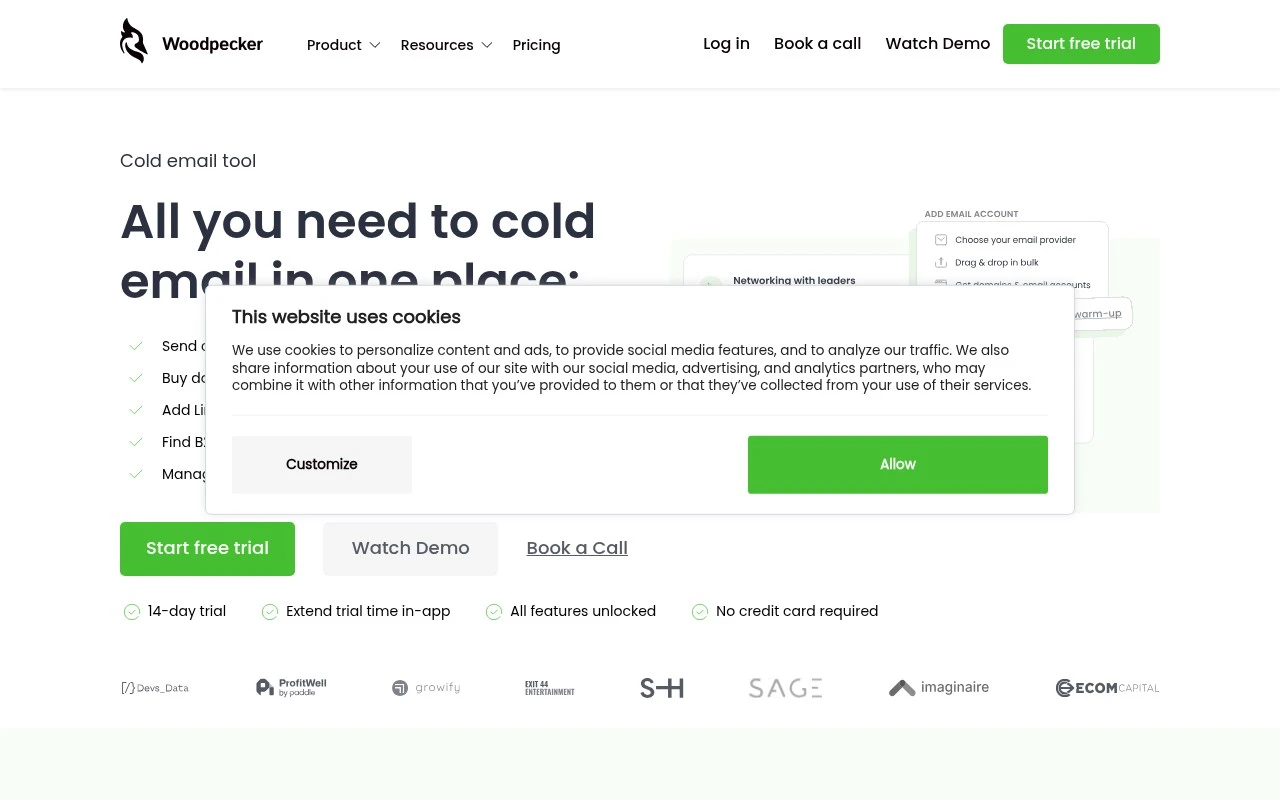
Woodpecker is an outbound outreach tool for businesses that use cold email and LinkedIn to contact prospects. It combines lead finding, email verification, campaign sequencing, LinkedIn outreach actions, follow-ups, deliverability monitoring, warm-up, and integrations in one workflow. It is built for teams that want to manage prospecting, sending, and outbound infrastructure without relying on several separate tools.

FYAI Score

7.8 / 10

Based on 105 reviews

Pricing:

Paid

Best for:

Sales teams scaling cold email and LinkedIn outreach

Score Breakdown

  • Ease of use8.0 / 10
  • Features7.1 / 10
  • Pricing8.1 / 10
  • Integrations8.7 / 10
  • Support7.6 / 10

PRODUCT PREVIEW

What this AI tool does

Woodpecker is an AI tool designed to help users work through text-based tasks more efficiently, such as drafting, rewriting, and refining written content. It can be used to turn rough notes into clearer prose, adjust tone for different audiences, or summarize longer material into a more readable form. In practice, you provide a prompt or source text and specify what you want to achieve, and the tool returns a suggested version you can review and edit. This makes it useful for everyday writing workflows where consistency and clarity matter, while still keeping the final decisions in the user’s hands.

Use cases

Best for

Lead List Building

Build or import B2B lead lists, verify email addresses, and add prospects to outreach campaigns.

Multichannel Outreach Sequences

Woodpecker runs cold email sequences with follow-ups and LinkedIn steps like visits, invites, messages, and InMails.

Deliverability Optimization

Improve outbound deliverability with warm-up, monitoring, adaptive sending, domain checks, and SPF, DKIM, and DMARC support.

ANALYSIS

Strengths & limitations

Strengths
  • Combines cold email and LinkedIn outreach in multichannel outbound sequences.
  • Includes deliverability-focused features such as verification, warm-up, monitoring, adaptive sending, and domain checks.
  • Supports integrations and developer connectivity through native integrations, API, webhooks, MCP, and CLI.
Limitations
  • Primarily suited to outbound prospecting, not a general-purpose CRM or full sales engagement suite for every sales workflow.
  • The free trial is limited to 14 days or 100 cold emails, whichever comes first.
  • LinkedIn automation is positioned around safe-limit actions, so teams needing unrestricted LinkedIn automation may find it constrained.

Evaluation

FYAI score breakdown

Our structured evaluation across five key criteria

7.8 / 10

Overall score

Based on 105 reviews

  • Ease of use8.0 / 10
  • Features7.1 / 10
  • Pricing8.1 / 10
  • Integrations8.7 / 10
  • Support7.6 / 10

What users say

Findings from public reviews, documentation and community sources.

  • Ease of use

    G2 reviewers rate Woodpecker 4.5/5 across 105 reviews, with a snippet noting Woodpecker is “easy to use” and “simple to set up sequences and follow-ups.”

  • Features

    G2 reviewers say Woodpecker users can “set up sequences and follow-ups,” and prospect lists are “well structured.”

  • Pricing

    The Woodpecker pricing page references “$27/mo for each active client” and a “free trial for 14 days or 100 cold emails.”

  • Integrations

    Woodpecker lists integrations with “CRM, marketing services, sales automation tools and more,” and Zapier states Woodpecker.co integrates with “9000 other apps.” Named ecosystem routes include Zapier, Make, and Pipedrive.

  • Support

    Software Advice’s review snippet says “customer service is absolutely the best,” while Capterra includes a complaint that support replies take “a few hours and sometimes in a few days.” Trustpilot includes a customer-service complaint.

Who is this for?

Best for teams running cold-email outreach sequences, G2 reviewers describe Woodpecker as “easy to use” and “simple to set up sequences and follow-ups.” Less suited to teams that need consistently fast support. Capterra includes a complaint that support replies take “a few hours and sometimes in a few days,” and Trustpilot includes a customer-service complaint.

PRODUCT PREVIEW

Feature highlights

Multichannel Sequences

Run coordinated cold email + LinkedIn steps with smart follow-ups.

Deliverability Control

Monitor inbox health, warm up, and protect sender reputation.

Prospecting Workflow

Find leads, verify emails, and push to CRM via integrations.

COMPARE

Discover curated alternatives worth comparing

Compare similar AI tools based on features, pricing and use cases

7.5/ 10Based on 12.890 reviews

Zoominfo

Lead GenerationCRM & Segmentation
Find and enrich B2B leads with firmographic and contact data
Best for:
Sales teams
Pricing
Paid only

8.6/ 10Based on 6.982 reviews

Zoho CRM

Sales & OutreachAnalytics & Reporting
AI assists CRM tasks: rewrite emails, detect anomalies, predict
Best for:
Sales teams
Pricing
Freemium

8.0/ 10Based on 1.041 reviews

Zoho Campaigns

Lead GenerationCRM & Segmentation
Create, automate, and analyze email and SMS marketing campaigns
Best for:
Marketing teams
Pricing
Freemium

Start more conversations and book more meetings with consistent, personalized outreach. See why sales teams choose Woodpecker to scale cold email without losing the human touch.

FAQ

Frequently asked
questions

Everything you need to know about this AI tool,
its features, pricing, use cases, and limitations.

When is Woodpecker a good fit, and when should I consider another outreach tool?
Woodpecker is a strong fit for B2B teams running cold email sequences that need personalization, automated follow-ups, and reply tracking without a full CRM. It’s less ideal if your outreach is mainly LinkedIn, SMS, or heavy multi-channel orchestration, where dedicated sales engagement platforms may be better. If you need deep account-based workflows and complex routing, you may outgrow it.
Does Woodpecker have a free plan, and what are the practical limits of paid plans?
Woodpecker typically doesn’t offer a permanent free plan; access is usually via a trial or limited evaluation period depending on current offers. Paid plans are generally priced per user and may add costs for features like email verification or higher sending capacity. When comparing, check how many mailboxes you can connect, daily sending limits, and whether warm-up or verification is included or billed separately.
How does Woodpecker compare with Lemlist, Mailshake, or Apollo for cold email?
Woodpecker is often chosen for straightforward sequencing, personalization fields, and follow-up automation with solid deliverability controls, while some alternatives emphasize multichannel steps, built-in lead databases, or richer templates. Apollo can reduce tool sprawl if you want prospecting plus outreach in one place, whereas Woodpecker usually pairs with an external lead source/CRM. Lemlist and Mailshake may be preferable if you prioritize more elaborate personalization assets or broader engagement workflows.
How quickly can I get Woodpecker running, and what onboarding effort should I expect?
Woodpecker can feel less flexible than larger sales engagement suites if you need complex branching logic, extensive multichannel steps, or deep CRM automation. There’s a learning curve around deliverability and sequence setup, and performance can drop if you don’t manage list quality and sending practices. Cost can also be a factor for very small teams when you add multiple users and add-ons.
What should I consider about data privacy, security, and compliance when using Woodpecker?
Woodpecker processes contact and email interaction data, so you should confirm where data is stored, what subprocessors are used, and whether a DPA is available for your organization. For GDPR/UK GDPR, you’ll still need a lawful basis for outreach, clear opt-out handling, and retention rules for prospect data. Also review how connected mailboxes are authorized (e.g., OAuth vs app passwords) and what access scopes are granted.