
Curated ToolThis tool is part of our curated AI directory. We only include tools that meet our standards for relevance, usability and real-world value.
VWO
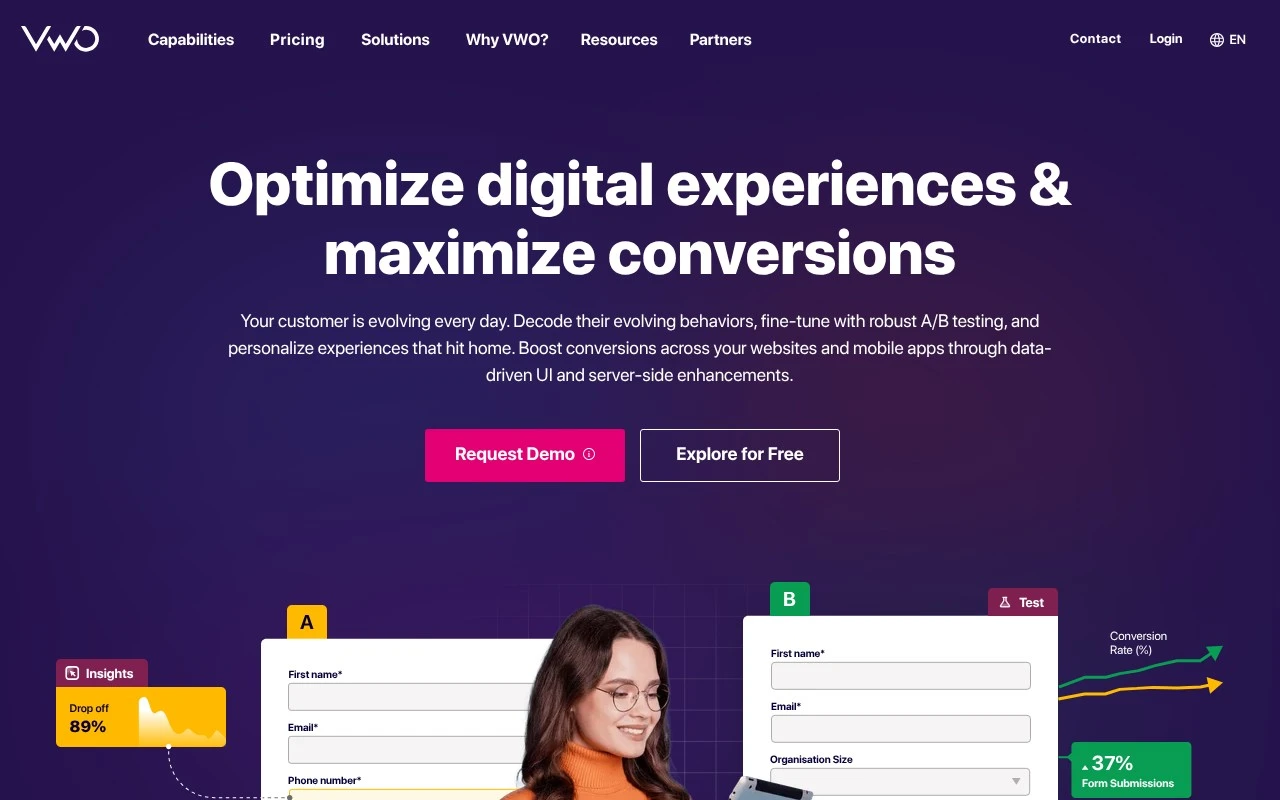
VWO is a digital experimentation platform for running A/B tests, multivariate tests, and personalization campaigns on websites and mobile apps. It also provides behavior analytics such as heatmaps, session recordings, and funnels to help teams understand user interactions and improve conversion paths.
CRM & SegmentationConversion Optimization

FYAI Score
8.3 / 10
Based on 929 reviews
Pricing:
Freemium
Best for:
Growth and product teams running A/B tests to improve conversion rates
Score Breakdown
- Ease of use7.7 / 10
- Features9.1 / 10
- Pricing7.5 / 10
- Integrations8.0 / 10
- Support9.0 / 10
 | Strengths |
-
 Best suited to CRO teams that want behavioral analytics and experimentation in one platform because heatmaps, recordings, hypotheses, and controlled tests can feed the same optimization workflow.
 -
Strong fit for growth, product, and UX teams managing multiple digital experiences because it supports personalization, rollouts, and experiments across websites, apps, and product features.
-
Useful for teams scaling experimentation output because its AI features can help analyze user friction, generate test ideas, set up campaigns, summarize performance, and suggest next actions.
 | Limitations |
-
 Less suitable for very small teams that only need a simple A/B test on one page because VWO’s broader optimization suite adds setup, configuration, and governance overhead.
 -
Less effective for low-traffic websites or products because controlled experiments and segmented personalization need enough visitors or events to produce reliable decisions in a reasonable time.
-
Freemium access is best for evaluation or limited use because teams running higher-volume testing, analytics, personalization, or rollout programs should expect to move onto paid capacity.
Feature highlights
A/B Testing
Run controlled experiments across web and apps to lift conversions.
Behavior Analytics
See what users do with heatmaps, recordings, funnels, and insights.
AI Test Ideas
Generate hypotheses, summaries, and next steps from your data.
Compared in

 | 7.2/ 10Based on 177 reviews |
Arcads
Ad Creation
Creates short-form video ads with AI actors and avatars
Best for: | Marketing teams |
Pricing | Paid |
 | 9.0/ 10Based on 72 reviews |
HeyReach
Sales & OutreachMarketing Automation
Automates LinkedIn outreach, rotates senders, centralizes replies
Best for: | Marketing teams |
Pricing | Freemium |
 | 7.5/ 10Based on 12,890 reviews |
Zoominfo
Lead GenerationCRM & Segmentation
Finds prospects, enriches accounts, and flags buyer signals
Best for: | Sales teams |
Pricing | Paid only |