Curated ToolThis tool is part of our curated AI directory. We only include tools that meet our standards for relevance, usability and real-world value.

Vue.ai

Applies AI to enrich data and automate product and ops workflows

Lead GenerationCRM & Segmentation
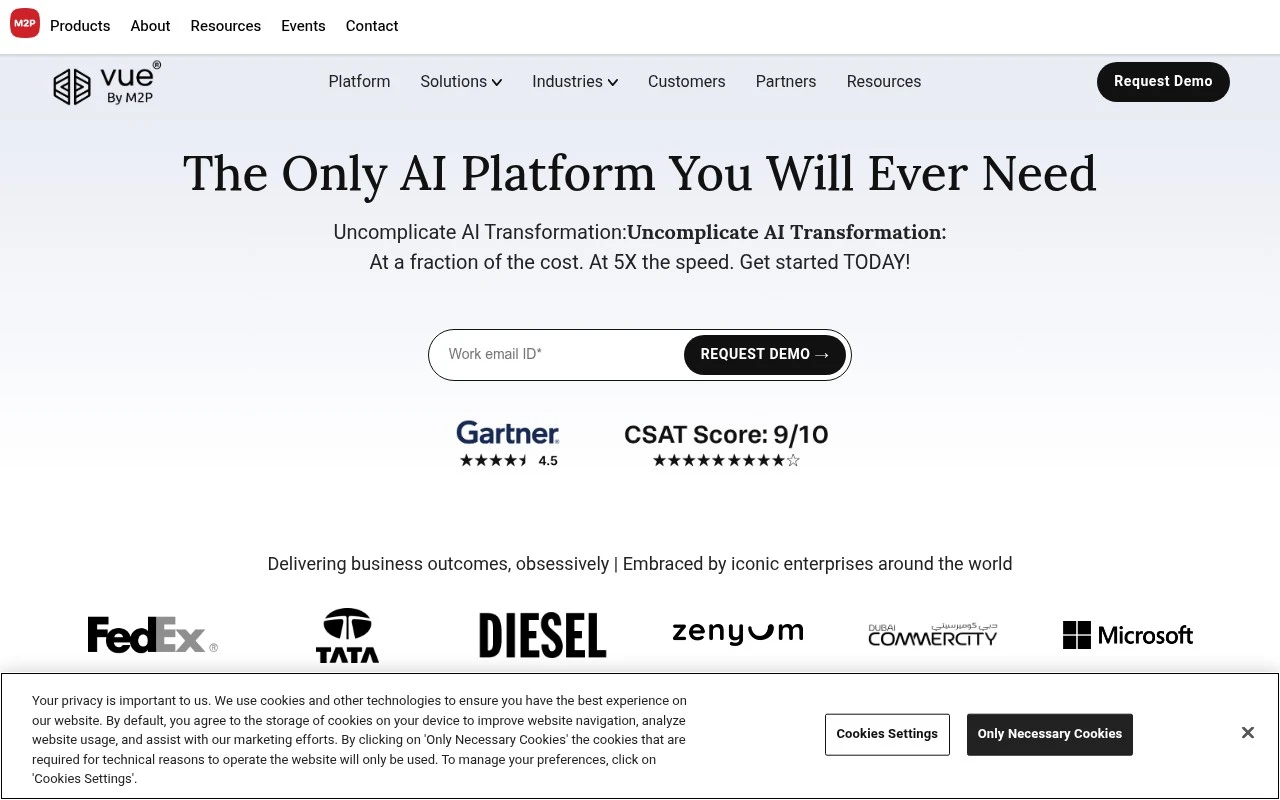
Vue.ai is an enterprise AI orchestration platform positioned around business workflow automation rather than a single-purpose AI app. Its official site describes a composable platform that brings together data preparation, AI models, active learning, workflow orchestration, and industry-specific use cases. The platform is aimed at enterprises that want to roll out AI across multiple functions, with examples spanning eCommerce catalog automation, customer personalization, financial document processing, insurance claims, logistics optimization, and decision support.

FYAI Score

7.8 / 10

Based on 51 reviews

Pricing:

Enterprise

Best for:

Enterprise teams scaling AI-driven workflow automation

Score Breakdown

  • Ease of use7.7 / 10
  • Features8.3 / 10
  • Pricing7.0 / 10
  • Integrations7.3 / 10
  • Support8.8 / 10

PRODUCT PREVIEW

What this AI tool does

Vue.ai is an AI tool designed to help people work with Vue-based projects by turning natural-language requests into practical guidance and code-oriented output. It’s intended for developers who want a faster way to draft components, refine UI logic, or troubleshoot common patterns without switching constantly between documentation and examples. In typical use, you describe what you’re building or the issue you’re seeing, and the tool responds with suggestions that fit a Vue workflow, such as component structure, state handling, or template adjustments. Because the focus is informational, it works best as a companion for learning and iteration—helping you understand options, compare approaches, and adapt the results to your project’s conventions. vueai can be useful across different stages of development, from early prototyping to cleanup and refactoring, especially when you need quick, readable explanations alongside code. As with any AI-assisted output, it’s a good idea to review the results, test changes locally, and align them with your team’s standards and dependencies.

Use cases

Best for

Workflow Automation

Automate business workflows by orchestrating data prep, model inference, and human review steps in a single pipeline.

Analyze Data

Vue.ai analyzes enterprise data by preparing inputs, running AI models, and feeding results back through active learning loops.

Customer Segmentation

Create customer segments by combining behavioral and catalog data, scoring users with AI models, and routing segments to workflows.

ANALYSIS

Strengths & limitations

Strengths
  • Covers a broad range of enterprise AI use cases rather than one isolated workflow.
  • Includes data cleaning, enrichment, workflow orchestration, and model-based automation in the same platform concept.
  • Targets industry-specific workflows for eCommerce, financial services, insurance, staffing, and logistics.
Limitations
  • The official description is broad and marketing-heavy, so exact product boundaries and implementation details are not fully clear from the public page.
  • Likely better suited to enterprise deployments than small teams looking for a simple self-serve AI tool.
  • Adoption may require data integration, workflow design, and co-managed rollout rather than immediate plug-and-play use.

Evaluation

FYAI score breakdown

Our structured evaluation across five key criteria

7.8 / 10

Overall score

Based on 51 reviews

  • Ease of use7.7 / 10
  • Features8.3 / 10
  • Pricing7.0 / 10
  • Integrations7.3 / 10
  • Support8.8 / 10

What users say

Findings from public reviews, documentation and community sources.

  • Ease of use

    Vue.ai describes “Fast onboarding, go-live, and quick time to value,” a “30:60:90” plan, and “Drag-and-drop low-code” workflow design for enterprise rollout.

  • Features

    Vue.ai lists AI-orchestration capabilities such as data self-prep, adaptive automation, composable workflows, and graph-based data. Vue.ai also lists marketing/eCommerce use cases including product tagging, personalization journeys, recommendations, and churn prediction.

  • Pricing

    TrustRadius states that “Vue.ai does not currently have any pricing plans listed at this time.”

  • Integrations

    Vue.ai says it can plug into existing enterprise systems and describes capabilities to “Connect, Ingest” data. Welcome.ai notes custom integrations with PIM solutions and other systems.

  • Support

    Vue.ai describes a “solutioning-delivery-customer success framework,” a co-managed rollout boot camp, quarterly “Lockstep Reports,” and “All-in Accountability.” G2 includes praise for the “Amazing product and team.”

Who is this for?

Best for enterprise marketing or eCommerce teams that need AI orchestration across workflows, Vue.ai lists data self-prep, composable workflows, product tagging, personalization journeys, and recommendations. Less suited to teams that need transparent self-serve pricing, TrustRadius states that “Vue.ai does not currently have any pricing plans listed at this time.”

PRODUCT PREVIEW

Feature highlights

Composable AI flows

Orchestrate data, models, and steps into reusable business workflows.

Active learning loop

Continuously improve predictions with human feedback and retraining.

Industry automation

Power catalog, claims, docs, logistics, and decision support at scale.

COMPARE

Discover curated alternatives worth comparing

Compare similar AI tools based on features, pricing and use cases

7.5/ 10Based on 12.890 reviews

Zoominfo

Lead GenerationCRM & Segmentation
Find and enrich B2B leads with firmographic and contact data
Best for:
Sales teams
Pricing
Paid only

8.6/ 10Based on 6.982 reviews

Zoho CRM

Sales & OutreachAnalytics & Reporting
AI assists CRM tasks: rewrite emails, detect anomalies, predict
Best for:
Sales teams
Pricing
Freemium

8.0/ 10Based on 1.041 reviews

Zoho Campaigns

Lead GenerationCRM & Segmentation
Create, automate, and analyze email and SMS marketing campaigns
Best for:
Marketing teams
Pricing
Freemium

Turn browsing into buying with shopping experiences that feel made for each customer. See how Vue.ai lifts engagement and conversions across your store.

FAQ

Frequently asked
questions

Everything you need to know about this AI tool,
its features, pricing, use cases, and limitations.

When is Vue.ai a good fit, and when should I consider alternatives?
Vue.ai is best suited for mid-to-large e-commerce catalogs that need personalized recommendations plus automated product tagging and merchandising support. It’s a stronger fit if you have enough behavioral and product data to train recommendation models and want analytics to guide merchandising decisions. If you’re a small store with limited traffic or a very simple catalog, lighter-weight recommendation apps may deliver faster ROI.
Does Vue.ai offer a free plan, and what are the typical paid-plan constraints?
Vue.ai is generally sold as a paid, enterprise-style solution rather than a self-serve freemium product. Pricing and packaging typically depend on factors like catalog size, traffic volume, and which modules you license (recommendations, tagging, analytics). If you need a free tier for testing, you may want to shortlist tools with self-serve trials and compare results before committing.
How does Vue.ai compare with other personalization and recommendation platforms?
Compared with many plug-and-play recommendation widgets, Vue.ai tends to go deeper on product intelligence (auto-tagging/categorization) and merchandising workflows. Versus broader experience platforms (e.g., full-site personalization suites), it may be narrower in scope but more focused on retail catalog and product discovery. The right choice depends on whether you prioritize catalog automation and recommendations or end-to-end experimentation and journey orchestration.
How long does it take to implement Vue.ai, and what internal effort is required?
Vue.ai can require a meaningful upfront investment in both cost and implementation time, which can be hard to justify for smaller retailers. Recommendation quality is tied to data volume and accuracy, so new sites or low-traffic stores may see weaker results initially. Some teams also find customization and brand-specific control more limited than building an in-house system or using highly configurable personalization suites.
What should I check regarding data privacy, security, and compliance with Vue.ai?
Confirm what customer data Vue.ai processes (e.g., clickstream, purchase history, identifiers) and whether it’s stored or only used transiently for modeling. Ask about data residency options, retention policies, encryption, access controls, and support for consent management workflows. If you operate under GDPR/CCPA or similar rules, ensure a DPA is available and clarify roles (processor vs controller) and subprocessors.