
Curated ToolThis tool is part of our curated AI directory. We only include tools that meet our standards for relevance, usability and real-world value.
Unbounce
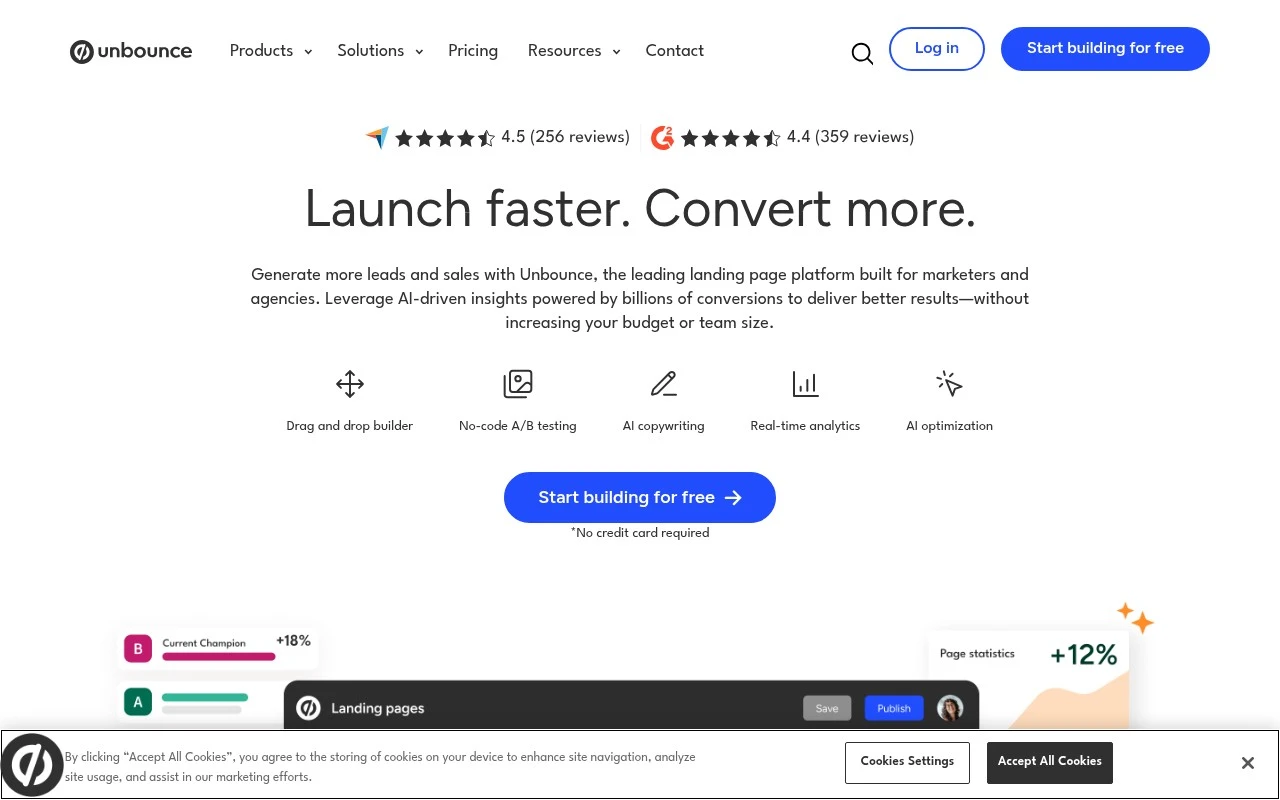
Unbounce is a landing page platform for building, publishing, and testing campaign pages without needing to code. It also supports popups, sticky bars, A/B testing, and AI-assisted copy generation for conversion-focused marketing campaigns.
Lead GenerationLanding Pages

FYAI Score
8.3 / 10
Based on 386 reviews
Pricing:
Paid only
Best for:
Performance marketers building and optimizing landing pages
Score Breakdown
- Ease of use8.0 / 10
- Features8.3 / 10
- Pricing8.1 / 10
- Integrations8.6 / 10
- Support9.0 / 10
 | Strengths |
-
 Best suited to marketers who need to launch campaign pages quickly because the no-code editor, templates, popups, and sticky bars reduce dependence on developers.
 -
Strong fit for growth teams running experiments because A/B testing, real-time analytics, and Smart Traffic connect page creation with conversion optimization in one workflow.
-
Useful for agencies and multi-campaign teams because AI copywriting, conversion insights, and benchmark data can speed up iteration across many landing pages.
 | Limitations |
-
 Less suitable for teams that need a full website CMS or ecommerce storefront because it is focused on campaign landing pages and conversion assets.
 -
Less suitable for very small teams or one-off projects because the paid-only model makes it a recurring marketing expense.
-
Less suitable for low-traffic campaigns because A/B testing, Smart Traffic, and conversion benchmarks are more actionable when enough visitors and conversions are available.
Feature highlights
No-code builder
Drag-and-drop landing pages with templates, popups, and sticky bars.
A/B testing
Test variants and learn what converts with real-time analytics.
Smart Traffic AI
Automatically routes visitors to the page variant most likely to convert.


 | 7.2/ 10Based on 177 reviews |
Arcads
Ad Creation
Creates short-form video ads with AI actors and avatars
Best for: | Marketing teams |
Pricing | Paid |
 | 9.0/ 10Based on 72 reviews |
HeyReach
Sales & OutreachMarketing Automation
Automates LinkedIn outreach, rotates senders, centralizes replies
Best for: | Marketing teams |
Pricing | Freemium |
 | 7.5/ 10Based on 12,890 reviews |
Zoominfo
Lead GenerationCRM & Segmentation
Finds prospects, enriches accounts, and flags buyer signals
Best for: | Sales teams |
Pricing | Paid only |