Curated ToolThis tool is part of our curated AI directory. We only include tools that meet our standards for relevance, usability and real-world value.

SocialPilot

Generates social posts and drafts sentiment-based review replies.

Marketing AutomationReputation & Reviews

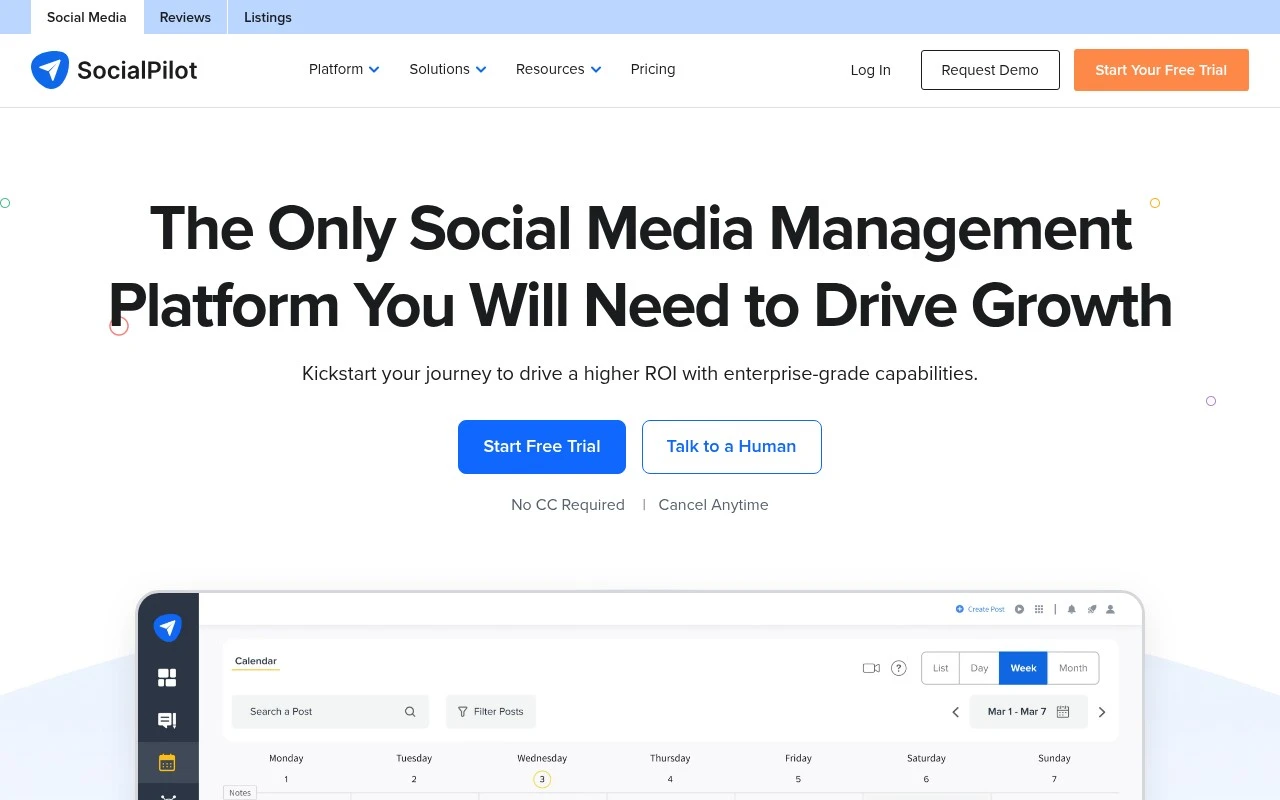
SocialPilot is a social media scheduling and management tool aimed mainly at agencies and brands that need to run multiple social profiles efficiently. It supports content planning, bulk scheduling, approval workflows, team and client collaboration, analytics, reporting, a unified social inbox, and review management for Facebook and Google Business. The platform also emphasizes agency-friendly capabilities such as client approvals, branded reports, white-label options, and integrations with common content, storage, design, and social platforms.

FYAI Score

8.7 / 10

Based on 846 reviews

Pricing:

Paid

Best for:

Agencies managing multiple client social accounts

Score Breakdown

  • Ease of use9.0 / 10
  • Features8.2 / 10
  • Pricing9.2 / 10
  • Integrations8.3 / 10
  • Support8.8 / 10

PRODUCT PREVIEW

What this AI tool does

SocialPilot is an AI-assisted tool designed to help individuals and teams plan, write, and manage social media content more efficiently. It supports common workflows like drafting post ideas, refining captions, and organizing publishing schedules, which can be useful when you need consistent output across multiple channels. In practice, it fits informational needs around social media management by reducing the time spent on repetitive writing and coordination tasks. Whether you’re maintaining a brand presence or handling content for clients, socialpilot can act as a central place to prepare posts, review them, and keep your publishing process structured. It’s best suited for users who want a straightforward way to streamline content creation and scheduling without changing their overall strategy. The tool is typically used alongside existing planning and analytics routines, helping you move from idea to published post with fewer manual steps.

Use cases

Best for

Marketing Automation

SocialPilot automates social marketing by scheduling posts in bulk, routing drafts for approvals, and publishing to multiple profiles.

Review Management

It manages reviews by monitoring and responding to Facebook and Google Business reviews from a single dashboard.

Report Generation

It generates branded social media reports using analytics data and exports them for client sharing.

ANALYSIS

Strengths & limitations

Strengths
  • Covers the main operational workflow for social media teams: scheduling, approvals, collaboration, analytics, engagement, and reporting.
  • Includes agency-oriented features such as bulk scheduling, client collaboration, branded reports, white-label options, and multi-account management.
  • Adds review management alongside social publishing, including Facebook and Google Business review tracking, response workflows, and review marketing.
Limitations
  • The product is focused on social media and review management, not a full CRM, ad management suite, or broad marketing automation platform.
  • Some highlighted capabilities, such as white labeling and advanced review workflows, appear most relevant to agencies or larger teams rather than casual individual users.
  • The provided official page does not give enough detail to compare plan limits, pricing tiers, or which features are available on each plan.

Evaluation

FYAI score breakdown

Our structured evaluation across five key criteria

8.7 / 10

Overall score

Based on 846 reviews

  • Ease of use9.0 / 10
  • Features8.2 / 10
  • Pricing9.2 / 10
  • Integrations8.3 / 10
  • Support8.8 / 10

What users say

Findings from public reviews, documentation and community sources.

  • Ease of use

    G2 lists SocialPilot at 4.5/5 across 846 reviews and says users praise its “ease of use and centralized management.” The SocialPilot site claims an “intuitive interface” with “no learning curve.”

  • Features

    The SocialPilot site lists publishing, collaboration, engagement, and analytics. The SocialPilot site also lists AI Pilot, bulk scheduling of “500+ posts,” approvals, and automated reports.

  • Pricing

    The SocialPilot pricing page lists public monthly and annual tiers from Essentials at $20/mo or $17/mo annually through Ultimate at $200/mo or $170/mo annually. The SocialPilot pricing page lists a 14-day free trial with “No credit card required” and add-ons such as extra accounts at $4/month and additional users at $5/month on eligible tiers.

  • Integrations

    The SocialPilot site lists integrations and supported channels including Slack, Zapier, Canva, Unsplash, Google Drive, Dropbox, Box, Bitly, WordPress, Shopify, Facebook, Instagram, TikTok, LinkedIn, YouTube, Pinterest, and Google Business Profile. The SocialPilot pricing page says API access is included on the Enterprise plan.

  • Support

    The SocialPilot homepage cites support via “phone, email, chat, and app,” and the SocialPilot pricing page lists “24×5” customer support across plans. The SocialPilot pricing page lists migration/onboarding and dedicated account management on higher tiers.

Who is this for?

Best for teams managing several social channels, the SocialPilot site lists Facebook, Instagram, TikTok, LinkedIn, YouTube, Pinterest, and Google Business Profile. Best for teams planning high-volume scheduling, the SocialPilot site lists bulk scheduling of “500+ posts,” approvals, and automated reports. Less suited to teams that need API access on lower plans, the SocialPilot pricing page says API access is included on the Enterprise plan, so custom API workflows may require that plan.

PRODUCT PREVIEW

Feature highlights

Bulk Scheduling

Plan and publish at scale across multiple social profiles.

Client Approvals

Streamline review cycles with team roles and approval workflows.

Branded Reporting

Share analytics with clients using customizable, branded reports.

COMPARE

Discover curated alternatives worth comparing

Compare similar AI tools based on features, pricing and use cases

7.5/ 10Based on 12.890 reviews

Zoominfo

Lead GenerationCRM & Segmentation
Find and enrich B2B leads with firmographic and contact data
Best for:
Sales teams
Pricing
Paid only

8.6/ 10Based on 6.982 reviews

Zoho CRM

Sales & OutreachAnalytics & Reporting
AI assists CRM tasks: rewrite emails, detect anomalies, predict
Best for:
Sales teams
Pricing
Freemium

8.0/ 10Based on 1.041 reviews

Zoho Campaigns

Lead GenerationCRM & Segmentation
Create, automate, and analyze email and SMS marketing campaigns
Best for:
Marketing teams
Pricing
Freemium

Start posting consistently and growing faster with SocialPilot. Join teams who save hours each week and stay on top of every channel from one place.

FAQ

Frequently asked
questions

Everything you need to know about this AI tool,
its features, pricing, use cases, and limitations.

Who is SocialPilot a good fit for, and when should I consider another tool?
SocialPilot fits small to mid-sized businesses and agencies that need reliable scheduling, approvals, and client-ready reporting without enterprise complexity. It’s especially useful if you manage multiple brands and want team roles and workflows. If you need deep listening, influencer features, or very broad native integrations, you may find alternatives more suitable.
Does SocialPilot have a free plan, and what are the practical limits of paid plans?
SocialPilot typically offers a free trial rather than a permanent free tier, so you’ll need a paid plan for ongoing use. Plan limits are usually tied to the number of social accounts, users, and included features like advanced reporting and collaboration. Before choosing, map your required accounts and team seats to the plan caps to avoid upgrading sooner than expected.
How does SocialPilot compare with Buffer, Hootsuite, or Sprout Social for day-to-day work?
Compared with Buffer, SocialPilot often provides stronger team collaboration and reporting at similar price points, but Buffer can feel simpler for solo scheduling. Versus Hootsuite and Sprout Social, SocialPilot is generally more cost-effective for publishing and analytics, while the others may offer broader integrations and more advanced listening/CRM-style capabilities. The best choice depends on whether you prioritize affordability and reporting (SocialPilot) or deeper enterprise features (Hootsuite/Sprout).
How fast can I get SocialPilot set up, and what onboarding effort should I expect?
SocialPilot can have fewer integrations or platform-specific features than some higher-end competitors, which matters if your stack depends on niche tools. The analytics area can feel dense at first, so it may take time to build the exact reports you want. Some users also report occasional slowdowns during peak times, which can affect scheduling efficiency.
What should I consider about data handling, privacy, and compliance when using SocialPilot?
SocialPilot requires access tokens/permissions to publish and pull analytics from connected social accounts, so governance should include who can connect accounts and how access is revoked when staff leave. Check the vendor’s documentation for data retention, account deletion, and subprocessors to align with your internal policies and any GDPR/CCPA obligations. If you work with regulated clients, confirm whether SocialPilot supports audit needs like role-based access, approval logs, and exportable reports.