Curated ToolThis tool is part of our curated AI directory. We only include tools that meet our standards for relevance, usability and real-world value.

Socialbee

Generates brand-aligned social captions and visuals with AI.

Marketing AutomationSocial Media
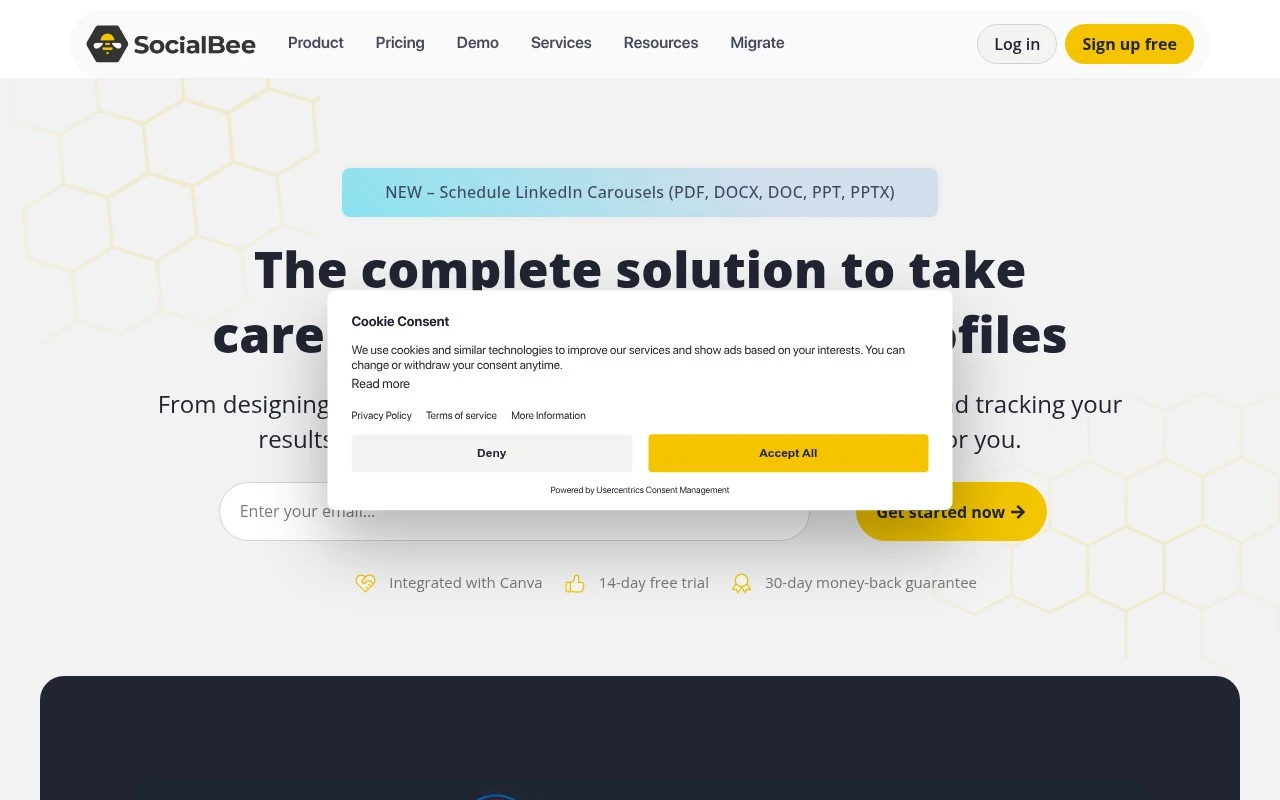
Socialbee is a social media management tool focused on keeping brands active across multiple platforms. It combines AI content generation, category-based scheduling, publishing, analytics, engagement inboxes, and team collaboration in one workspace. Its distinctive emphasis is on organized content categories, automated posting schedules, AI-assisted caption and visual creation, and agency-style workspaces for managing multiple clients or brands.

FYAI Score

8.5 / 10

Based on 478 reviews

Pricing:

Paid only

Best for:

Social media managers and agencies managing multiple brands

Score Breakdown

  • Ease of use8.8 / 10
  • Features8.1 / 10
  • Pricing8.8 / 10
  • Integrations7.7 / 10
  • Support9.3 / 10

PRODUCT PREVIEW

What this AI tool does

Socialbee is an AI-assisted social media management tool designed to help individuals and teams plan, write, and organize posts across multiple platforms. It supports a workflow where you can turn ideas into publish-ready content, keep messaging consistent, and reduce the time spent switching between drafting, scheduling, and reviewing. The tool is typically used for ongoing content planning, including creating variations of a post, adapting copy to different channels, and maintaining a steady publishing cadence. It can be useful for small businesses, creators, and marketing teams that want a more structured way to manage social media content without relying on separate tools for writing and scheduling. If you’re researching socialbee for informational purposes, it’s best viewed as a practical option for combining AI writing assistance with day-to-day social media management. As with any AI tool, results depend on the quality of your inputs and the review process you apply before publishing.

Use cases

Best for

Marketing Automation

Automate recurring social posts by scheduling category-based queues and publishing to multiple platforms from one calendar.

Social Media Content Creation

Socialbee generates captions and visuals with AI, then lets you edit, approve, and schedule posts across connected social accounts.

Content Repurposing

Repurpose evergreen content by adding it to content categories and recycling it on an automated posting schedule.

ANALYSIS

Strengths & limitations

Strengths
  • Combines content creation, scheduling, analytics, engagement, and collaboration in a single social media dashboard.
  • Includes AI features for generating captions, visuals, prompts, and social strategy support through its Copilot assistant.
  • Supports workflows for agencies and teams, including separate workspaces, approvals, internal notes, feedback, and exportable reports on higher plans.
Limitations
  • Entry-level plan limits users to 5 social channels, 1 workspace, 1 user per workspace, and up to 3 months of analytics data.
  • Some collaboration and reporting features, such as post approvals, PDF report exports, and internal notes, are only listed on higher-tier plans.
  • The product is centered on social media management and does not appear to cover broader marketing functions such as email marketing, CRM, or advertising management.

Evaluation

FYAI score breakdown

Our structured evaluation across five key criteria

8.5 / 10

Overall score

Based on 478 reviews

  • Ease of use8.8 / 10
  • Features8.1 / 10
  • Pricing8.8 / 10
  • Integrations7.7 / 10
  • Support9.3 / 10

What users say

Findings from public reviews, documentation and community sources.

  • Ease of use

    G2’s 478-review product page says users “consistently praise the ease of use.” SocialBee’s own page references a “14-day free trial” and “No credit card required.”

  • Features

    SocialBee’s site lists “Content creation,” “Scheduling & publishing,” “Analytics,” and “Engagement” as social media management capabilities. SocialBee’s site also references AI captions/visuals, content categories, evergreen resharing, and branded PDF reports.

  • Pricing

    SocialBee’s pricing page lists monthly tiers at $29, $49, and $99, with annual discounts and agency tiers. SocialBee’s pricing page references a “14-day free trial” with “no credit card” and a “30-day money-back guarantee,” and no ongoing free plan is shown.

  • Integrations

    SocialBee’s site lists “10 social platforms supported” and creation/media integrations including Canva, Unsplash, and GIPHY. SocialBee’s site lists engagement coverage across Facebook, Instagram, LinkedIn, X, Threads, and YouTube.

  • Support

    G2’s 478-review product page says users praise SocialBee’s “excellent customer support.” SocialBee’s own site offers demo booking.

Who is this for?

Best for marketing teams and agencies managing recurring social content across multiple channels, SocialBee’s site lists “10 social platforms supported” and features such as content categories and evergreen resharing. Less suited to teams that need a permanent free plan, because SocialBee’s pricing page lists a “14-day free trial” with “no credit card” and a “30-day money-back guarantee,” and no ongoing free plan is shown.

PRODUCT PREVIEW

Feature highlights

Content Categories

Organize posts by category and keep your mix balanced automatically.

Evergreen Scheduling

Set posting schedules once and recycle evergreen content on autopilot.

AI Captions & Visuals

Generate on-brand captions and images faster to fill your calendar.

COMPARE

Discover curated alternatives worth comparing

Compare similar AI tools based on features, pricing and use cases

7.5/ 10Based on 12.890 reviews

Zoominfo

Lead GenerationCRM & Segmentation
Find and enrich B2B leads with firmographic and contact data
Best for:
Sales teams
Pricing
Paid only

8.6/ 10Based on 6.982 reviews

Zoho CRM

Sales & OutreachAnalytics & Reporting
AI assists CRM tasks: rewrite emails, detect anomalies, predict
Best for:
Sales teams
Pricing
Freemium

8.0/ 10Based on 1.041 reviews

Zoho Campaigns

Lead GenerationCRM & Segmentation
Create, automate, and analyze email and SMS marketing campaigns
Best for:
Marketing teams
Pricing
Freemium

Start showing up consistently on social media without the daily scramble. See why growing teams choose Socialbee to stay active, engaged, and on-brand.

FAQ

Frequently asked
questions

Everything you need to know about this AI tool,
its features, pricing, use cases, and limitations.

Who is Socialbee a good fit for, and when should I pick something else?
Socialbee fits teams that want structured scheduling with content categories, recycling/evergreen posting, and a built-in workflow for keeping a calendar full. It’s especially useful if you publish repeatedly on a few core channels and want analytics to guide what to reuse. If you need deep ad management, heavy influencer/CRM features, or broad native integrations across many niche platforms, a more specialized tool may be a better match.
Does Socialbee have a free plan, and what are the main limitations compared to paid tiers?
Socialbee typically offers a free trial rather than a permanent free plan, so long-term use requires a subscription. Paid tiers mainly differ by number of social profiles, users/workspaces, and available features like advanced analytics and collaboration. If you’re comparing tools, check whether the plan you’re considering includes the exact networks you need and enough profile slots to avoid an early upgrade.
How does Socialbee compare to Buffer, Hootsuite, or Later for day-to-day scheduling?
Compared with simpler schedulers like Buffer, Socialbee is stronger for organizing posts into categories and recycling evergreen content without rebuilding queues. Versus Hootsuite-style suites, Socialbee is usually lighter on enterprise monitoring and broad integrations but can feel more focused for content planning. Against Later, Socialbee is less centered on visual-first workflows and more on repeatable scheduling systems and post performance review.
How quickly can I get Socialbee running, and what onboarding effort should I expect?
Socialbee’s integration coverage can be narrower than some competitors, which matters if you rely on many third-party apps or less common social networks. Pricing can be less friendly for very small teams that only need basic scheduling. Some users also report that the more powerful features take time to configure well, so it may feel complex if you want a minimal setup.
What should I check about Socialbee’s data handling, privacy, and compliance before adopting it?
Review Socialbee’s privacy policy and data processing terms to confirm how it stores social account tokens, analytics data, and any uploaded media. If you operate under GDPR/UK GDPR or similar rules, verify whether a DPA is available and where data is processed or hosted. Also confirm access controls (roles, team permissions) and what audit/history is retained for posts and approvals.