
Curated ToolThis tool is part of our curated AI directory. We only include tools that meet our standards for relevance, usability and real-world value.
Sendible
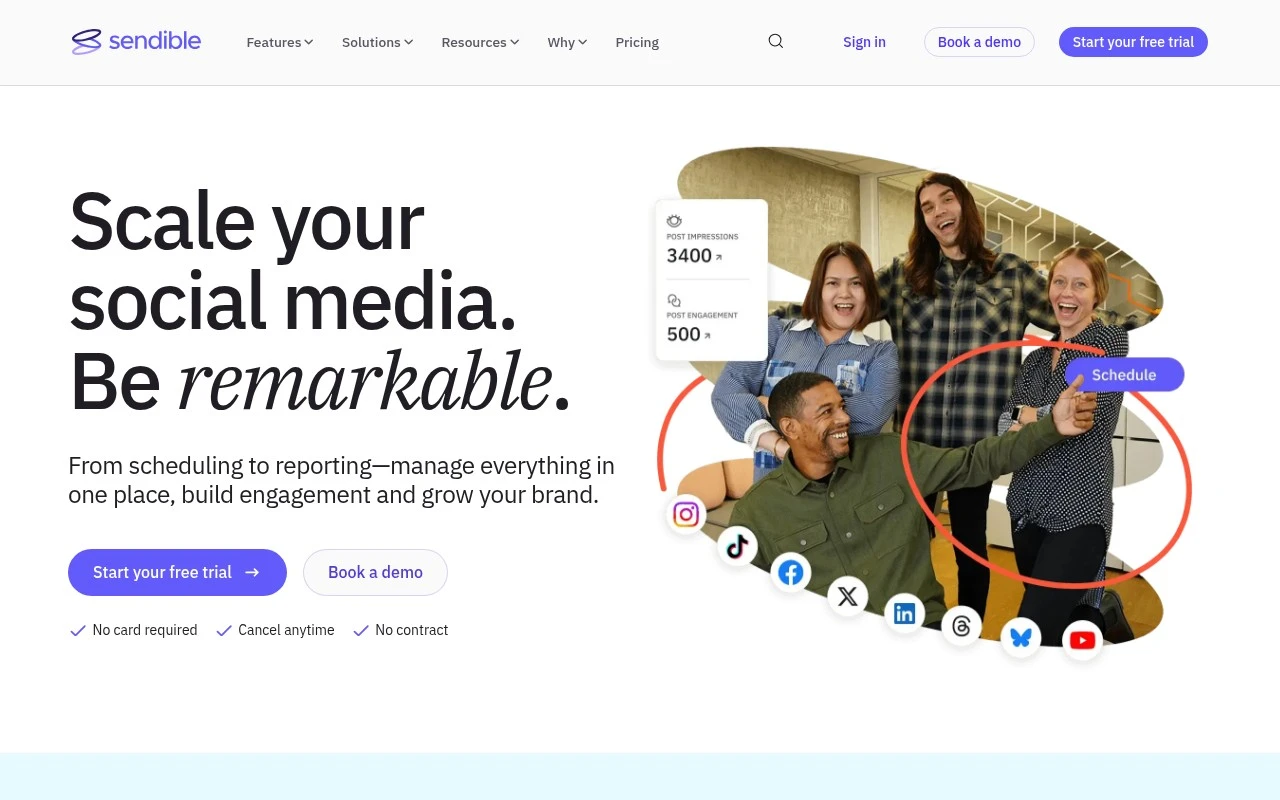
Sendible is a social media management platform for planning, scheduling, publishing, and monitoring posts across multiple social networks. It also provides a unified inbox, analytics reports, and collaboration features for managing client or team workflows.
Marketing AutomationAnalytics & Reporting

FYAI Score
8.7 / 10
Based on 905 reviews
Pricing:
Paid
Best for:
Agencies and marketers managing multiple social accounts
Score Breakdown
- Ease of use9.0 / 10
- Features8.2 / 10
- Pricing8.8 / 10
- Integrations8.8 / 10
- Support8.8 / 10
 | Strengths |
-
 Well suited to agencies and multi-brand teams because it centralises scheduling, engagement, approvals, and reporting across multiple social accounts.
 -
Strong for client-facing workflows because dashboards, approval flows, and automated reports help teams manage stakeholders from one workspace.
-
Useful for maintaining a consistent publishing pipeline because bulk scheduling, RSS feeds, Google Alerts, holiday calendars, and Canva, Pexels, and GIPHY integrations support content planning and creation.
 | Limitations |
-
 Less suitable for teams seeking a dedicated AI content generation platform because Sendible is primarily a social media management and workflow tool.
 -
Less suitable for solo users with only one or two social profiles because its collaboration, client management, and reporting features are designed around larger multi-account workflows.
-
Paid-only pricing makes it a poorer fit for teams that need a free social media scheduler or want to test long-term workflows without a subscription commitment.
 | 7.2/ 10Based on 177 reviews |
Arcads
Ad Creation
Creates short-form video ads with AI actors and avatars
Best for: | Marketing teams |
Pricing | Paid |
 | 9.0/ 10Based on 72 reviews |
HeyReach
Sales & OutreachMarketing Automation
Automates LinkedIn outreach, rotates senders, centralizes replies
Best for: | Marketing teams |
Pricing | Freemium |
 | 7.5/ 10Based on 12,890 reviews |
Zoominfo
Lead GenerationCRM & Segmentation
Finds prospects, enriches accounts, and flags buyer signals
Best for: | Sales teams |
Pricing | Paid only |