Curated ToolThis tool is part of our curated AI directory. We only include tools that meet our standards for relevance, usability and real-world value.

Rebuy

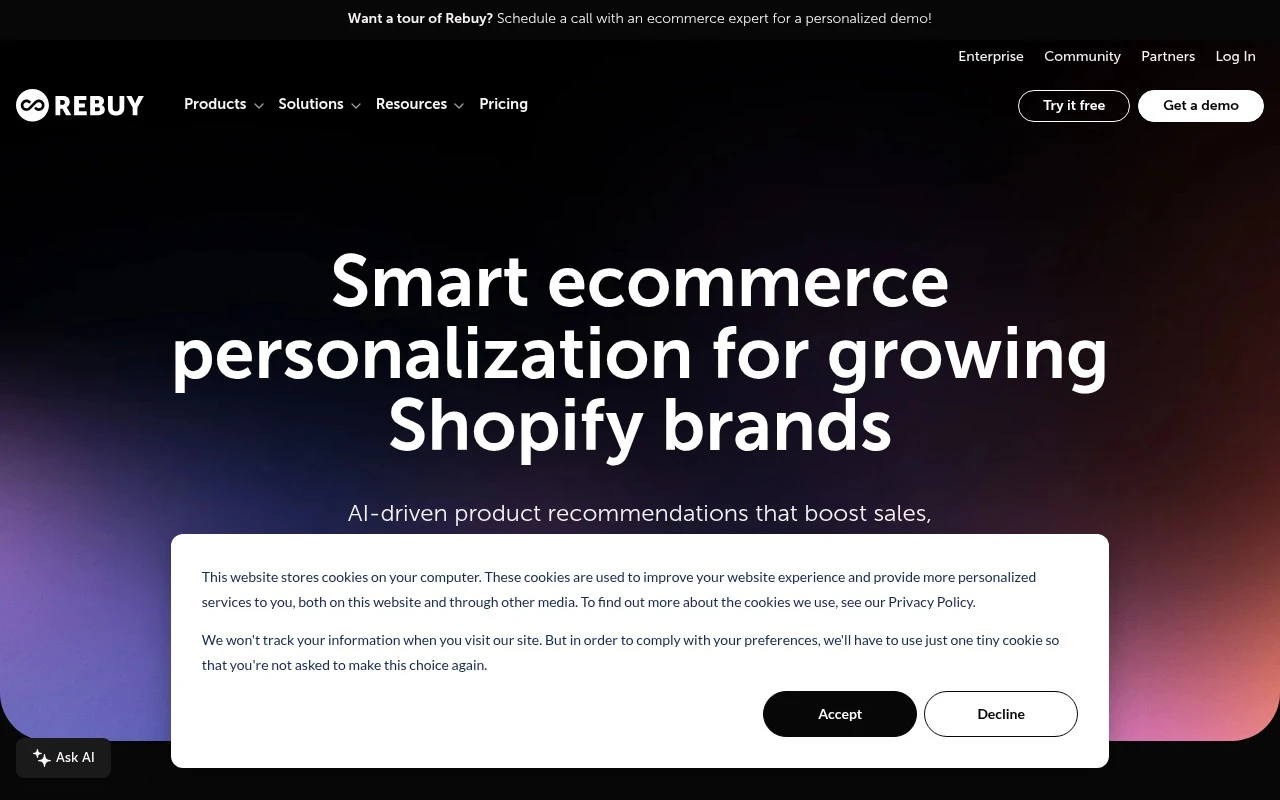
Rebuy is an ecommerce personalization platform for Shopify brands that uses customer data and AI-driven recommendations to power upsells, cross-sells, smart carts, and post-purchase offers. It helps merchants personalize shopping experiences across the store, checkout, and retention flows.
Sales & OutreachConversion Optimization

FYAI Score

8.0 / 10

Based on 48,960 reviews

Pricing:

Free trial

Best for:

Shopify ecommerce teams focused on personalization and revenue growth

Score Breakdown

  • Ease of use7.7 / 10
  • Features8.6 / 10
  • Pricing7.9 / 10
  • Integrations7.7 / 10
  • Support8.0 / 10

PRODUCT PREVIEW

What this AI tool does

Rebuy is an ecommerce personalization platform for Shopify brands that use AI product recommendations, merchandising controls, cart experiences, checkout optimization, and post-purchase offers to increase average order value, conversion, and customer lifetime value. Rebuy is built for merchants that want to personalize more of the buying journey without stitching together a large stack of separate apps. For Shopify merchants, the platform acts as a revenue layer across the storefront rather than a single-purpose recommendation widget. It helps teams show the right products at the right moment, from homepage discovery and product pages to cart, checkout, and follow-up offers after purchase. At the center of the experience are AI-powered product recommendations that adapt to shopper behavior, product relationships, and merchant strategy. Rebuy combines automation with merchandising rules, so brands can guide recommendations around margins, inventory, launches, bestsellers, subscriptions, or specific campaign goals. The Smart Cart is one of the clearest examples of how the tool turns personalization into conversion rate optimization. Instead of treating the cart as a static checkout step, the platform makes it a customizable slide-out experience with upsells, cross-sells, free gift prompts, progress bars, announcements, and other purchase incentives that can be tailored to each brand. Bundling and post-purchase offers extend that same logic beyond the cart. Merchants can create dynamic bundles, recommend complementary products, and present relevant offers after checkout, which supports funnel optimization without interrupting the original purchase. This is especially useful for brands with large catalogs, repeat-purchase products, or high attach-rate accessories. Search and collections management give the platform a broader role in product discovery. Smart search helps shoppers find relevant items faster, while collection controls allow teams to shape merchandising outcomes across category pages and campaigns. For stores with seasonal inventory or frequent product launches, this can make personalization feel more intentional and less dependent on manual page-by-page updates. For growth teams, Rebuy is also a testing and journey orchestration tool. A/B testing, customer journey flows, and performance reporting help merchants understand which offers, widgets, placements, and recommendation strategies are producing measurable gains. The value is not only in adding upsells, but in learning how different shopping moments affect revenue and retention. Checkout extensions make the platform relevant for brands that want personalization closer to the point of purchase. By supporting offers and experiences in checkout where Shopify allows customization, it helps merchants continue relevant merchandising after a shopper has already shown strong buying intent. Rebuy is best understood as a Shopify-native personalization and revenue optimization system, not just an AI recommendation engine. Its strength is the way it connects product recommendations, cart merchandising, checkout experiences, bundles, search, collections, and post-purchase flows into a coordinated customer journey. For ecommerce teams focused on increasing AOV, improving conversion, and creating more relevant shopping experiences, it provides a practical way to make personalization operational across the store.

Use cases

Best for

Product Recommendations

Use Rebuy to show AI product recommendations in Shopify via widgets on product, cart, and post purchase pages.

Conversion Rate Optimization

Run A/B tests on Smart Cart, bundles, and post purchase offers to measure which variants lift checkout completion.

Build Landing Page

Build Shopify landing pages by adding Rebuy merchandising widgets, dynamic bundles, and smart search to collections.

ANALYSIS

Strengths & limitations

Strengths
  • Combines recommendations, Smart Cart, bundles, checkout extensions, post-purchase offers, search, flows, and testing in one Shopify-focused platform, which can reduce the need to stitch together multiple upsell and personalization apps.
  • Best suited to growth teams focused on AOV, conversion, and LTV because it gives them multiple merchandising and testing levers across the shopping journey.
  • Strong fit for Shopify agencies and larger merchants because it supports personalization across storefront, cart, checkout, and post-purchase touchpoints.

Limitations
  • Less suitable for non-Shopify or complex multi-platform retailers because its product experience is built around Shopify storefront and checkout workflows.
  • Heavier than a simple plug-and-play upsell app because teams need to configure widgets, rules, bundles, cart behavior, journeys, and tests to capture the full value.
  • Less suitable for merchants seeking a permanently free tool because Rebuy is offered on a free-trial model rather than as a free ongoing product.

Evaluation

FYAI score breakdown

Our structured evaluation across five key criteria

8.0 / 10

Overall score

Based on 48,960 reviews

  • Ease of use7.7 / 10
  • Features8.6 / 10
  • Pricing7.9 / 10
  • Integrations7.7 / 10
  • Support8.0 / 10

What users say

Findings from public reviews, documentation and community sources.

  • Ease of use

    Rebuy’s website describes setup with “Install in minutes,” “No code required,” and a “drag-and-drop editor” for checkout widgets, and states a “4.7 overall rating on Shopify.”

  • Features

    Rebuy’s website lists ecommerce personalization features including Smart Cart, dynamic bundles, checkout extensions, and post-purchase offers.

  • Pricing

    Rebuy’s pricing page lists Rebuy Monetize as free, build-your-own plans “as low as $25/month,” Platform One at “$534/month,” and Premium Support at “$499/mo.” The pricing page also references annual savings, a free trial, an ROI guarantee, order-based package pricing, and “Talk to sales” for many plan details.

  • Integrations

    Rebuy’s website positions Rebuy for Shopify and says Smart Cart includes “over 35+ pre-built tech integrations.” Rebuy’s website also references Shopify Plus-specific checkout extensions.

  • Support

    Rebuy’s pricing page describes Premium Support with “Priority preference,” a “Customer Success Manager,” and “Quarterly business reviews.” Rebuy’s pricing page says Platform One includes a “Dedicated CSM.”

Who is this for?

Best for Shopify merchants that want cart, checkout, and post-purchase personalization, Rebuy’s website lists Smart Cart, checkout extensions, and post-purchase offers. Less suited to teams that need fully self-serve pricing before evaluation, Rebuy’s pricing page says package pricing is order-based and many plan details route through “Talk to sales.”

PRODUCT PREVIEW

Feature highlights

AI Recommendations

Personalize product suggestions across key storefront touchpoints.

Smart Cart Upsells

Custom slide-out cart that boosts conversion and average order value.

A/B Testing

Test offers and widgets to lift revenue with data-backed wins.

COMPARE

Discover curated alternatives worth comparing

Compare similar AI tools based on features, pricing and use cases

7.5/ 10Based on 12,890 reviews

Zoominfo

Lead GenerationCRM & Segmentation
Finds prospects, enriches accounts, and flags buyer signals
Best for:
Sales teams
Pricing
Paid only

8.6/ 10Based on 6,982 reviews

Zoho CRM

Sales & OutreachAnalytics & Reporting
Rewrites emails, detects anomalies, and builds CRM modules
Best for:
Sales teams
Pricing
Freemium

8.0/ 10Based on 1,041 reviews

Zoho Campaigns

Lead GenerationCRM & Segmentation
Builds email and SMS campaigns, automates and analyzes results
Best for:
Marketing teams
Pricing
Freemium

Start turning more shoppers into repeat buyers with personalized recommendations. See why fast-growing stores choose Rebuy to lift AOV and retention.

FAQ

Frequently asked
questions

Everything you need to know about this AI tool,
its features, pricing, use cases, and limitations.

Who is Rebuy best suited for?
Rebuy is best suited for growing Shopify and Shopify Plus merchants that want to increase average order value, conversion rate, and customer lifetime value through personalization. It fits ecommerce teams and Shopify agencies managing recommendations, upsells, bundles, cart optimization, checkout experiences, post-purchase offers, search, collections, and A/B testing.
Does Rebuy offer a free trial or a free plan?
Rebuy offers a free trial model rather than being positioned as a permanently free tool. Merchants should use the trial to test recommendation widgets, cart upsells, checkout or post-purchase offers, and merchandising workflows before committing to a paid plan. Check Rebuy’s pricing page for current plan details and limits.
How does Rebuy compare with other ecommerce personalization tools?
Rebuy is more Shopify-focused than many general ecommerce personalization platforms. Its strengths are AI-driven recommendations, Smart Cart, checkout and post-purchase upsells, bundles, merchandising controls, search, collections, and testing in one Shopify-oriented workflow. The best alternative depends on your commerce stack, budget, implementation resources, and required channels.
How hard is it to set up Rebuy on a Shopify store?
Rebuy’s main trade-off is that it is built primarily for Shopify brands, not every ecommerce platform or custom commerce stack. Some checkout-related capabilities are tied to Shopify Plus contexts. Buyers should also evaluate pricing, implementation effort, theme compatibility, reporting depth, and expected performance impact for their specific store.
What should I check before using Rebuy with customer data?
Teams using Rebuy should review how shopper behavior, product, cart, order, and recommendation data are processed across their Shopify setup. Before launch, confirm Rebuy’s current privacy documentation, data processing terms, retention policies, sub-processors, security practices, and compliance support for your markets, especially if you sell in regulated or privacy-sensitive regions.