
Curated ToolThis tool is part of our curated AI directory. We only include tools that meet our standards for relevance, usability and real-world value.
QuickMail
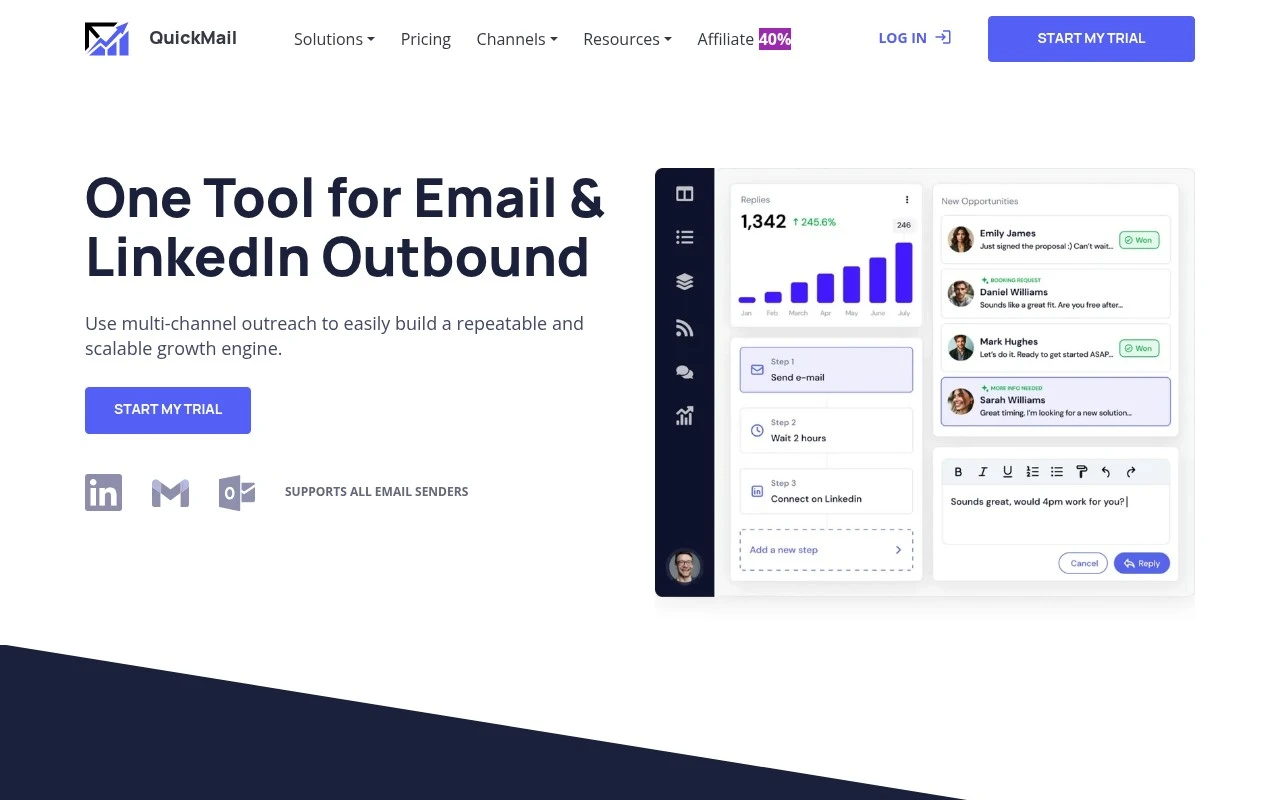
QuickMail is a cold email outreach platform for creating personalized prospecting campaigns, automating follow-ups, and managing replies across team inboxes. It also includes deliverability tools such as inbox rotation and email warmup to support outbound sales workflows.
Sales & Outreach

FYAI Score
8.8 / 10
Based on 119 reviews
Pricing:
Paid
Best for:
Sales teams and lead gen agencies scaling cold outreach
Score Breakdown
- Ease of use8.7 / 10
- Features8.3 / 10
- Pricing9.1 / 10
- Integrations8.7 / 10
- Support9.3 / 10
 | Strengths |
-
 Best suited to growth teams and lead generation agencies because it combines cold email, LinkedIn outreach, follow-ups, reply handling, warmup, sender rotation, and deliverability controls in one platform.
 -
Strong fit for high-volume outbound teams because sender rotation, blacklist monitoring, and Deliverability AI help manage deliverability risk across multiple inboxes and domains.
-
Useful for teams iterating on outreach copy because Reword with AI and message optimization features can speed up testing and refinement of campaign messaging.
 | Limitations |
-
 Less suitable for teams that only send occasional outreach because the paid, scale-oriented platform can be more tooling than a small or low-volume team needs.
 -
Not a full sales or marketing suite because its core strength is outbound prospecting rather than CRM pipeline management, inbound marketing, or broad customer lifecycle automation.
-
Requires careful setup and ongoing management because cold outreach at scale still depends on domain configuration, inbox health, compliant prospecting practices, and strong message quality.
 | 7.2/ 10Based on 177 reviews |
Arcads
Ad Creation
Creates short-form video ads with AI actors and avatars
Best for: | Marketing teams |
Pricing | Paid |
 | 9.0/ 10Based on 72 reviews |
HeyReach
Sales & OutreachMarketing Automation
Automates LinkedIn outreach, rotates senders, centralizes replies
Best for: | Marketing teams |
Pricing | Freemium |
 | 7.5/ 10Based on 12,890 reviews |
Zoominfo
Lead GenerationCRM & Segmentation
Finds prospects, enriches accounts, and flags buyer signals
Best for: | Sales teams |
Pricing | Paid only |