Curated ToolThis tool is part of our curated AI directory. We only include tools that meet our standards for relevance, usability and real-world value.

OptiMonk

Creates AI-driven ecommerce popups for leads and cart recovery

Lead GenerationConversion Optimization

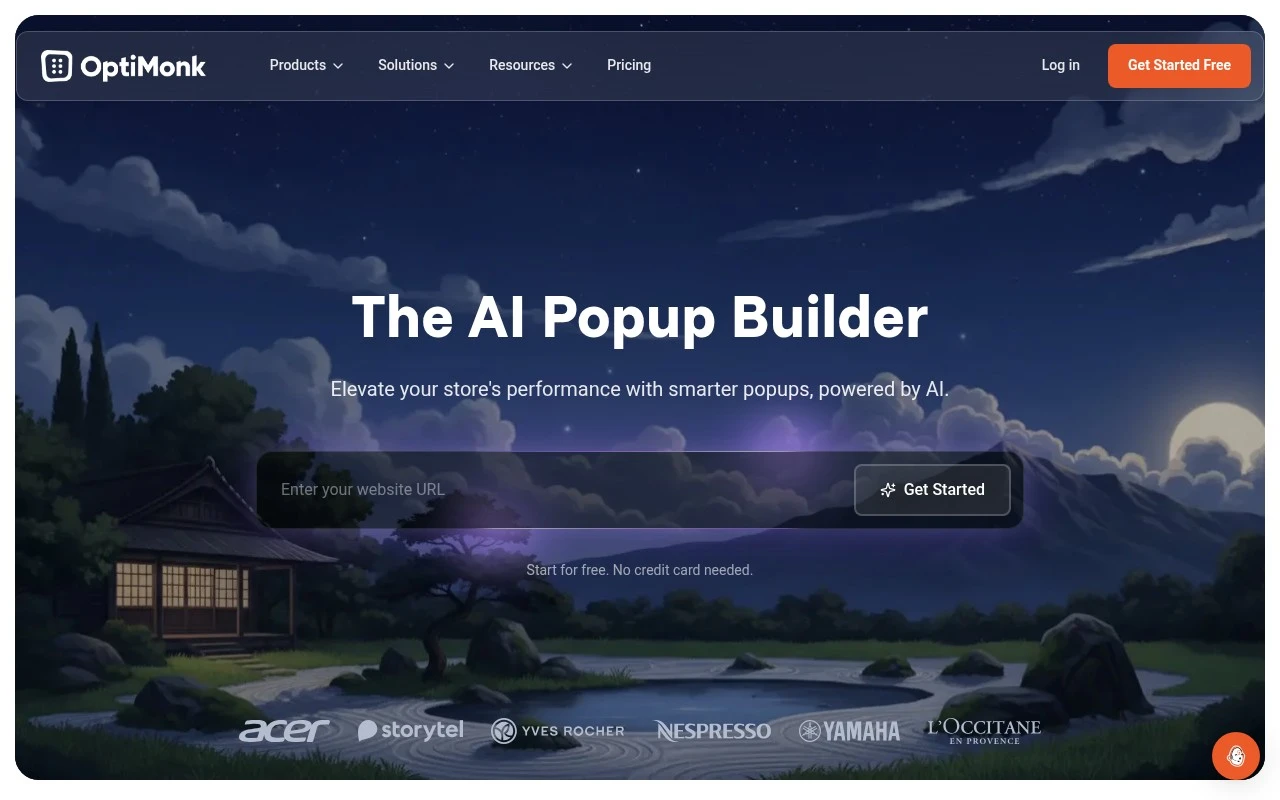
OptiMonk is an AI popup builder for ecommerce stores. Its stated purpose is to help users create high-converting popups without coding, with use cases including lead capture, cart-abandonment reduction, and sales growth.

FYAI Score

9.2 / 10

Based on 159 reviews

Pricing:

Freemium

Best for:

Ecommerce marketers boosting conversions with targeted popups

Score Breakdown

  • Ease of use9.4 / 10
  • Features9.1 / 10
  • Pricing9.3 / 10
  • Integrations8.7 / 10
  • Support9.4 / 10

PRODUCT PREVIEW

What this AI tool does

OptiMonk is a website optimization tool designed to help teams understand how visitors interact with their site and to improve on-site experiences based on that behavior. It’s typically used by ecommerce and marketing teams that want to reduce friction in the customer journey and make changes that are informed by real user activity rather than guesswork. In practice, the platform supports creating and testing on-site messages and experiences—such as targeted prompts or offers—so you can see what resonates with different audiences. It can also help you segment visitors and measure outcomes, making it easier to evaluate whether changes are improving engagement or conversions. For informational research, optimonk is most relevant if you’re comparing tools for conversion rate optimization and looking for a way to run experiments, personalize messaging, and track results without rebuilding your site. It fits best when you need a structured approach to iterating on website performance over time.

Use cases

Best for

Conversion Rate Optimization

OptiMonk builds targeted ecommerce popups with triggers and A B tests to reduce cart abandonment and improve checkout conversions.

Lead Capture

Create email capture popups with customizable forms and targeting rules to collect leads from specific pages and visitor segments.

ANALYSIS

Strengths & limitations

Strengths
  • Focused specifically on ecommerce popup creation.
  • Positions AI as part of the popup-building workflow.
  • No coding is required, and the site states users can start for free without a credit card.
Limitations
  • The provided official page text only establishes popup-building functionality, not a broader marketing automation suite.
  • Its stated positioning is ecommerce-specific, so it may be less relevant for non-commerce websites.
  • The available source does not specify supported ecommerce platforms, integrations, analytics, or targeting options.

Evaluation

FYAI score breakdown

Our structured evaluation across five key criteria

9.2 / 10

Overall score

Based on 159 reviews

  • Ease of use9.4 / 10
  • Features9.1 / 10
  • Pricing9.3 / 10
  • Integrations8.7 / 10
  • Support9.4 / 10

What users say

Findings from public reviews, documentation and community sources.

  • Ease of use

    G2 reports a 4.8/5 rating from 159 reviews and says users “consistently praise” OptiMonk for “ease of use,” with an “intuitive” interface for setting up campaigns.

  • Features

    OptiMonk’s feature page lists “96 features” across popups, personalization, and conversion optimization, including A/B testing-style optimization, campaign analytics, dynamic product recommendations, and asynchronous loading.

  • Pricing

    OptiMonk’s pricing page lists a Free plan at “$0” including “10,000 Pageviews / mo,” “Unlimited campaigns,” “All features,” and “Unbranded.” The pricing page says paid tiers start at “$19 / month” and scale by pageviews/domains.

  • Integrations

    OptiMonk’s integrations page describes “Deep integration with your marketing tech stack” and lists Shopify, Klaviyo, Webhooks, BigCommerce, Brevo, Campaign Monitor, ActiveCampaign, and AWeber.

  • Support

    OptiMonk’s pricing page highlights “Voted No#1 Support,” “Live chat support in multiple languages,” “Average reply time under 3 minutes,” and “Support for users with a free plan.”

Who is this for?

Best for ecommerce and marketing teams that want onsite campaigns without feature gating, OptiMonk’s pricing page lists a Free plan at “$0” with “10,000 Pageviews / mo,” “Unlimited campaigns,” “All features,” and “Unbranded.” Less suited to high-traffic sites with many pageviews/domains, the pricing page says paid tiers start at “$19 / month” and scale by pageviews/domains, so larger usage moves into higher-priced tiers.

PRODUCT PREVIEW

Feature highlights

No-code builder

Launch on-brand popups fast with drag-and-drop editing.

Smart targeting

Show the right offer by behavior, page, device, or intent.

A/B testing

Test messages and designs to lift signups, sales, and AOV.

COMPARE

Discover curated alternatives worth comparing

Compare similar AI tools based on features, pricing and use cases

7.5/ 10Based on 12.890 reviews

Zoominfo

Lead GenerationCRM & Segmentation
Find and enrich B2B leads with firmographic and contact data
Best for:
Sales teams
Pricing
Paid only

8.6/ 10Based on 6.982 reviews

Zoho CRM

Sales & OutreachAnalytics & Reporting
AI assists CRM tasks: rewrite emails, detect anomalies, predict
Best for:
Sales teams
Pricing
Freemium

8.0/ 10Based on 1.041 reviews

Zoho Campaigns

Lead GenerationCRM & Segmentation
Create, automate, and analyze email and SMS marketing campaigns
Best for:
Marketing teams
Pricing
Freemium

Turn more visitors into buyers with optimonk. Launch personalized experiences and start seeing measurable lifts in conversions today.

FAQ

Frequently asked
questions

Everything you need to know about this AI tool,
its features, pricing, use cases, and limitations.

When is optimonk a good fit, and when should I consider another tool?
optimonk is best for e-commerce teams that want behavior-based popups/overlays, on-site personalization, and structured A/B testing to lift conversions. It’s a strong fit if you run frequent campaigns (exit intent, cart abandonment, product-page offers) and can dedicate time to testing. If you mainly need email capture forms with minimal targeting or you rely on a niche platform with limited integrations, a simpler or more native tool may be easier.
Does optimonk have a free plan, and what are the practical limitations compared to paid tiers?
optimonk typically offers a free entry option, but it’s mainly useful for trying the builder and running small-scale campaigns. Paid plans are where you get higher traffic/campaign limits and more advanced targeting, testing, and reporting. If you expect meaningful volume or need deeper segmentation, budget for a paid tier early.
How does optimonk compare with alternatives like OptiMonk-style popup tools, VWO, or Optimizely?
Compared with lightweight popup tools, optimonk usually provides stronger targeting and experimentation features, but may cost more and require more setup discipline. Versus VWO/Optimizely, optimonk is more focused on on-site messaging and overlays rather than full-suite experimentation across complex product experiences. If your priority is CRO messaging on key pages, optimonk is often sufficient; for product-level experimentation at scale, broader testing platforms can be a better match.
How quickly can I get optimonk running, and what onboarding effort should I expect?
Integration coverage can be a constraint if your e-commerce stack is less common, which may limit how cleanly you can sync audiences and outcomes. Costs can rise as traffic and feature needs grow, which matters for smaller stores. Some users also report a learning curve when moving beyond templates into advanced targeting and analytics.
What should I consider about data handling, privacy, and compliance when using optimonk?
optimonk relies on on-site tracking to target and measure campaigns, so you should review what data is collected and how it’s stored before enabling behavioral targeting. Plan to align it with your consent management approach (e.g., only firing certain tracking after consent where required). If you operate in regulated regions, confirm data processing terms, retention controls, and whether integrations could transmit personal data to other systems.