
Curated ToolThis tool is part of our curated AI directory. We only include tools that meet our standards for relevance, usability and real-world value.
Ocoya
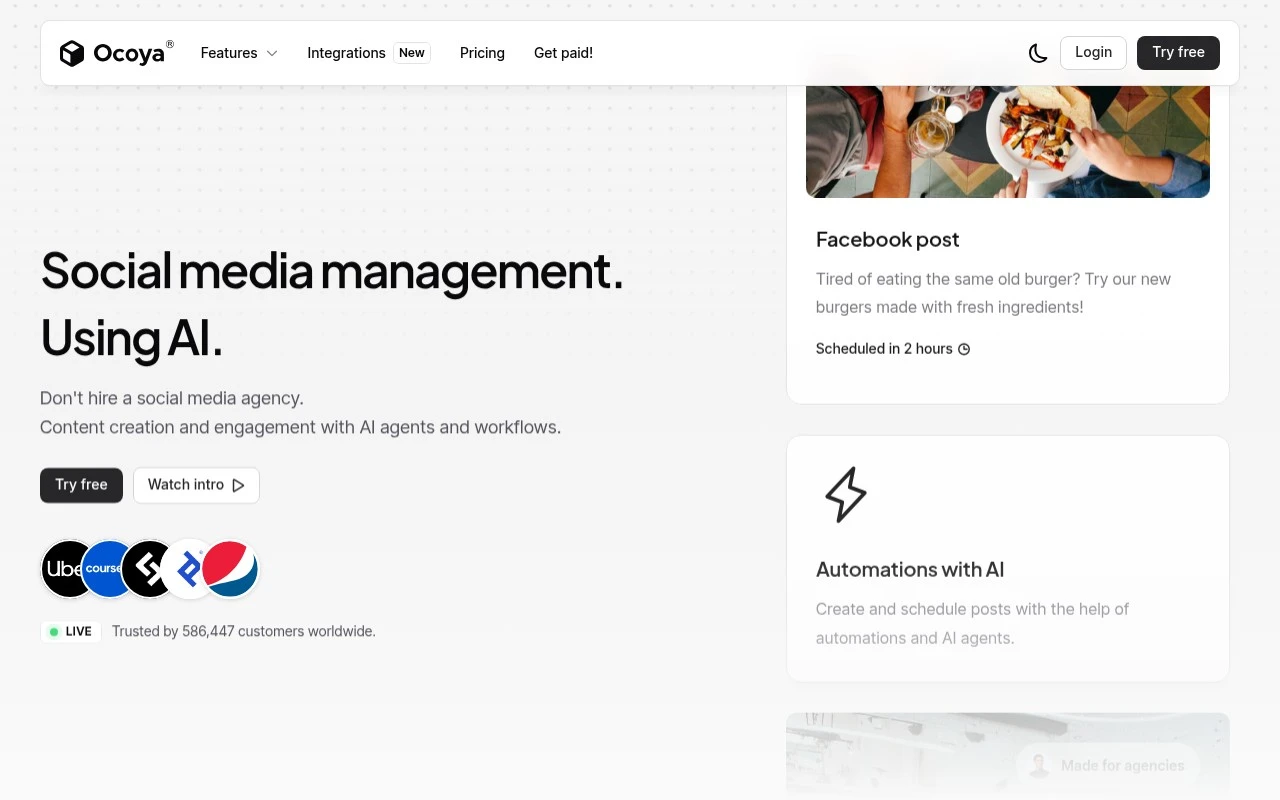
Ocoya is a social media content creation platform that uses AI to generate captions, hashtags, and visuals, then schedule and publish posts across social channels.
Social Media
FYAI Score
7.9 / 10
Based on 367 reviews
Pricing:
Paid only
Best for:
Social media managers and small teams publishing content across channels
Score Breakdown
- Ease of use8.0 / 10
- Features7.7 / 10
- Pricing8.4 / 10
- Integrations8.0 / 10
- Support7.2 / 10
 | Strengths |
-
 Best suited to creators and small marketing teams that need a steady social presence because it combines AI content generation with scheduled publishing in one workflow.
 -
Useful for marketers who regularly need fresh post ideas because its AI assistance can speed up drafting social captions and campaign content.
-
Good fit for businesses managing recurring social activity because scheduling supports batch content planning and reduces manual publishing work.
 | Limitations |
-
 Less suitable for users who need a free long-term social media tool because Ocoya is a paid-only product.
 -
Less suitable for teams seeking a full marketing suite because its core fit is social content creation and post scheduling rather than broader CRM, email, or advertising workflows.
-
Less suitable for brands with strict approval or highly nuanced voice requirements because AI-generated social content still needs human review before publishing.
 | 7.2/ 10Based on 177 reviews |
Arcads
Ad Creation
Creates short-form video ads with AI actors and avatars
Best for: | Marketing teams |
Pricing | Paid |
 | 9.0/ 10Based on 72 reviews |
HeyReach
Sales & OutreachMarketing Automation
Automates LinkedIn outreach, rotates senders, centralizes replies
Best for: | Marketing teams |
Pricing | Freemium |
 | 7.5/ 10Based on 12,890 reviews |
Zoominfo
Lead GenerationCRM & Segmentation
Finds prospects, enriches accounts, and flags buyer signals
Best for: | Sales teams |
Pricing | Paid only |