Curated ToolThis tool is part of our curated AI directory. We only include tools that meet our standards for relevance, usability and real-world value.

Munch

Generates social post plans, calendars, and drafts from site assets

Marketing AutomationContent & Social
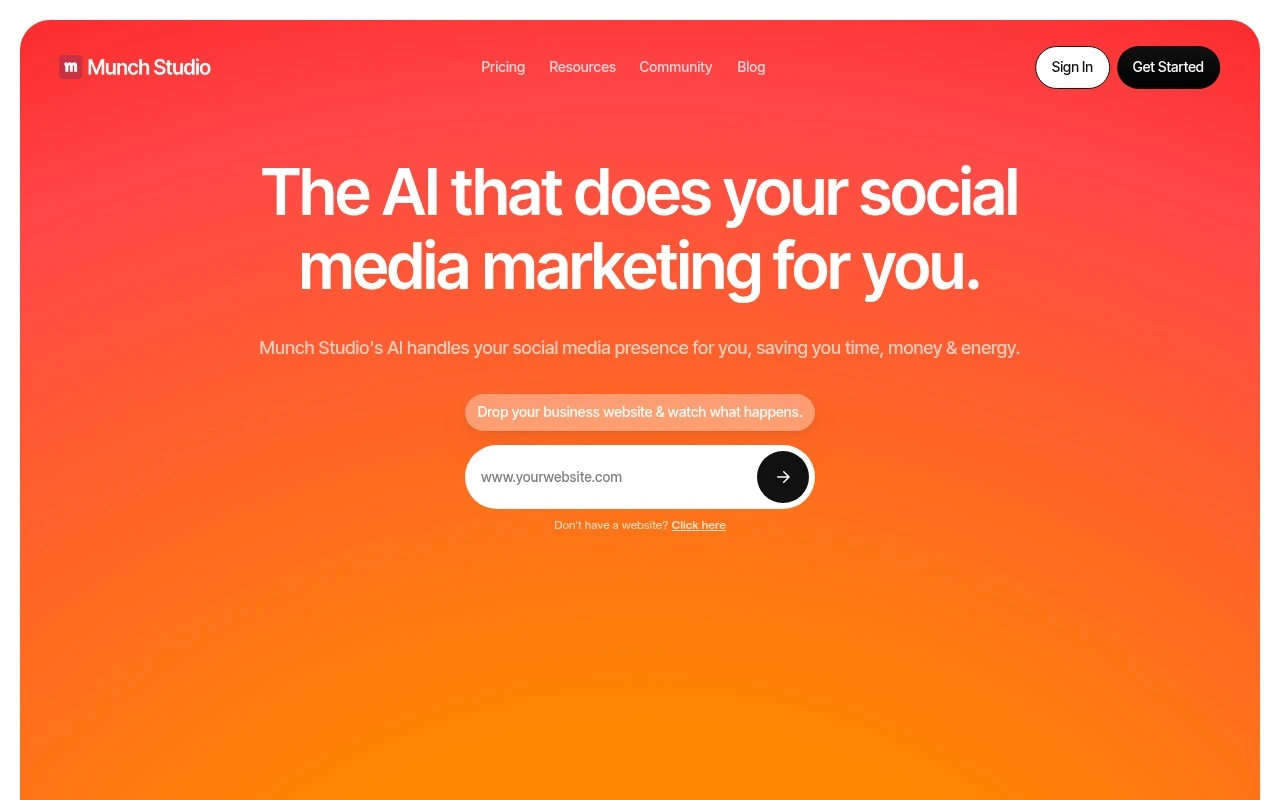
Munch Studio is an AI social media marketing tool that aims to handle much of the social content workflow for a business. Users provide a website and optional brand assets, then the system creates a tailored content strategy and a queue of posts that can be reviewed, edited, scheduled, and posted. The product is positioned for business owners who want to run social media in a small amount of time, as well as agencies that need isolated workspaces and calendars for multiple client brands.

FYAI Score

7.3 / 10

Based on 37 reviews

Pricing:

Freemium

Best for:

Business owners and agencies running multiple social calendars fast

Score Breakdown

  • Ease of use7.7 / 10
  • Features7.2 / 10
  • Pricing7.1 / 10
  • Integrations7.1 / 10
  • Support7.4 / 10

PRODUCT PREVIEW

What this AI tool does

Munch is an AI tool designed to help people work with content more efficiently when they need quick, usable outputs from longer material. It’s suited to situations where you have a lot of text or media to review and want the system to surface the most relevant parts without manually scanning everything. In practice, it can support common informational workflows such as summarizing, extracting key points, and reshaping source material into shorter formats for sharing or reference. This can be useful for teams and individuals who regularly handle articles, meeting notes, transcripts, or other long-form content and want a consistent way to turn it into something easier to read and act on. Because the best results depend on the quality of the input and the goal you set, it helps to provide clear context about what you’re trying to produce and to review the output before using it. munch is generally most helpful as a first pass that speeds up understanding and drafting, rather than a final authority on the source material.

Use cases

Best for

Social Media Content Creation

Munch generates a tailored social content strategy and draft post queue from your website and brand assets for review and editing.

Marketing Automation

It automates the social workflow by queuing posts, letting you edit, schedule, and publish from a shared calendar.

Content Repurposing

It repurposes website content into multiple social post ideas and captions that you can adapt for different channels.

ANALYSIS

Strengths & limitations

Strengths
  • Combines strategy, content generation, scheduling, and performance monitoring in one workflow.
  • Can learn from a business website plus uploaded videos, photos, and recordings to produce more brand-specific posts.
  • Offers multi-brand agency workflows with separate client workspaces, brand voices, and content queues.
Limitations
  • The fetched site text does not clearly specify the full list of supported publishing integrations beyond examples such as Instagram, Facebook, and LinkedIn.
  • Users still appear to review, choose, or edit posts before publishing rather than handing off every decision completely.
  • Pricing, detailed automation controls, and exact analytics depth are not established from the provided page text.

Evaluation

FYAI score breakdown

Our structured evaluation across five key criteria

7.3 / 10

Overall score

Based on 37 reviews

  • Ease of use7.7 / 10
  • Features7.2 / 10
  • Pricing7.1 / 10
  • Integrations7.1 / 10
  • Support7.4 / 10

What users say

Findings from public reviews, documentation and community sources.

  • Ease of use

    Munch's product page describes onboarding as “Drop your business website,” add assets, then “Choose the posts you love and post with just one click, or edit easily without any technical skills required.”

  • Features

    Munch's product page says Munch learns a business from a website, videos, photos, and Zoom recordings, then creates posts and a custom content strategy. The same page lists scheduling, monitoring “Reach,” “Engagement,” and “Followers,” and agency features including multi-brand workspaces and isolated strategy/content queues.

  • Pricing

    Munch's pricing page emphasizes “Get Started For Free” and agency-specific “custom free trial” and onboarding calls. Munch's pricing page handles pricing through signup or consultation-style flows rather than visible tier amounts in the page text.

  • Integrations

    Munch's product page names social publishing destinations including Instagram, Facebook, and LinkedIn. The same page gives publishing examples including Instagram Story/Reel, Facebook Post, and LinkedIn Post.

  • Support

    Munch's product page links to “Help Center,” “Docs,” and “Community.” Munch's agency offering includes a “Dedicated Agency Concierge” where a “Real human walks you through onboarding, pricing, and a free trial.”

Who is this for?

Best for businesses or agencies that want social posts generated from existing website, video, photo, and Zoom recording assets, Munch's product page says it creates posts and a custom content strategy from those inputs. Best for agency workflows that need multi-brand workspaces and isolated strategy/content queues. Less suited to buyers who need to compare published plan prices before signup, Munch's pricing page handles pricing through signup or consultation-style flows rather than visible tier amounts in the page text.

PRODUCT PREVIEW

Feature highlights

AI content strategy

Generates a tailored social plan from your website and brand inputs.

Post queue builder

Creates a reviewable queue of posts you can edit, approve, and reuse.

Schedule & publish

Plan, schedule, and post across calendars to stay consistent in less time.

COMPARE

Discover curated alternatives worth comparing

Compare similar AI tools based on features, pricing and use cases

7.5/ 10Based on 12.890 reviews

Zoominfo

Lead GenerationCRM & Segmentation
Find and enrich B2B leads with firmographic and contact data
Best for:
Sales teams
Pricing
Paid only

8.6/ 10Based on 6.982 reviews

Zoho CRM

Sales & OutreachAnalytics & Reporting
AI assists CRM tasks: rewrite emails, detect anomalies, predict
Best for:
Sales teams
Pricing
Freemium

8.0/ 10Based on 1.041 reviews

Zoho Campaigns

Lead GenerationCRM & Segmentation
Create, automate, and analyze email and SMS marketing campaigns
Best for:
Marketing teams
Pricing
Freemium

Turn long videos into scroll-stopping social clips in minutes. See why marketing teams choose Munch to boost reach and engagement.

FAQ

Frequently asked
questions

Everything you need to know about this AI tool,
its features, pricing, use cases, and limitations.

When is Munch a good fit for a marketing team’s workflow?
Munch fits best if your team regularly turns long-form video (webinars, podcasts, interviews, product demos) into short social clips and wants help selecting moments likely to perform. It’s also useful when you need a repeatable process for creating multiple platform-ready variations from the same source. If your output is mostly static posts or email campaigns, you may get more value from broader content suites.
Does Munch have a free plan, and what are the typical limitations compared to paid tiers?
Munch commonly offers limited access via a free trial or entry tier, with caps on exports, features, or watermarking depending on the plan. Paid plans generally unlock higher export volume, more advanced optimization features, and team/collaboration options. If you need consistent weekly output, check whether the plan limits monthly clip generation or download quality.
How does Munch compare with tools like Opus Clip, Vidyo.ai, or Descript for social repurposing?
Munch is strongest when you want AI-assisted selection and optimization geared toward social performance rather than a full editing workstation. Tools like Descript tend to be better for deep editing and transcript-driven production, while Opus Clip/Vidyo.ai often compete closely on automated clipping and templates. If your priority is collaborative review and approval before publishing, compare how each handles team workflows and versioning.
How quickly can a team get started with Munch, and what onboarding effort should you expect?
Munch is focused on social video repurposing, so it won’t replace broader marketing tools for planning, email, SEO, or multi-channel campaign management. Output quality can vary by source audio/video quality and speaking style, so some manual review is still needed. Pricing can be a factor for smaller teams if you require higher export volumes or advanced features.
What should I check about Munch’s data handling, privacy, and compliance before uploading content?
Confirm where Munch processes and stores uploaded media, how long files are retained, and whether you can delete assets on demand. If you handle client or regulated content, review the vendor’s security documentation (e.g., encryption, access controls) and whether a DPA is available. Also verify how transcripts and metadata are used, especially if your videos include personal data.