Curated ToolThis tool is part of our curated AI directory. We only include tools that meet our standards for relevance, usability and real-world value.

Moosend

AI-assisted email marketing with content and product suggestions

Lead GenerationEmail Marketing & Deliverability

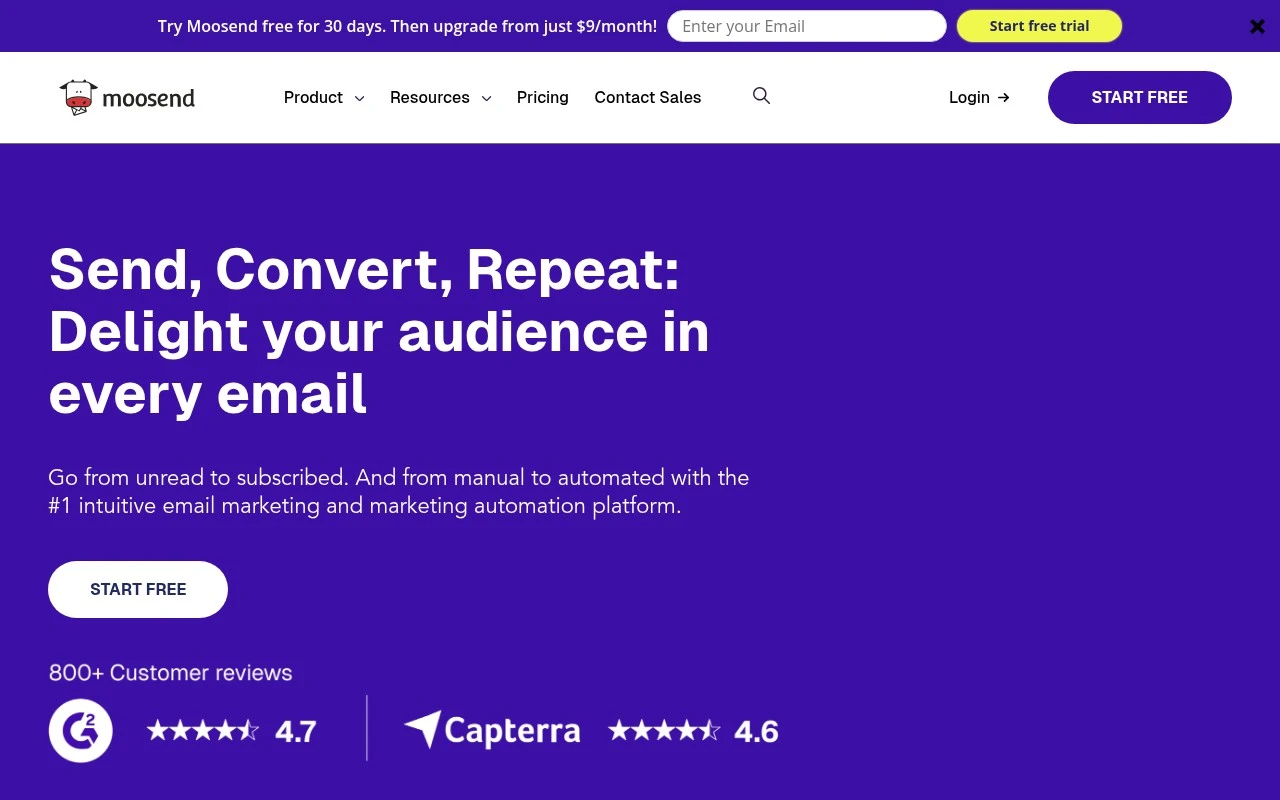
Moosend provides a focused email marketing stack: campaign creation, automation workflows, audience management, landing pages, subscription forms, analytics, and transactional email support. Its site emphasizes ease of use, contact-based pricing, prebuilt templates, AI-assisted content features, and support for businesses that want to move from manual email sends to automated customer communication.

FYAI Score

7.6 / 10

Based on 743 reviews

Pricing:

Freemium

Best for:

Marketing teams moving from manual newsletters to automated email flows

Score Breakdown

  • Ease of use7.5 / 10
  • Features7.4 / 10
  • Pricing7.6 / 10
  • Integrations7.4 / 10
  • Support8.5 / 10

PRODUCT PREVIEW

What this AI tool does

Moosend is an email marketing and automation platform designed to help teams create, send, and manage email campaigns from one place. It typically supports building newsletters with templates, organizing subscriber lists, and tracking performance so you can understand how recipients interact with your messages. The tool is often used to set up automated email sequences based on subscriber actions, such as sign-ups or link clicks, which can reduce manual work for ongoing communications. It can be a fit for small businesses and marketing teams that want a structured way to run email marketing, maintain consistent outreach, and review campaign results over time.

Use cases

Best for

Marketing Automation

Create automated email workflows in Moosend using triggers, conditions, and scheduled sends for lifecycle campaigns.

Customer Segmentation

Segment subscribers by behavior, custom fields, and engagement to target campaigns to specific audience groups.

Build Landing Page

Build landing pages with drag and drop blocks, forms, and templates, then track signups with analytics.

ANALYSIS

Strengths & limitations

Strengths
  • Combines email campaigns, marketing automation, landing pages, subscription forms, segmentation, and reporting in one platform.
  • Includes practical campaign features such as A/B testing, personalization, real-time reports, templates, and deliverability-related tooling.
  • Offers AI-related features for content generation, AI-powered suggestions, product recommendations, and audience discovery.
Limitations
  • The platform is mainly centered on email marketing and related lead-capture workflows, not a full CRM or broad omnichannel marketing suite.
  • Support is described as 24/5 rather than 24/7.
  • Pricing scales by contact count, so costs can rise as an audience grows.

Evaluation

FYAI score breakdown

Our structured evaluation across five key criteria

7.6 / 10

Overall score

Based on 743 reviews

  • Ease of use7.5 / 10
  • Features7.4 / 10
  • Pricing7.6 / 10
  • Integrations7.4 / 10
  • Support8.5 / 10

What users say

Findings from public reviews, documentation and community sources.

  • Ease of use

    Moosend positions the product as an “intuitive email marketing and marketing automation platform” and says users can “send your first email in just a few clicks.” Customer quotes on Moosend’s site call the dashboard “user-friendly.”

  • Features

    Moosend lists “Unlimited Email Campaigns / Sends,” automation, landing pages, and transactional emails/API as part of the platform. Moosend also lists segmentation, personalization, A/B testing, real-time reports, templates, and Moosend AI.

  • Pricing

    Moosend’s pricing page lists a free trial “no credit card required,” Pro/Moosend+/Enterprise tiers, and contact-based scaling. Moosend’s pricing page references monthly/biannual/annual billing with “Save 15%” and “Save 20%,” plus email-credit packs such as “350,000 Email credits $350.”

  • Integrations

    Moosend lists an “Integrations” directory, “Moosend API,” and “Transactional API.” Moosend says users can “connect all your apps… Zero coding required.”

  • Support

    Moosend advertises a “rich knowledge base,” “24/5 Email Support,” and “24/5 Live Chat Support.” Moosend lists enterprise options such as “Priority Support” and “Account Manager.”

Who is this for?

Best for teams that need email marketing plus automation in one product. Moosend lists “Unlimited Email Campaigns / Sends,” automation, landing pages, and transactional emails/API. Less suited to buyers who want every tier price visible in one simple table, Moosend’s pricing page includes Pro/Moosend+/Enterprise tiers and contact-based scaling, with some plan pricing surfaced through selectors/custom quotes.

PRODUCT PREVIEW

Feature highlights

AI Email Content

Generate subject lines and copy faster to launch campaigns sooner.

Automation Workflows

Build drip, welcome, and cart flows with triggers and conditions.

Campaign Analytics

Track opens, clicks, and revenue to optimize every send.

COMPARE

Discover curated alternatives worth comparing

Compare similar AI tools based on features, pricing and use cases

7.5/ 10Based on 12.890 reviews

Zoominfo

Lead GenerationCRM & Segmentation
Find and enrich B2B leads with firmographic and contact data
Best for:
Sales teams
Pricing
Paid only

8.6/ 10Based on 6.982 reviews

Zoho CRM

Sales & OutreachAnalytics & Reporting
AI assists CRM tasks: rewrite emails, detect anomalies, predict
Best for:
Sales teams
Pricing
Freemium

8.0/ 10Based on 1.041 reviews

Zoho Campaigns

Lead GenerationCRM & Segmentation
Create, automate, and analyze email and SMS marketing campaigns
Best for:
Marketing teams
Pricing
Freemium

Start sending smarter campaigns that drive more opens, clicks, and sales. Join teams using Moosend to turn subscribers into loyal customers—faster.

FAQ

Frequently asked
questions

Everything you need to know about this AI tool,
its features, pricing, use cases, and limitations.

What types of teams and campaigns is Moosend a good fit for?
Moosend tends to work best for small to mid-sized businesses running newsletters, promotional blasts, and automated lifecycle flows (welcome, cart abandonment, re-engagement). It’s a practical choice if you want segmentation and automation without a heavy setup or dedicated ops team. If you need complex multi-brand governance or very advanced analytics, you may outgrow it.
Does Moosend have a free plan, and what are the main limitations compared to paid?
Moosend is typically positioned as a paid product with a trial rather than a robust forever-free tier, so ongoing use usually requires a subscription. Paid plans unlock full automation, higher sending limits, and access to more advanced features like landing pages and transactional options (where available). When comparing, check contact limits, automation availability, and whether key templates or reporting features are restricted at lower tiers.
How does Moosend compare with Mailchimp, ActiveCampaign, or Brevo?
Moosend generally competes on ease of use and price, offering solid automation and segmentation for the cost. Compared with ActiveCampaign, it’s often less deep for CRM-style automation and advanced reporting; compared with Mailchimp, it can be more cost-efficient at similar list sizes. Against Brevo, the decision often comes down to whether you prefer Moosend’s email-first workflow versus Brevo’s broader messaging mix and pricing model.
How quickly can you get Moosend running, and what onboarding effort should you expect?
Moosend can feel lighter on enterprise-grade controls and very granular analytics compared with larger platforms. Some users also report deliverability variability, so you’ll want to validate performance on your audience and sending patterns. If you rely on niche integrations, confirm they exist (or can be handled via Zapier/API) before committing.
What should you check about data privacy, security, and compliance when using Moosend?
Verify Moosend’s support for GDPR features you’ll need in practice, such as consent tracking, unsubscribe management, and data export/deletion workflows. Confirm where data is hosted, what sub-processors are involved, and whether a DPA is available for your organization. If you operate in regulated environments, review access controls, audit needs, and retention settings before migrating lists.