Curated ToolThis tool is part of our curated AI directory. We only include tools that meet our standards for relevance, usability and real-world value.

Mailreach

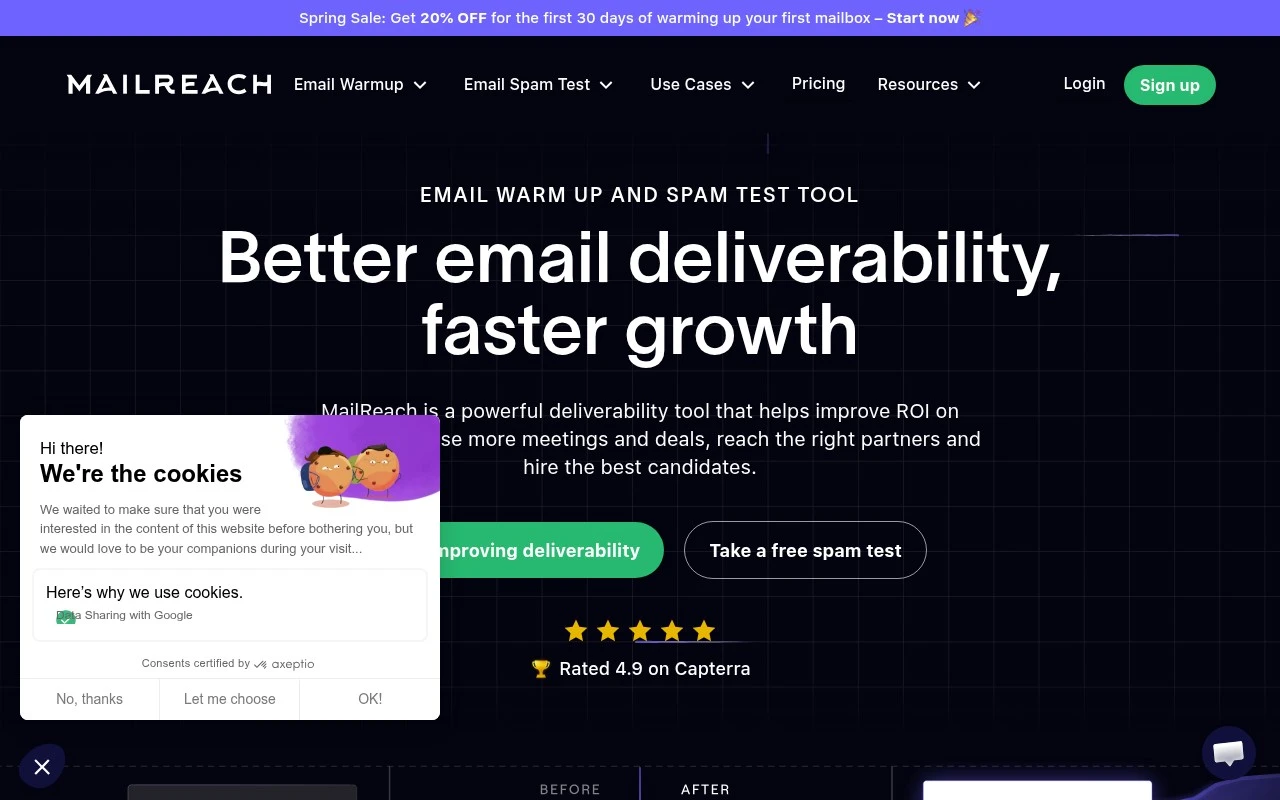
Warms mailboxes, tests spam placement, and checks deliverability

Email Marketing & Deliverability
Mailreach is a focused email deliverability product for teams that depend on outbound email. It combines mailbox warmup, spam testing, inbox placement monitoring, email verification, and a deliverability co-pilot that analyzes email content and activity. The product is positioned around repairing, raising, and maintaining sender reputation rather than managing full sales engagement workflows.

FYAI Score

8.3 / 10

Based on 43 reviews

Pricing:

Paid

Best for:

Outbound teams that rely on cold email and need strong deliverability

Score Breakdown

  • Ease of use8.7 / 10
  • Features7.7 / 10
  • Pricing7.9 / 10
  • Integrations8.2 / 10
  • Support9.0 / 10

PRODUCT PREVIEW

What this AI tool does

Mailreach is an AI-assisted email outreach tool designed to help teams plan, write, and manage outbound messages more efficiently. It’s typically used in sales, recruiting, partnerships, and other scenarios where sending personalized emails at scale matters, while still keeping communication consistent and professional. The tool focuses on supporting the workflow around outreach—from drafting and refining email copy to organizing campaigns and tracking how recipients respond. By using AI to speed up writing and iteration, it can reduce the time spent on repetitive messaging and help users test different approaches without starting from scratch. For anyone researching mailreach, it’s best viewed as a practical option for improving the day-to-day process of outbound email communication. As with any outreach platform, results depend on list quality, message relevance, and responsible sending practices.

Use cases

Best for

Email Warmup Automation

Mailreach warms mailboxes by sending automated emails with replies, opens, and positive interactions across a reputation network.

Inbox Placement Testing

Run manual or scheduled spam tests that report inbox versus spam placement and track deliverability trends over time.

List Verification and Guidance

Verify email lists for risky addresses and get guidance on copy and sending practices that can affect deliverability.

ANALYSIS

Strengths & limitations

Strengths
  • Specialized specifically in email deliverability rather than treating it as an add-on to a broader outreach platform.
  • Includes both warmup and spam testing, so users can work on sender reputation and measure inbox placement.
  • Supports common business outreach use cases such as cold sales emails, recruiting emails, newsletters, and B2B communications.
Limitations
  • Not presented as a complete cold email or sales engagement platform for sequencing, prospecting, CRM, or campaign management.
  • Most clearly suited to B2B outbound and deliverability use cases, not general consumer email marketing needs.
  • Requires users to connect compatible email accounts and follow deliverability practices; it does not guarantee results from email content or audience quality alone.

Evaluation

FYAI score breakdown

Our structured evaluation across five key criteria

8.3 / 10

Overall score

Based on 43 reviews

  • Ease of use8.7 / 10
  • Features7.7 / 10
  • Pricing7.9 / 10
  • Integrations8.2 / 10
  • Support9.0 / 10

What users say

Findings from public reviews, documentation and community sources.

  • Ease of use

    G2’s snippet says “MailReach [is] really easy to use,” and Software Advice notes it is “Easy to set up.” The MailReach product page positions the spam test as usable “in a few clicks.”

  • Features

    The MailReach pricing page lists “Email Warmup,” “Spam Checker,” “MailReach Co-pilot,” and “Email Verifier.” The MailReach pricing page also lists domain/inbox health checks, SPF/DKIM/DMARC checks, inbox placement, and test history.

  • Pricing

    The MailReach pricing page shows “$19.5 / mailbox Per Month,” annual “Save 20%,” and included “20 spam test credits.” The MailReach pricing page also offers custom quotes for large-scale needs.

  • Integrations

    The MailReach API page snippet names Gmail, Outlook, Mailgun, Brevo, Amazon SES, SendGrid, and “any provider that supports SMTP,” with a “Developer-friendly design.” The MailReach pricing page references alerts through “Slack and /web-hooks.”

  • Support

    Software Advice says “Customer support is very helpful.” Capterra highlights a “Really good experience” with reputation improvement “in a prompt way,” and the MailReach site references deliverability resources and guides.

Who is this for?

Best for teams focused on email deliverability and warmup, the MailReach pricing page lists “Email Warmup,” “Spam Checker,” “MailReach Co-pilot,” and “Email Verifier.” Less suited to teams adding many inboxes, the MailReach pricing page shows “$19.5 / mailbox Per Month,” so costs scale by mailbox.

PRODUCT PREVIEW

Feature highlights

Mailbox Warmup

Build and maintain sender reputation with automated warmup flows.

Inbox Monitoring

Track inbox placement and spot deliverability drops before they hurt.

Deliverability Co-pilot

Get guidance on content and sending behavior to reduce spam risk.

COMPARE

Discover curated alternatives worth comparing

Compare similar AI tools based on features, pricing and use cases

7.5/ 10Based on 12.890 reviews

Zoominfo

Lead GenerationCRM & Segmentation
Find and enrich B2B leads with firmographic and contact data
Best for:
Sales teams
Pricing
Paid only

8.6/ 10Based on 6.982 reviews

Zoho CRM

Sales & OutreachAnalytics & Reporting
AI assists CRM tasks: rewrite emails, detect anomalies, predict
Best for:
Sales teams
Pricing
Freemium

8.0/ 10Based on 1.041 reviews

Zoho Campaigns

Lead GenerationCRM & Segmentation
Create, automate, and analyze email and SMS marketing campaigns
Best for:
Marketing teams
Pricing
Freemium

Start landing more emails in the inbox with Mailreach. Improve deliverability, protect your sender reputation, and get more replies from every campaign.

FAQ

Frequently asked
questions

Everything you need to know about this AI tool,
its features, pricing, use cases, and limitations.

Is Mailreach a good fit for outbound sales, newsletters, or transactional email?
Mailreach is best suited for teams sending high-volume cold outreach or marketing campaigns where inbox placement and domain reputation are recurring issues. It’s less central for purely transactional email (password resets, receipts) unless you’re seeing deliverability problems there too. If your main bottleneck is list quality and sender reputation rather than email design or automation, Mailreach is a stronger fit than an all-in-one ESP.
Does Mailreach have a free plan, and what are the limits compared to paid tiers?
Mailreach typically positions core deliverability features (like warmup and monitoring) as paid, with usage-based limits tied to the number of inboxes/domains and verification volume. If you only need occasional list cleaning, some competitors may offer more generous one-off credits, while Mailreach tends to be more subscription-oriented. Check whether the plan you’re considering includes domain monitoring and the verification volume you need, since those are common gating items.
How does Mailreach compare with alternatives like Lemwarm, Warmbox, or ZeroBounce?
Compared with warmup-focused tools (e.g., Lemwarm/Warmbox), Mailreach is a better match if you want warmup plus ongoing domain reputation monitoring in one place. Compared with verification-first tools (e.g., ZeroBounce), Mailreach’s value depends on whether you also need sender reputation management rather than just cleaning lists. If integrations with your current sending platform are critical, verify compatibility before choosing Mailreach over a tool with native ESP/CRM connectors.
How quickly can you set up Mailreach, and what onboarding work should you expect?
Mailreach can be less compelling if you need deep native integrations with a specific ESP/CRM, since integration coverage may be narrower than larger platforms. Cost can add up when you scale to many inboxes or run frequent verification, so compare total monthly spend across tools. Also, results depend on your sending behavior—warmup and monitoring won’t offset poor targeting or spammy content.
What should I consider about data privacy, security, and compliance when using Mailreach?
Using Mailreach for verification and warmup typically involves processing email addresses and, for warmup, connecting to mailboxes—so review what data is stored, for how long, and whether content is accessed. Confirm whether Mailreach supports your compliance needs (e.g., GDPR/CCPA), offers a DPA, and provides clear deletion/export controls. If you operate in regulated industries, validate where data is hosted and what security measures (encryption, access controls) are in place before connecting production inboxes.