Curated ToolThis tool is part of our curated AI directory. We only include tools that meet our standards for relevance, usability and real-world value.

Mailivery

Simulates email warm-up with AI replies and engagement signals

Email Marketing & Deliverability
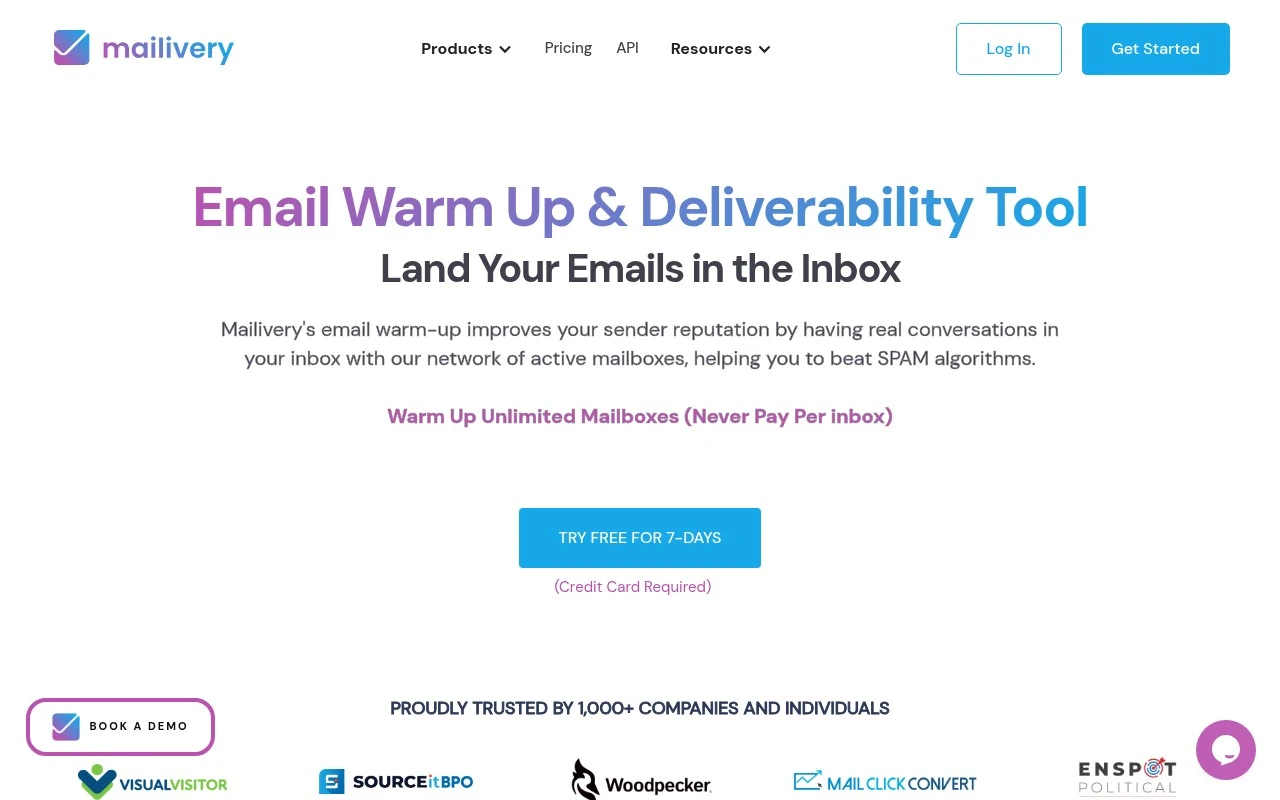
Mailivery is an email warm-up and deliverability tool for teams that rely on outbound email. It connects to mailboxes and uses AI-generated interactions with a peer-to-peer network of real accounts to help build sender reputation, move warm-up emails out of spam, and create positive replies. The platform also includes reporting, blacklist monitoring, customizable warm-up volume and timing, team management, and API options for larger teams or platforms.

FYAI Score

7.9 / 10

Based on 15 reviews + FYAI product analysis

Pricing:

Paid

Best for:

Outbound sales teams scaling cold email across multiple inboxes

Score Breakdown

  • Ease of use8.2 / 10
  • Features7.7 / 10
  • Pricing8.3 / 10
  • Integrations7.4 / 10
  • Support8.0 / 10

PRODUCT PREVIEW

What this AI tool does

Mailivery is an AI tool designed to help people draft and refine email content with less manual effort. It can be used when you need a clear message quickly, such as replying to a customer, following up after a meeting, or writing an internal update, while still keeping the tone appropriate for the situation. In practice, you provide a short prompt or a rough draft and the tool suggests improved wording, structure, and clarity. This can be useful for reducing back-and-forth edits and keeping communication consistent, especially when you write a lot of emails across different audiences. Because it focuses on assisting with writing rather than replacing your judgment, it works best when you review and adjust the final text before sending. If you’re evaluating mailivery for everyday email writing, consider how well its suggestions match your preferred style and any requirements you have for accuracy, privacy, or compliance.

Use cases

Best for

Automated Email Warm-Up

Mailivery automates warm-up by sending, receiving, opening, moving, and replying to emails through a peer mailbox network.

Deliverability Signal Monitoring

Tracks spam placement, sender reputation trends, and blacklist status so you can spot deliverability issues per inbox.

Multi-Mailbox Warm-Up Management

Manages warm-up schedules across multiple mailboxes, teammates, roles, and API-based setups from one dashboard.

ANALYSIS

Strengths & limitations

Strengths
  • Supports unlimited connected mailboxes on its plans rather than charging per inbox.
  • Combines AI-generated warm-up interactions with a peer-to-peer network of real mailboxes.
  • Includes deliverability analytics, blacklist monitoring, team features, and API access for scalable use.
Limitations
  • Primarily focused on warm-up and deliverability rather than being a full cold email sending or sales engagement platform.
  • The free trial requires a credit card according to the site.
  • Results depend on existing sender reputation, mailbox history, and outreach behavior, so improvement may take weeks and is not guaranteed immediately.

Evaluation

FYAI score breakdown

Our structured evaluation across five key criteria

7.9 / 10

Overall score

Based on 15 reviews + FYAI product analysis

  • Ease of use8.2 / 10
  • Features7.7 / 10
  • Pricing8.3 / 10
  • Integrations7.4 / 10
  • Support8.0 / 10

What users say

Findings from public reviews, documentation and community sources.

  • Ease of use

    G2 summarizes that users “consistently praise the product for its ease of use,” and Capterra’s visible review snippet says Mailivery is “Super easy to set-up.” The Mailivery product page says users can “Set everything up in 2 minutes.”

  • Features

    The Mailivery product page describes “AI Powered email interactions with real accounts,” “Data-driven Spam & Reputation Analytics,” “70+ blacklists” monitoring, and API solutions. The Mailivery product page also references customizable sending behavior, email verification, and inbox placement credits.

  • Pricing

    The Mailivery pricing page lists plans at $29, $79, and $199 per month and includes a 7-day trial requiring a credit card. The Mailivery pricing page says each plan includes daily warm-up volume, unlimited mailboxes, blacklist monitors, verification credits, inbox placement credits, and yearly savings.

  • Integrations

    The Mailivery pricing page lists core mailbox connectivity via “Gmail, GSuite, or via SMTP.” Mailivery also surfaces API-based connectivity for larger teams.

  • Support

    The Mailivery site links to “Support,” “Knowledge Base,” and “Contact Us.” A Mailivery customer testimonial says “their customer service has improved 10x” and calls Mailivery “a team you can rely on.”

Who is this for?

Best for teams that need email warm-up across multiple mailboxes, the Mailivery pricing page says each plan includes unlimited mailboxes, and the product page lists “AI Powered email interactions with real accounts” plus “70+ blacklists” monitoring. Less suited to teams that depend on a broad native marketing integration marketplace, the cited connectivity is “Gmail, GSuite, or via SMTP” plus API-based connectivity for larger teams.

PRODUCT PREVIEW

Feature highlights

AI email warm-up

Auto-generates realistic interactions to build sender reputation.

Deliverability monitoring

Track inbox placement and get alerts for blacklist risks.

Team + API controls

Manage many mailboxes with schedules, volume, roles, and API.

COMPARE

Discover curated alternatives worth comparing

Compare similar AI tools based on features, pricing and use cases

7.5/ 10Based on 12.890 reviews

Zoominfo

Lead GenerationCRM & Segmentation
Find and enrich B2B leads with firmographic and contact data
Best for:
Sales teams
Pricing
Paid only

8.6/ 10Based on 6.982 reviews

Zoho CRM

Sales & OutreachAnalytics & Reporting
AI assists CRM tasks: rewrite emails, detect anomalies, predict
Best for:
Sales teams
Pricing
Freemium

8.0/ 10Based on 1.041 reviews

Zoho Campaigns

Lead GenerationCRM & Segmentation
Create, automate, and analyze email and SMS marketing campaigns
Best for:
Marketing teams
Pricing
Freemium

Start sending smarter emails with Mailivery today—turn more subscribers into customers with personalized automation that runs in the background.

FAQ

Frequently asked
questions

Everything you need to know about this AI tool,
its features, pricing, use cases, and limitations.

Who is Mailivery a good fit for, and when should I pick another email tool?
Mailivery is best for small to mid-sized teams that want automated, personalized email sequences with strong segmentation and minimal manual follow-up. It’s a solid choice for lead nurturing, re-engagement, and lifecycle campaigns where targeting matters. If your workflow depends on deep CRM-native features or a large integration ecosystem, you may find other platforms fit better.
Does Mailivery have a free plan, and what are the practical limits of paid tiers?
Mailivery is typically evaluated as a paid product, and costs can rise as you add features or scale usage. When comparing tiers, focus on what’s included for segmentation depth, automation/follow-up sequences, and any caps tied to contacts or sending volume. If you need a long-term free plan for a very small list, you may want to shortlist tools that explicitly offer one.
How does Mailivery compare with other email marketing platforms for automation and segmentation?
Mailivery tends to stand out most on segmentation-driven personalization and automated follow-ups, which can be more streamlined than basic newsletter tools. Compared with broader marketing suites, it may feel lighter on native CRM connectivity and third-party integrations. If your priority is complex multi-channel orchestration, a suite product may be a better match than Mailivery.
How quickly can I get Mailivery running, and what onboarding effort should I expect?
Mailivery’s integration options can be limited for some popular CRM systems, which may require manual workarounds or middleware. Pricing can become a factor for very small teams once you need advanced capabilities. Some users also report a learning curve when moving beyond basic campaigns into more complex automation logic.
What should I check about data handling, privacy, and compliance with Mailivery?
Confirm what customer data Mailivery stores (contacts, behavioral events, email content) and whether you can export or delete it on request. Review its support for consent management, unsubscribe handling, and audit trails if you operate under GDPR/CCPA or similar rules. If you have strict vendor requirements, ask about data residency, subprocessors, and retention policies before committing.