Curated ToolThis tool is part of our curated AI directory. We only include tools that meet our standards for relevance, usability and real-world value.

MailerLite

Email marketing platform for newsletters, automations, and landing pag

Lead GenerationLanding Pages
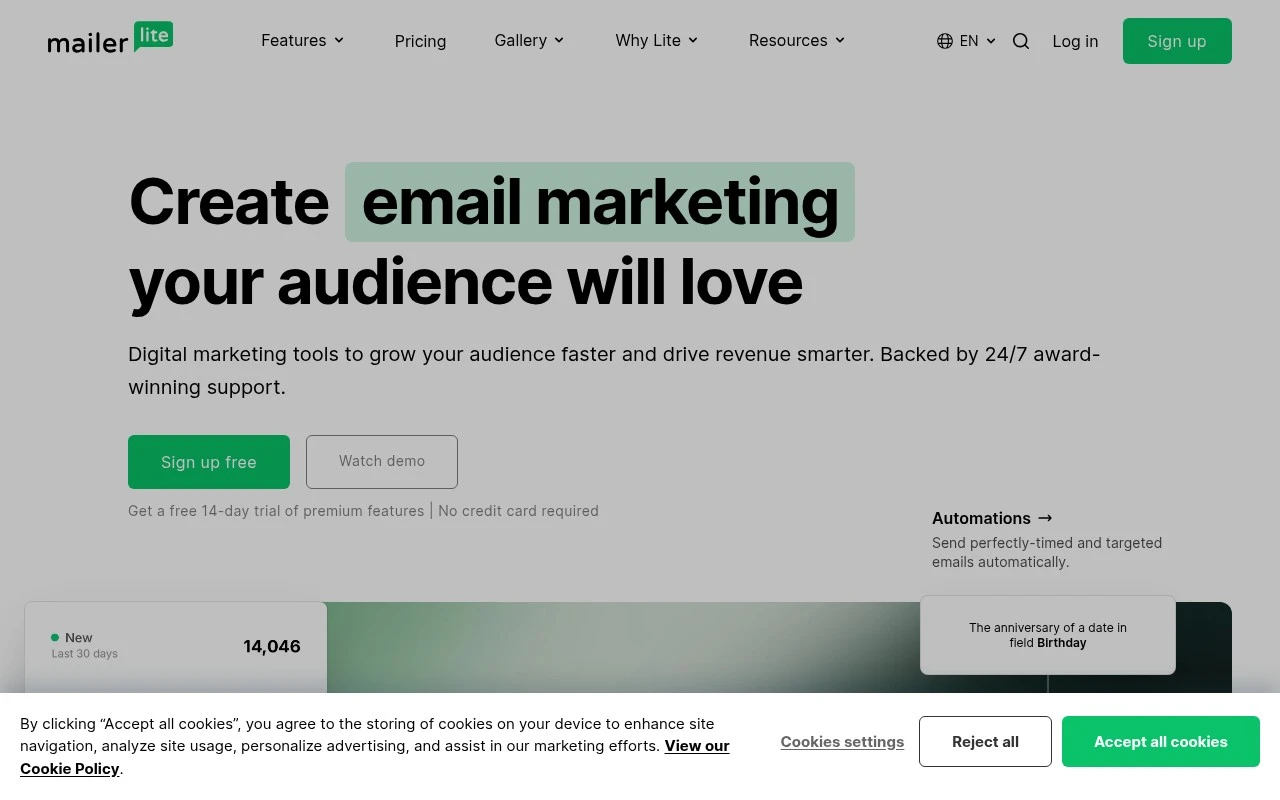
MailerLite is a digital marketing platform centered on email marketing, list growth, and subscriber monetization. It combines email campaigns, automations, signup forms, landing pages, websites, templates, integrations, digital product sales, and paid newsletter subscriptions in a product positioned around ease of use and responsive support.

FYAI Score

8.7 / 10

Based on 3.191 reviews

Pricing:

Freemium

Best for:

Creators and small businesses growing email lists and sales

Score Breakdown

  • Ease of use8.8 / 10
  • Features8.2 / 10
  • Pricing9.2 / 10
  • Integrations8.4 / 10
  • Support8.9 / 10

PRODUCT PREVIEW

What this AI tool does

MailerLite is an email marketing platform designed to help individuals and teams create, send, and manage email campaigns. It provides a workspace for building newsletters, organizing subscriber lists, and tracking how recipients interact with messages, making it useful for routine communications as well as planned campaigns. In practice, it’s often used by small businesses, creators, and organizations that want a straightforward way to stay in touch with an audience. You can draft emails, schedule sends, and review reporting data to understand performance over time, which can support decisions about content, timing, and audience segmentation. For informational needs, mailerlite can also serve as a central place to manage consent and subscription preferences, helping keep contact data organized as your list grows. It’s typically chosen when you want a balance of ease of use and the core tools needed for ongoing email outreach.

Use cases

Best for

Create Email Campaign

Build and send newsletters in MailerLite using drag and drop templates, personalization fields, and audience targeting.

Customer Segmentation

Segment subscribers by signup source, tags, and campaign behavior to target emails to specific customer groups.

Marketing Automation

Create automated workflows that trigger emails from actions like form signups, link clicks, and purchases.

ANALYSIS

Strengths & limitations

Strengths
  • Covers multiple audience-growth needs in one place, including email campaigns, automations, landing pages, forms, websites, and subscriptions.
  • Emphasizes drag-and-drop editors and templates for users who want to create newsletters and pages without heavy technical work.
  • The official site highlights 24/7 support, live chat response times, and integrations with tools such as Stripe, Shopify, WordPress, WooCommerce, Zapier, Make, and Canva.
Limitations
  • The provided source does not describe MailerLite as an AI-specific product or establish AI-native functionality.
  • Its described strengths are focused on email marketing and audience growth, not broader enterprise CRM, sales pipeline, or advertising management.
  • Advanced capability depth, pricing limits, deliverability controls, and plan-specific restrictions cannot be fully assessed from the provided homepage text alone.

Evaluation

FYAI score breakdown

Our structured evaluation across five key criteria

8.7 / 10

Overall score

Based on 3.191 reviews

  • Ease of use8.8 / 10
  • Features8.2 / 10
  • Pricing9.2 / 10
  • Integrations8.4 / 10
  • Support8.9 / 10

What users say

Findings from public reviews, documentation and community sources.

  • Ease of use

    MailerLite describes an “intuitive drag & drop email editor” and templates whose drag-and-drop editors make it “super easy for anyone to customize templates like a pro.” Capterra lists MailerLite at 4.7/5 across 2,318 reviews.

  • Features

    The MailerLite pricing page lists email campaigns, automations, landing pages, websites, signup forms, paid newsletter subscriptions, digital products, performance tracking, templates, A/B testing, AI writing, smart sending, ecommerce triggers, and reporting.

  • Pricing

    The MailerLite pricing page presents four tiers: Free, Comfort, Power, and Enterprise. The MailerLite pricing page lists a free plan for up to 250 subscribers and 2,500 monthly emails plus a 14-day premium trial with no credit card required.

  • Integrations

    The MailerLite pricing page lists “100+ integrations” and names Stripe, Make, Zapier, Shopify, WordPress, WooCommerce, Canva, Claude, and ChatGPT.

  • Support

    MailerLite advertises “24/7 award-winning support,” a “97% satisfaction rate,” and “5 min avg. response time on live chat.” MailerLite states that paid tiers include 24/7 live chat and email support.

Who is this for?

Best for creators and small businesses building email campaigns, landing pages, and paid newsletter subscriptions in one tool, the MailerLite pricing page lists those capabilities and a Free plan for up to 250 subscribers and 2,500 monthly emails. Less suited to teams looking for a full enterprise marketing suite, the documented product coverage is centered on email/audience marketing.

PRODUCT PREVIEW

Feature highlights

Email campaigns

Build and send polished newsletters fast with drag-and-drop.

Automations

Trigger welcome flows and follow-ups based on subscriber actions.

Forms & landing pages

Capture leads with signup forms, landing pages, and websites.

COMPARE

Discover curated alternatives worth comparing

Compare similar AI tools based on features, pricing and use cases

7.5/ 10Based on 12.890 reviews

Zoominfo

Lead GenerationCRM & Segmentation
Find and enrich B2B leads with firmographic and contact data
Best for:
Sales teams
Pricing
Paid only

8.6/ 10Based on 6.982 reviews

Zoho CRM

Sales & OutreachAnalytics & Reporting
AI assists CRM tasks: rewrite emails, detect anomalies, predict
Best for:
Sales teams
Pricing
Freemium

8.0/ 10Based on 1.041 reviews

Zoho Campaigns

Lead GenerationCRM & Segmentation
Create, automate, and analyze email and SMS marketing campaigns
Best for:
Marketing teams
Pricing
Freemium

Join thousands of growing brands using MailerLite to turn subscribers into customers. Start sending smarter campaigns today and see results you can measure.

FAQ

Frequently asked
questions

Everything you need to know about this AI tool,
its features, pricing, use cases, and limitations.

What types of teams is MailerLite a good fit for?
MailerLite tends to work best for small to mid-sized businesses, creators, and nonprofits that want straightforward newsletters, basic segmentation, and automated sequences without heavy technical overhead. It’s a solid choice if your priority is quick campaign creation and simple lifecycle automations rather than complex multi-channel orchestration. If you need advanced enterprise controls or very deep analytics, you may outgrow it.
How does MailerLite’s free plan compare to its paid plans, and what are the main limitations?
MailerLite’s free plan is useful for validating the editor, forms, and basic automations before committing, but it comes with tighter limits on subscribers and sending. Paid plans mainly unlock higher usage caps and more advanced features (and remove constraints that can matter once you scale). If you’re comparing tools, check whether the features you consider “must-have” are available on the tier you’d realistically use.
How does MailerLite compare with Mailchimp, Brevo, and ConvertKit for typical email marketing needs?
MailerLite is often simpler and more cost-predictable than Mailchimp for core email campaigns, but Mailchimp can offer broader ecosystem depth depending on your stack. Compared with Brevo, MailerLite is usually more focused on email-first workflows, while Brevo may be stronger if you want SMS and broader messaging options. Versus ConvertKit, MailerLite can be more budget-friendly for general marketing teams, while ConvertKit is frequently preferred by creator-centric businesses that rely on tagging and creator workflows.
How fast can you get started with MailerLite, and what onboarding effort should you expect?
MailerLite can feel limited if you need highly granular reporting, advanced attribution, or complex customer journeys across multiple channels. Some teams also report deliverability variability, so it’s worth running a pilot and monitoring inbox placement on your own domain. If your organization requires extensive role-based controls or enterprise-grade governance, you may need a more advanced platform.
What should I know about MailerLite’s data handling, privacy, and compliance before adopting it?
MailerLite supports common compliance needs like consent management and unsubscribe handling, but you still need to configure forms, double opt-in, and retention practices to match your policies. Review where data is processed, what sub-processors are involved, and whether a DPA is available for your organization’s requirements. If you operate in regulated industries, confirm auditability, access controls, and data export/deletion workflows before migrating.