Curated ToolThis tool is part of our curated AI directory. We only include tools that meet our standards for relevance, usability and real-world value.

Lusha

Finds and enriches B2B contact and company data for prospecting

Lead Generation
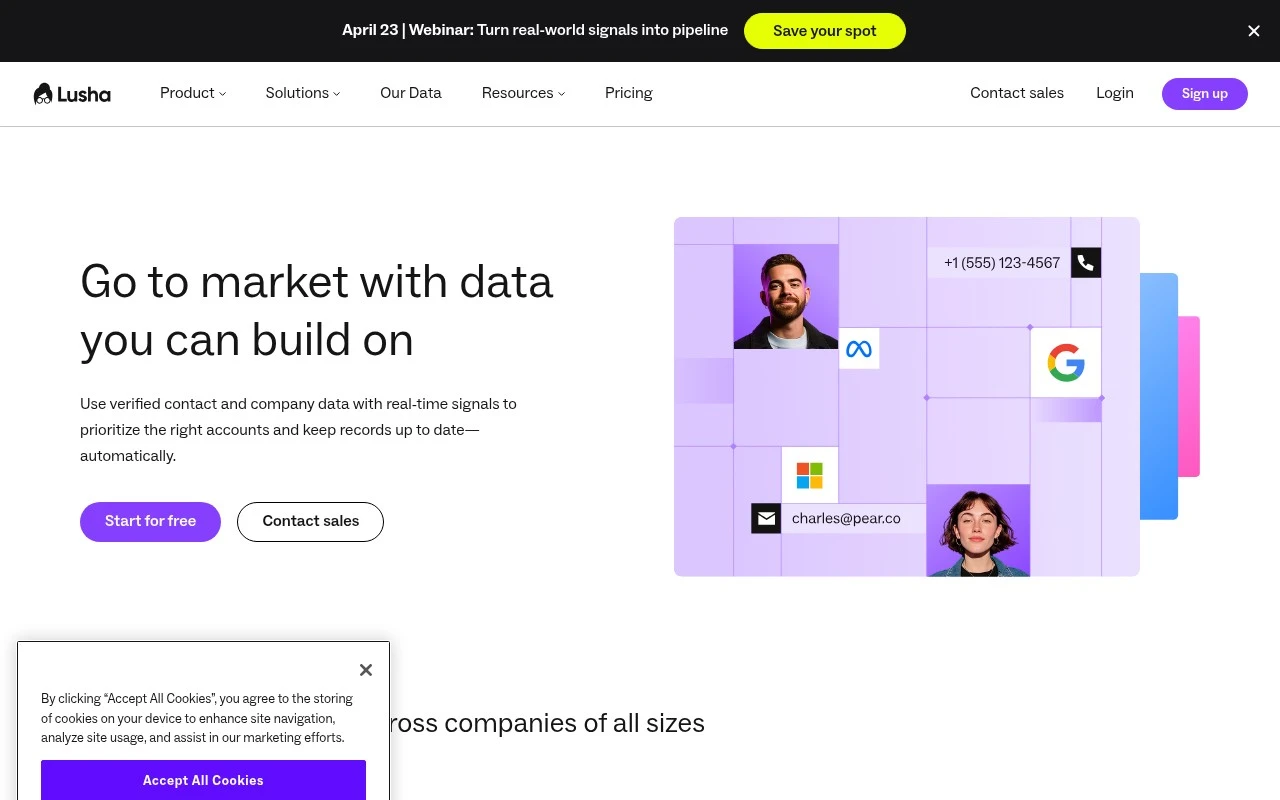
Lusha is a B2B prospecting and sales intelligence tool focused on contact and company data. Teams use it to identify potential buyers, retrieve business emails and phone numbers, and enrich lead or account records for outbound sales, recruiting, and go-to-market workflows. It is best understood as a data and prospecting platform rather than a general-purpose generative AI tool.

FYAI Score

7.8 / 10

Based on 1.660 reviews

Pricing:

Freemium

Best for:

Sales and SDR teams prospecting B2B accounts and contacts

Score Breakdown

  • Ease of use8.3 / 10
  • Features7.3 / 10
  • Pricing8.1 / 10
  • Integrations8.2 / 10
  • Support7.1 / 10

PRODUCT PREVIEW

What this AI tool does

Lusha is a sales intelligence and prospecting tool designed to help teams find and verify business contact details. It’s commonly used by sales, recruiting, and business development professionals who need a faster way to identify the right people at a company and reach out with accurate information. In practice, it supports lead generation and outreach by surfacing work emails, phone numbers, and company context that can be used to build prospect lists and keep CRM records up to date. It’s typically used alongside existing workflows rather than replacing them, helping users spend less time searching for contacts and more time on qualified conversations. Because it handles personal and business contact data, it’s important to consider data privacy and compliance requirements in your region and industry. Reviewing how the platform sources data and how it fits with your organization’s policies can help ensure it’s used responsibly.

Use cases

Best for

Contact Detail Lookup

Use Lusha to find and verify work emails, direct dials, and company details for specific prospects and target accounts.

Crm Data Enrichment

Enrich CRM or lead records by appending missing company fields, work emails, and phone numbers from Lusha contact data.

Outbound List Building

Build and qualify outbound lists by filtering contacts and companies by role, seniority, and firmographics, then exporting the results.

ANALYSIS

Strengths & limitations

Strengths
  • Focused on practical B2B prospecting data, including contact and company information.
  • Useful for sales teams that need to fill gaps in lead, account, or CRM records.
  • Supports outbound workflows by helping users move from target-account research to contact discovery.
Limitations
  • The value depends heavily on data accuracy, coverage, and freshness for the user’s market.
  • Teams must manage compliance, consent, and outreach practices carefully when using contact data.
  • It is not primarily a creative or general AI assistant, so it may not fit users looking for broad AI automation.

Evaluation

FYAI score breakdown

Our structured evaluation across five key criteria

7.8 / 10

Overall score

Based on 1.660 reviews

  • Ease of use8.3 / 10
  • Features7.3 / 10
  • Pricing8.1 / 10
  • Integrations8.2 / 10
  • Support7.1 / 10

What users say

Findings from public reviews, documentation and community sources.

  • Ease of use

    G2 rates Lusha 4.3/5 and says users “consistently praise Lusha for its ease of use.”

  • Features

    G2 notes users praise Lusha’s “accurate contact data” that “significantly streamlines the prospecting process.”

  • Pricing

    ZoomInfo’s Pipeline article says Lusha has a “permanent free tier” and reports paid tiers such as Starter at “$49.90/month” or “$37.45/month” annually. ZoomInfo’s Pipeline article also references Lusha’s credit model.

  • Integrations

    Lusha’s integrations page states Lusha offers “out-of-the-box integrations” plus a “custom API.”

  • Support

    Capterra’s review summary cites “the biggest disappointment” as “customer support,” despite an overall 4/5 rating.

Who is this for?

Best for marketing and prospecting teams that need contact data for lead workflows, G2 says users praise Lusha’s “accurate contact data” that “significantly streamlines the prospecting process.” Less suited to teams that depend heavily on customer support, Capterra’s review summary cites “the biggest disappointment” as “customer support,” so support interactions may become a friction point.

PRODUCT PREVIEW

Feature highlights

Verified contact data

Get business emails and direct dials to reach decision-makers.

Prospecting search

Find leads by company, role, and filters to build target lists.

Lead enrichment

Auto-fill missing fields and keep CRM records clean and current.

COMPARE

Discover curated alternatives worth comparing

Compare similar AI tools based on features, pricing and use cases

7.5/ 10Based on 12.890 reviews

Zoominfo

Lead GenerationCRM & Segmentation
Find and enrich B2B leads with firmographic and contact data
Best for:
Sales teams
Pricing
Paid only

8.6/ 10Based on 6.982 reviews

Zoho CRM

Sales & OutreachAnalytics & Reporting
AI assists CRM tasks: rewrite emails, detect anomalies, predict
Best for:
Sales teams
Pricing
Freemium

8.0/ 10Based on 1.041 reviews

Zoho Campaigns

Lead GenerationCRM & Segmentation
Create, automate, and analyze email and SMS marketing campaigns
Best for:
Marketing teams
Pricing
Freemium

Find the right prospects faster and reach them with confidence. See why revenue teams choose Lusha to turn outreach into more booked meetings.

FAQ

Frequently asked
questions

Everything you need to know about this AI tool,
its features, pricing, use cases, and limitations.

When is Lusha a good fit, and when should I consider another tool?
Lusha is typically a strong fit for B2B sales and marketing teams that need fast access to verified emails and phone numbers for outbound prospecting and CRM enrichment. It’s most useful when your workflow depends on finding direct dials and validated contact details at scale. If your priority is deep company intelligence, intent signals, or heavy ABM orchestration, you may find other platforms more aligned.
Does Lusha have a free plan, and what are the practical limits compared to paid tiers?
Lusha commonly offers a free option with limited monthly credits, which is enough for light testing but not sustained prospecting. Paid plans generally increase credit volume and unlock more enrichment and workflow features. If you’re a low-volume user, compare the effective cost per contact against alternatives with cheaper entry tiers.
How does Lusha compare with ZoomInfo, Apollo, and Clearbit for lead data?
Lusha is often chosen for straightforward contact discovery and enrichment, while ZoomInfo tends to be broader and more expensive with deeper datasets and add-ons. Apollo typically combines a database with sequencing/outreach features, which can reduce tool sprawl if you want prospecting plus engagement in one place. Clearbit is frequently used for enrichment and firmographics rather than direct-dial-first prospecting, so the best choice depends on whether you need phone coverage, enrichment depth, or built-in outreach.
How quickly can a team get Lusha working with their CRM and sales workflow?
Pricing can be a sticking point if you don’t use enough credits to justify the subscription. Data coverage and accuracy can vary by geography and segment, so you may still need spot checks or a secondary source for certain markets. If your team needs highly consistent global coverage, test your target accounts before committing.
What should I evaluate around data privacy, consent, and compliance when using Lusha?
Review how Lusha sources and processes contact data, and confirm whether it supports your requirements for GDPR/CCPA and internal policies. Ensure your team has a clear lawful basis for outreach and a process for honoring opt-outs and suppression lists. Also check where data is stored, how access is controlled, and what audit/export options exist for compliance reviews.