
Curated ToolThis tool is part of our curated AI directory. We only include tools that meet our standards for relevance, usability and real-world value.
Klap
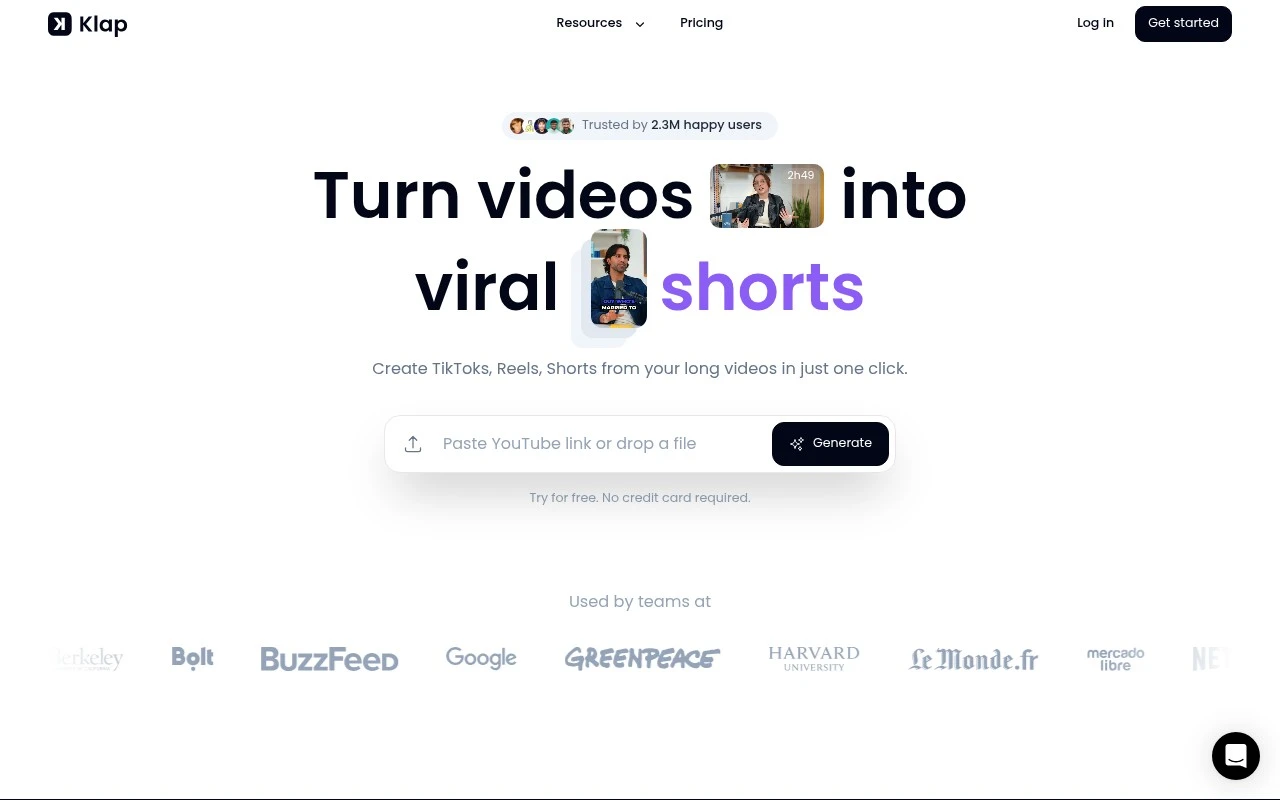
Klap is an AI content repurposing tool that turns long-form videos, such as YouTube uploads or podcasts, into short clips for TikTok, Instagram Reels, and YouTube Shorts. It automatically identifies highlights and formats clips with captions and reframing for vertical social video.
Content & Social
FYAI Score
7.7 / 10
Based on 31 reviews
Pricing:
Freemium
Best for:
Podcasters and creators repurposing long-form talking videos
Score Breakdown
- Ease of use7.7 / 10
- Features7.7 / 10
- Pricing7.9 / 10
- Integrations7.6 / 10
- Support7.5 / 10
 | Strengths |
-
 Well suited to teams with podcasts, interviews, webinars, and trainings because it turns existing long speech-based videos into multiple vertical clips with less manual cutting.
 -
Built-in reframing and caption generation reduce editing handoffs for social teams preparing clips for TikTok, Reels, and YouTube Shorts.
-
Topic detection and viral-score insights help teams prioritize which moments to publish when reviewing lengthy recordings.
 | Limitations |
-
 Less suitable for music videos, cinematic footage, product montages, or highly visual storytelling because its workflow is centered on spoken segments.
 -
Not a replacement for a full video editor for teams that need detailed timeline control, motion graphics, complex transitions, or heavily customized brand packages.
-
The freemium model is less ideal for high-volume publishing teams because meaningful production capacity and usage limits are likely to depend on paid plans.
 | 7.2/ 10Based on 177 reviews |
Arcads
Ad Creation
Creates short-form video ads with AI actors and avatars
Best for: | Marketing teams |
Pricing | Paid |
 | 9.0/ 10Based on 72 reviews |
HeyReach
Sales & OutreachMarketing Automation
Automates LinkedIn outreach, rotates senders, centralizes replies
Best for: | Marketing teams |
Pricing | Freemium |
 | 7.5/ 10Based on 12,890 reviews |
Zoominfo
Lead GenerationCRM & Segmentation
Finds prospects, enriches accounts, and flags buyer signals
Best for: | Sales teams |
Pricing | Paid only |