Curated ToolThis tool is part of our curated AI directory. We only include tools that meet our standards for relevance, usability and real-world value.

Keap

AI-assisted campaign creation with CRM marketing automation

Lead GenerationCRM & Segmentation
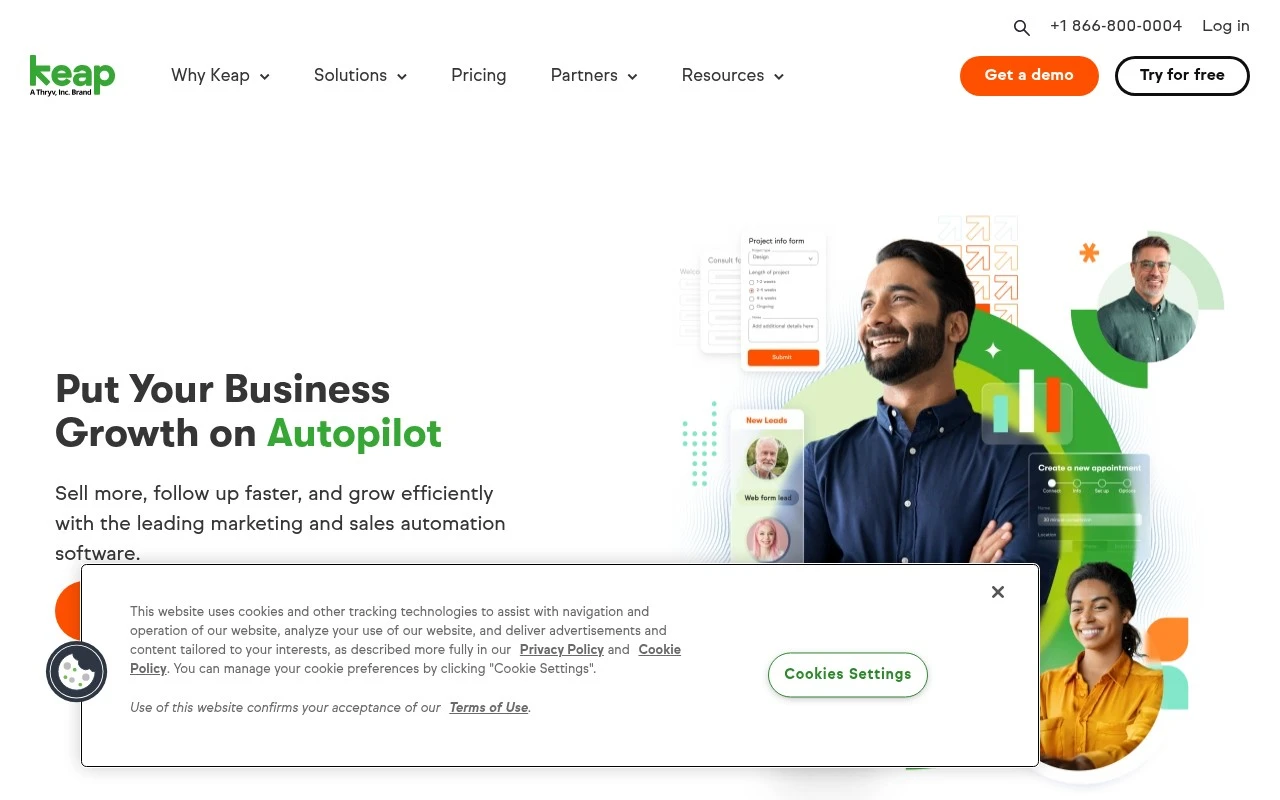
Keap is a CRM and business automation platform built for small businesses. It combines contact management, lead capture, marketing automation, sales automation, email and text follow-up, scheduling, invoicing, reporting, and app integrations. Its main value is helping small teams automate repetitive customer-facing workflows across the customer lifecycle rather than managing leads, follow-ups, and payments manually.

FYAI Score

8.1 / 10

Based on 29 reviews

Pricing:

Paid

Best for:

Small business owners automating sales, follow-ups, and payments

Score Breakdown

  • Ease of use7.7 / 10
  • Features7.8 / 10
  • Pricing7.3 / 10
  • Integrations9.1 / 10
  • Support9.0 / 10

PRODUCT PREVIEW

What this AI tool does

Keap is a business software platform that helps small teams manage customer relationships and day-to-day sales and marketing workflows in one place. It’s typically used to keep contact information organized, track conversations and deals, and reduce manual follow-up work. Many businesses use it to set up automated email sequences, schedule tasks, and capture leads from forms or landing pages, then route those leads into a consistent process. This can be useful for service providers and small ecommerce operations that want clearer visibility into their pipeline and more predictable follow-up. If you’re comparing CRM and marketing automation tools, keap is generally relevant when you need both contact management and basic automation without building a custom system. It’s best evaluated by mapping your current lead-to-customer steps and checking whether the platform’s workflow and reporting match how your team actually works.

Use cases

Best for

Crm Automation

Automate lead capture, pipeline stages, and follow-up tasks by triggering emails, texts, and reminders from CRM activity.

Invoicing

Create and send invoices, take payments, and record transactions to a contact record for billing and reporting.

Marketing Automation

Keap builds email and SMS sequences with tags and triggers, then logs opens, clicks, and replies on each contact.

ANALYSIS

Strengths & limitations

Strengths
  • Combines CRM, marketing automation, sales automation, lead capture, email, texting, scheduling, invoicing, and reporting in one small-business-focused platform.
  • Supports drag-and-drop automation, pre-built automation templates, Keap AI assistance, and customer lifecycle mapping to help users build follow-up campaigns.
  • Offers onboarding, migration, support, professional services, certified partners, and a large integration ecosystem for businesses that need implementation help.
Limitations
  • The product is explicitly positioned for small businesses, so fit for complex enterprise CRM requirements is not established by the official page.
  • The strongest benefits depend on setting up lifecycle automations, integrations, and data migration, which may require onboarding or partner support.
  • The provided official page emphasizes outcomes and broad capabilities more than detailed plan limits, pricing tradeoffs, or technical implementation constraints.

Evaluation

FYAI score breakdown

Our structured evaluation across five key criteria

8.1 / 10

Overall score

Based on 29 reviews

  • Ease of use7.7 / 10
  • Features7.8 / 10
  • Pricing7.3 / 10
  • Integrations9.1 / 10
  • Support9.0 / 10

What users say

Findings from public reviews, documentation and community sources.

  • Ease of use

    G2's review summary says users “consistently praise the ease of use and intuitive features” and can “quickly” learn to navigate Keap, and G2 lists an overall 3.9/5 rating. Keap says, “If you can drag and drop, you can automate your business.”

  • Features

    Keap's website lists CRM, marketing automation, Keap AI, and “pre-built Proven Automation Templates.”

  • Pricing

    Keap's pricing page shows “Starting at $299/mo” and annual billing of “$2,988/year.” Keap's pricing page references “Required implementation services” as part of the buying motion.

  • Integrations

    Keap's integrations page says users can “Connect Keap to 5,000+ apps using Zapier,” and Zapier says Keap connects with “9000 other apps on Zapier.” Keap's integrations page includes Apps & Integrations marketplace and developer navigation.

  • Support

    Keap's website highlights “Free 24/7 support,” a “Customer Success Manager,” a “Dedicated Implementation Manager,” and “Data migration services.” Keap's website also lists a Help Center, Customer Support, Thryv Academy, product updates, and a community.

Who is this for?

Best for small businesses that want CRM and marketing automation in one system, Keap's website lists CRM, marketing automation, lead capture and management, and email marketing. Less suited to teams seeking a very low monthly entry price, Keap's pricing page shows “Starting at $299/mo” and annual billing of “$2,988/year,” with “Required implementation services” included as part of the buying motion.

PRODUCT PREVIEW

Feature highlights

Smart CRM

Organize contacts, tags, and history so every follow-up is personal.

Automation Builder

Automate lead capture, nurturing, and tasks across your pipeline.

Invoices & Payments

Send invoices, take payments, and trigger next steps automatically.

COMPARE

Discover curated alternatives worth comparing

Compare similar AI tools based on features, pricing and use cases

7.5/ 10Based on 12.890 reviews

Zoominfo

Lead GenerationCRM & Segmentation
Find and enrich B2B leads with firmographic and contact data
Best for:
Sales teams
Pricing
Paid only

8.6/ 10Based on 6.982 reviews

Zoho CRM

Sales & OutreachAnalytics & Reporting
AI assists CRM tasks: rewrite emails, detect anomalies, predict
Best for:
Sales teams
Pricing
Freemium

8.0/ 10Based on 1.041 reviews

Zoho Campaigns

Lead GenerationCRM & Segmentation
Create, automate, and analyze email and SMS marketing campaigns
Best for:
Marketing teams
Pricing
Freemium

Join thousands of small businesses using Keap to turn leads into loyal customers. Start building consistent follow-up and faster sales today.

FAQ

Frequently asked
questions

Everything you need to know about this AI tool,
its features, pricing, use cases, and limitations.

What types of small businesses are the best fit for Keap?
Keap tends to fit service-based small businesses that need CRM plus automated follow-up (e.g., lead capture, appointment reminders, and nurture sequences). It’s also a strong match if you want sales pipeline tracking tied directly to email/SMS automation and basic e-commerce or invoicing. If you mainly need a lightweight contact manager without automation, simpler CRMs may be a better value.
Does Keap have a free plan, and what are the limitations of paid plans?
Keap typically does not offer a permanent free plan; access is usually via a paid subscription (often with a trial or demo depending on current offers). Paid tiers can limit contacts, users, and included features like advanced automation, e-commerce, or reporting depending on the package. Expect additional costs if you need more contacts, more users, or add-ons such as payments and texting.
How does Keap compare with HubSpot, ActiveCampaign, or Zoho CRM?
Compared with HubSpot, Keap is often more all-in-one for small teams that want CRM + automation + payments in one place, while HubSpot can scale further but may require multiple hubs to match functionality. Versus ActiveCampaign, Keap is stronger on built-in CRM and sales workflow, while ActiveCampaign is frequently preferred for deeper email automation and deliverability controls. Against Zoho CRM, Keap is usually easier to operate day-to-day, while Zoho tends to offer broader customization and a larger suite at varying price points.
How quickly can you get Keap running, and what onboarding effort should you expect?
Keap can be relatively expensive for very small businesses compared with entry-level CRMs, especially as your contact list grows. Customization is solid for common workflows but can feel limiting if you need highly tailored objects, complex reporting, or unusual data models. Some teams also find the automation builder powerful but initially harder to configure correctly.
What should I know about Keap data handling, privacy, and compliance before buying?
Keap stores customer and marketing data in its cloud platform, so you’ll want to review its Data Processing Addendum, sub-processors, and data retention options against your requirements. If you operate under GDPR/CCPA or send marketing emails/SMS, confirm how consent, unsubscribe handling, and audit logs are supported in your specific plan and integrations. Also verify whether payment processing is handled by Keap directly or via a connected processor, since that affects PCI scope and vendor risk.