Curated ToolThis tool is part of our curated AI directory. We only include tools that meet our standards for relevance, usability and real-world value.

Interseller

Sources recruiting contacts and automates email outreach

Marketing
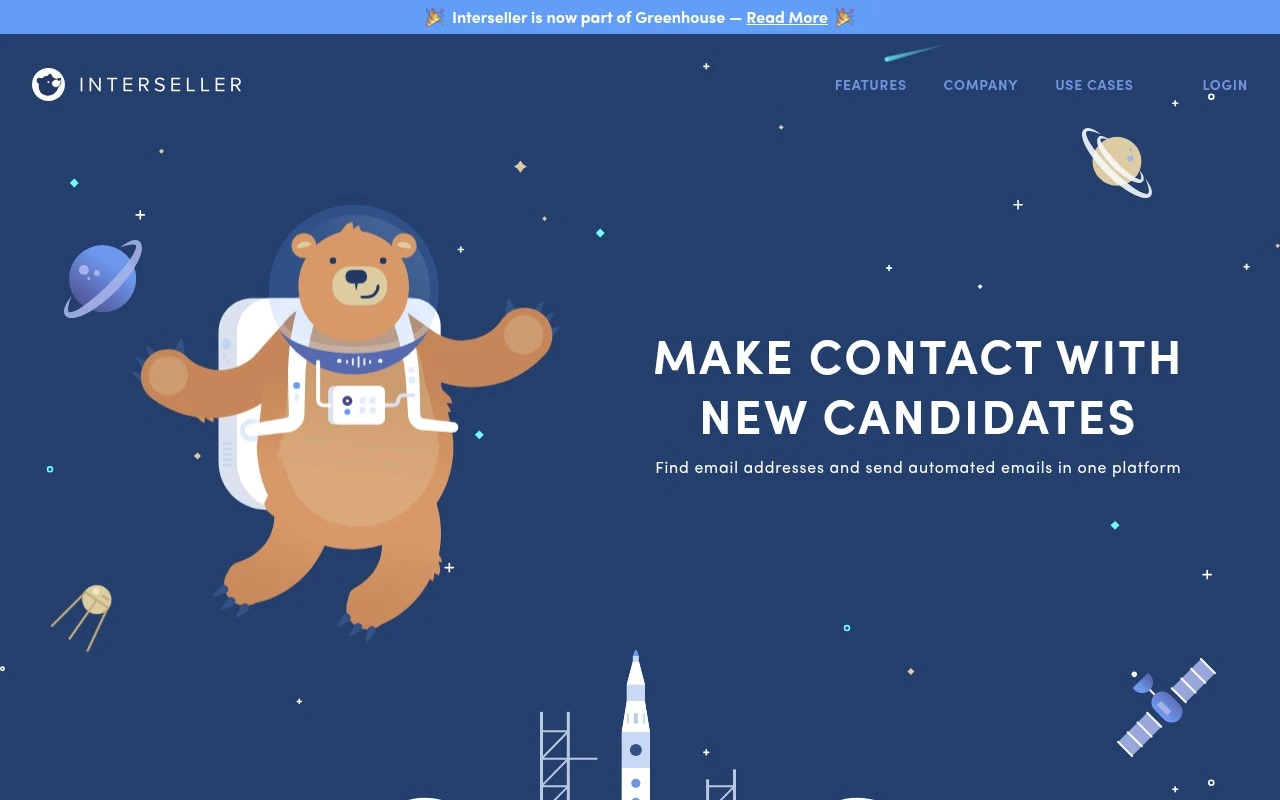
Interseller helps recruiting teams source candidates and prospects, find their email addresses, and contact them through automated email sequences. The official site positions it as a simple email outreach workflow for recruiters, with sourcing, outreach, and integration features, and notes that Interseller is now part of Greenhouse.

FYAI Score

8.0 / 10

Based on 210 reviews

Pricing:

Paid

Best for:

Recruiting teams scaling candidate sourcing and outreach

Score Breakdown

  • Ease of use9.0 / 10
  • Features7.2 / 10
  • Pricing7.3 / 10
  • Integrations8.4 / 10
  • Support8.0 / 10

PRODUCT PREVIEW

What this AI tool does

Interseller is an AI-assisted outreach tool designed to help teams manage and streamline the process of contacting prospects. It brings key steps—such as finding contact details, organizing lead lists, and sending personalized messages—into a single workflow so users can run outbound campaigns with less manual coordination. The tool is typically used by sales and recruiting teams that rely on email outreach and need a consistent way to track who has been contacted, what was sent, and what happened next. By combining automation with templates and basic reporting, it supports repeatable outreach while still leaving room for human review and customization. For someone evaluating interseller, it’s best viewed as a practical system for organizing outbound communication rather than a general-purpose AI assistant. It can fit into a broader sales stack by connecting with common email and CRM tools, helping teams keep outreach activity aligned with their pipeline and follow-up process.

Use cases

Best for

Contact Finding and Verification

Find and verify candidate or prospect emails in Interseller using a Chrome extension or by uploading contact lists.

Automated Email Sequences

Add contacts to personalized email sequences and manage send schedules, safety settings, and inbox activity from one dashboard.

Recruiting Tool Synchronization

Sync prospects, candidates, and outreach history to recruiting tools through native integrations such as Greenhouse.

ANALYSIS

Strengths & limitations

Strengths
  • Combines contact sourcing and email sequencing in one recruiting-focused workflow.
  • Supports syncing prospects and communication with existing recruiting services via native integrations.
  • Designed around recruiter outreach use cases rather than generic sales email alone.
Limitations
  • The official site text does not describe a specific AI capability.
  • Its described functionality is centered on email outreach, not full recruiting pipeline management.
  • Users still need to provide the right targeting and messaging for outreach campaigns.

Evaluation

FYAI score breakdown

Our structured evaluation across five key criteria

8.0 / 10

Overall score

Based on 210 reviews

  • Ease of use9.0 / 10
  • Features7.2 / 10
  • Pricing7.3 / 10
  • Integrations8.4 / 10
  • Support8.0 / 10

What users say

Findings from public reviews, documentation and community sources.

  • Ease of use

    G2 reports a 4.7/5 rating across 210 reviews, with users praising Interseller’s “ease of use” and how it streamlines outreach and follow-ups. Interseller’s own positioning emphasizes a “simple solution for all your email needs.”

  • Features

    Interseller’s site describes a recruiting outreach workflow that includes finding verified contact information, sourcing via Chrome extension or list upload, and sending personalized automated email sequences. Interseller’s site also references managing schedules, safety settings, and inbox activity.

  • Pricing

    Interseller’s subscription update lists “a monthly cost of $200 per user,” including “250 lookups per user,” email sequence sending, and work/personal email search.

  • Integrations

    Interseller’s site describes connecting CRM or ATS systems directly to keep contacts and email communication up to date, and Zapier lists Interseller as connecting with 9,000 other apps. Reviews note LinkedIn usage with Interseller.

  • Support

    Interseller provides a help center with detailed product and subscription articles. G2 reports a 4.7/5 rating across 210 reviews.

Who is this for?

Best for recruiting teams running outbound email, Interseller’s site describes finding verified contact information, sourcing via Chrome extension or list upload, and sending personalized automated email sequences. Less suited to teams looking for a full-suite marketing automation platform, the documented feature set is focused on recruiting outbound, so broader marketing automation workflows may require other tools.

PRODUCT PREVIEW

Feature highlights

Candidate sourcing

Find prospects and build targeted lists from multiple sources.

Email finder

Discover and verify work emails to improve deliverability.

Automated sequences

Send personalized outreach sequences and track replies in one place.

COMPARE

Discover curated alternatives worth comparing

Compare similar AI tools based on features, pricing and use cases

7.5/ 10Based on 12.890 reviews

Zoominfo

Lead GenerationCRM & Segmentation
Find and enrich B2B leads with firmographic and contact data
Best for:
Sales teams
Pricing
Paid only

8.6/ 10Based on 6.982 reviews

Zoho CRM

Sales & OutreachAnalytics & Reporting
AI assists CRM tasks: rewrite emails, detect anomalies, predict
Best for:
Sales teams
Pricing
Freemium

8.0/ 10Based on 1.041 reviews

Zoho Campaigns

Lead GenerationCRM & Segmentation
Create, automate, and analyze email and SMS marketing campaigns
Best for:
Marketing teams
Pricing
Freemium

Start booking more meetings with less manual follow-up. See why sales teams use Interseller to turn outbound outreach into a steady pipeline.

FAQ

Frequently asked
questions

Everything you need to know about this AI tool,
its features, pricing, use cases, and limitations.

Is Interseller a good fit for my use case?
This tool is designed for clearly defined workflows where consistency and speed matter. It performs best when the use case matches its core functionality. Testing against real tasks is recommended before adoption.
Is Interseller free, and what do paid plans include?
Most tools provide a limited free tier or trial. Paid plans usually increase usage limits and unlock advanced features. Pricing should be reviewed before production use.
How does Interseller compare to similar tools?
It focuses on a specific workflow with predictable output. Alternatives may differ in pricing, integrations, or flexibility. Comparing based on your primary use case is advised.
How quickly can I get started with Interseller?
Limitations often relate to customization depth or usage caps. Some outputs may still require human review. Understanding these limits early prevents surprises.
How does Interseller handle data and privacy?
Data handling depends on the provider’s policies and infrastructure. Users should review retention and privacy terms carefully. Sensitive data should be handled with caution.