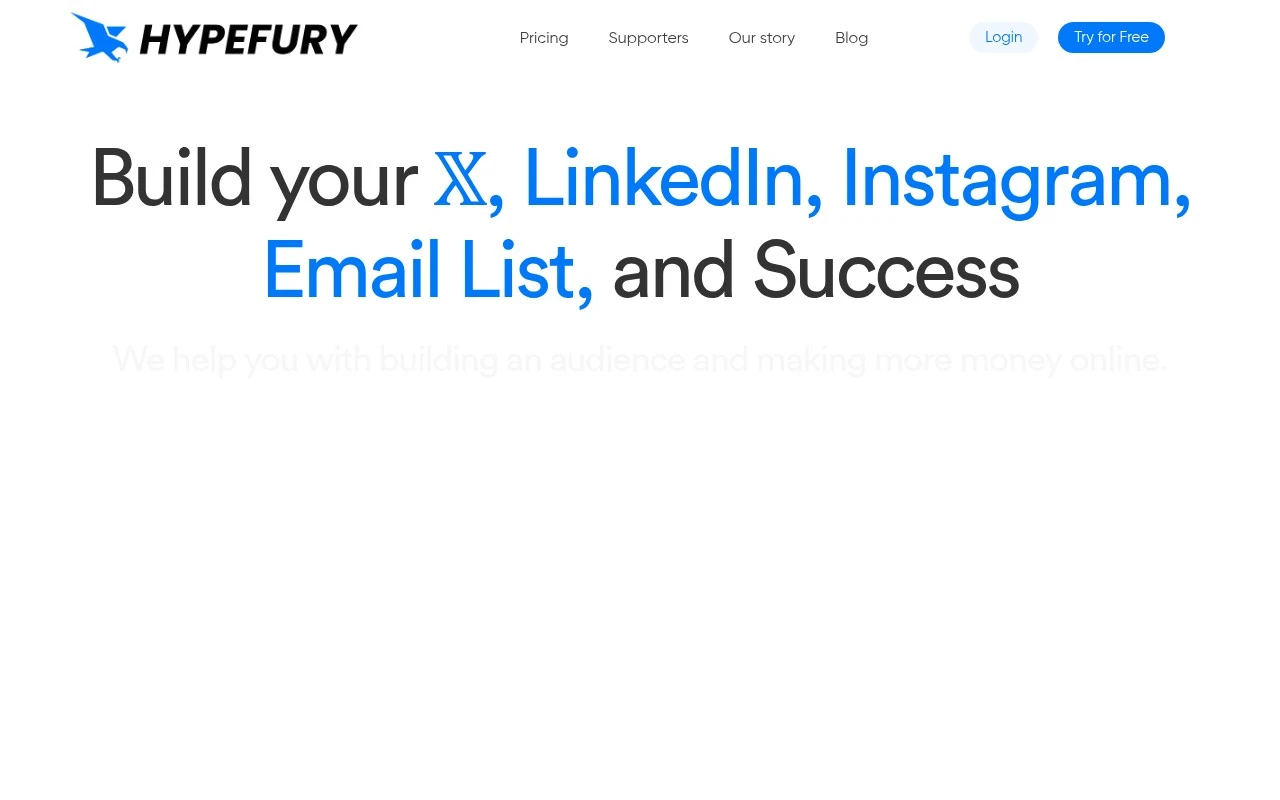
Curated ToolThis tool is part of our curated AI directory. We only include tools that meet our standards for relevance, usability and real-world value.

Hypefury

Schedules and repurposes social posts with automated promotion

Lead GenerationMarketing Automation
Hypefury helps creators create, schedule, repurpose, and automate social content across multiple platforms. Its official site emphasizes creator growth and monetization: users can draw from post templates and niche inspiration, schedule content ahead, convert posts into visual or carousel formats, repost high-performing content, add automated promotional comments, and run automated sales or lead-capture workflows.

FYAI Score

8.5 / 10

Based on 26 reviews

Pricing:

Freemium

Best for:

Creators growing and monetizing on social media

Score Breakdown

  • Ease of use9.2 / 10
  • Features7.4 / 10
  • Pricing9.3 / 10
  • Integrations7.4 / 10
  • Support8.9 / 10

PRODUCT PREVIEW

What this AI tool does

Hypefury is an AI-assisted tool designed to help people plan, write, and schedule social media posts with less manual effort. It’s typically used by creators, founders, and small teams who want a more consistent posting routine without spending all day drafting content. In practice, it supports the workflow from idea to publication by helping you turn prompts or rough notes into post-ready text, organize drafts, and queue them for later. This can be useful when you’re maintaining a content calendar, testing different messaging, or keeping multiple accounts active. For anyone researching hypefury, the main value is understanding how it fits into a broader social media management process: it aims to reduce the friction of writing and scheduling while keeping you in control of what gets published and when.

Use cases

Best for

Social Media Content Creation

Hypefury provides post templates and niche inspiration, then schedules and repurposes posts into visuals or carousels.

Marketing Automation

It automates social promotion by reposting high performers and adding scheduled promotional comments to published posts.

Lead Capture

It runs automated workflows that deliver a link or offer after a trigger, capturing emails or signups from social traffic.

ANALYSIS

Strengths & limitations

Strengths
  • Combines scheduling, cross-posting, repurposing, and creator-focused growth automations in one workflow.
  • Includes content inspiration and templates intended to help users avoid starting from a blank page.
  • Offers monetization-oriented automations such as autoplugs, AutoDM campaigns, evergreen posts, and automated sales posts.
Limitations
  • The official page is focused on creator growth and monetization, so it may be less suited to teams needing enterprise social media governance, approvals, or complex brand workflows.
  • Some capabilities are presented at a high level, with limited detail on analytics depth, team collaboration, or moderation controls.
  • AI-specific functionality is not clearly established from the official page; the described value is mainly scheduling, repurposing, templates, and automation.

Evaluation

FYAI score breakdown

Our structured evaluation across five key criteria

8.5 / 10

Overall score

Based on 26 reviews

  • Ease of use9.2 / 10
  • Features7.4 / 10
  • Pricing9.3 / 10
  • Integrations7.4 / 10
  • Support8.9 / 10

What users say

Findings from public reviews, documentation and community sources.

  • Ease of use

    Software Advice/Capterra quotes users saying Hypefury is “extremely easy to use” and helps them focus on creating content while scheduling at the right times. Hypefury’s product page describes a “minimal, distraction-free editor.”

  • Features

    Hypefury’s pricing page lists AI post generation, analytics, auto-reposts, and autoplugs. Hypefury’s pricing page also lists repurposing to LinkedIn carousels or Instagram images/Reels.

  • Pricing

    Hypefury’s pricing page lists “one simple pricing plan” at “$6/month” or “$5/month if billed yearly,” plus a “7-day free trial” and “No credit card required.”

  • Integrations

    Hypefury’s site names Bluesky, LinkedIn, Instagram, Facebook, Threads, and Gumroad. Hypefury’s pricing page lists channels such as Bluesky, Threads, LinkedIn, and Instagram.

  • Support

    Hypefury’s pricing page lists “Email & Chat support,” and Hypefury’s FAQ says users can consult the help page and then reach out “via the chat app.” G2’s review summary says users praise “excellent customer support.”

Who is this for?

Best for creators who schedule and repurpose social posts across channels, Hypefury’s pricing page lists unlimited scheduling and repurposing to LinkedIn carousels or Instagram images/Reels. The paid plan is simple to evaluate because Hypefury’s pricing page lists “$6/month” or “$5/month if billed yearly,” with a “7-day free trial” and “No credit card required.” Less suited to teams that need a broad marketing ecosystem, API, or marketplace, the named connections are creator/social channels such as Bluesky, LinkedIn, Instagram, Facebook, Threads, and Gumroad.

PRODUCT PREVIEW

Feature highlights

Smart scheduling

Plan and auto-publish posts across platforms from one calendar.

Repurpose content

Turn posts into visuals or carousels to extend reach fast.

Automated growth

Repost winners and run promo comments and lead workflows.

COMPARE

Discover curated alternatives worth comparing

Compare similar AI tools based on features, pricing and use cases

7.5/ 10Based on 12.890 reviews

Zoominfo

Lead GenerationCRM & Segmentation
Find and enrich B2B leads with firmographic and contact data
Best for:
Sales teams
Pricing
Paid only

8.6/ 10Based on 6.982 reviews

Zoho CRM

Sales & OutreachAnalytics & Reporting
AI assists CRM tasks: rewrite emails, detect anomalies, predict
Best for:
Sales teams
Pricing
Freemium

8.0/ 10Based on 1.041 reviews

Zoho Campaigns

Lead GenerationCRM & Segmentation
Create, automate, and analyze email and SMS marketing campaigns
Best for:
Marketing teams
Pricing
Freemium

Start growing your Twitter presence with consistent, high-performing posts. Join creators and brands using Hypefury to turn attention into real engagement.

FAQ

Frequently asked
questions

Everything you need to know about this AI tool,
its features, pricing, use cases, and limitations.

Who is Hypefury a good fit for, and when should you choose something else?
Hypefury fits creators and marketers who focus heavily on X (Twitter) and want scheduled threads, evergreen reposting, and engagement prompts without daily manual work. It’s also useful if you rely on analytics to iterate on posting times and formats. If you need first-class support for multiple social networks or a unified inbox across platforms, a broader social media suite is usually a better match.
Does Hypefury have a free plan, and what are the practical limitations vs paid?
Hypefury typically offers a limited free/trial experience, but the features most people compare on—automation, advanced scheduling, and deeper analytics—are generally in paid tiers. Expect caps around the number of scheduled posts, automation rules, and access to higher-end workflows. If you’re evaluating cost, check whether the paid plan you need is per-user and whether it includes the automation features you consider non-negotiable.
How does Hypefury compare with Buffer, Hootsuite, or TweetDeck/X Pro for X (Twitter) workflows?
Compared with Buffer or Hootsuite, Hypefury is more specialized for X-centric growth workflows (threads, reposting, and content recycling) but less suitable for multi-platform publishing. Versus TweetDeck/X Pro, Hypefury is stronger for scheduling and automation, while TweetDeck-style tools are often better for real-time monitoring and column-based engagement. If your priority is automation and repurposing, Hypefury tends to win; if you need cross-network governance, it usually doesn’t.
How quickly can you get Hypefury running, and what onboarding effort should you expect?
Hypefury is primarily built around X, so it won’t replace a multi-channel social media manager if you publish heavily on LinkedIn, Instagram, or TikTok. Some users find the UI less intuitive than simpler schedulers, which can slow teams down at first. Support options can feel limited if you need hands-on help with advanced automation or troubleshooting.
What should teams consider about data access, privacy, and compliance when using Hypefury?
Hypefury requires access to your X account to schedule and automate posts, so review what permissions it requests and restrict access to only the accounts that need it. For compliance, confirm whether your plan supports team roles, auditability, and any required retention or export of content/analytics. If you operate under strict policies (e.g., regulated industries), verify data storage practices and deletion options in Hypefury’s documentation before rolling it out.