
Curated ToolThis tool is part of our curated AI directory. We only include tools that meet our standards for relevance, usability and real-world value.
HubSpot customer support
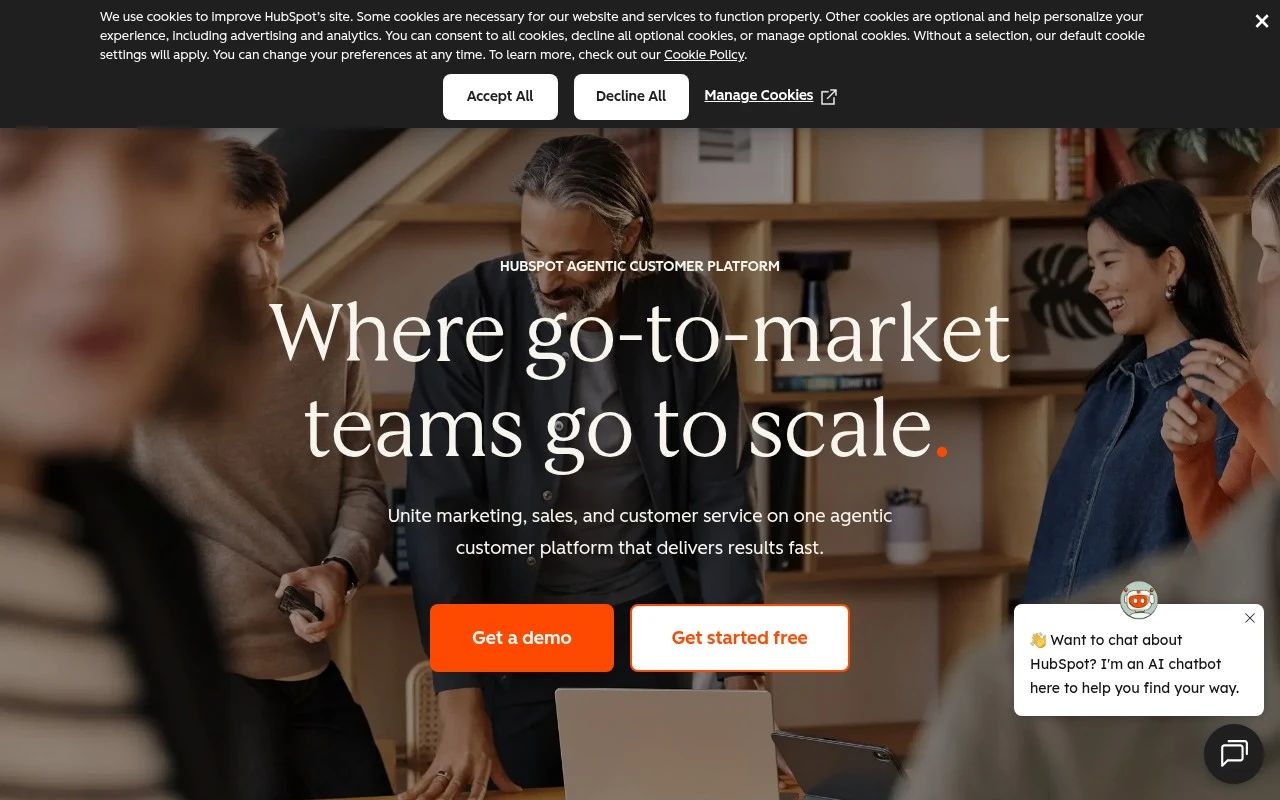
HubSpot customer support is HubSpot’s service software for managing tickets, shared inbox conversations, live chat, knowledge base content, and customer feedback in the same CRM used by sales and marketing teams. It uses crm automation to route tickets, trigger workflows, and keep customer records updated.
CRM & Segmentation
FYAI Score
8.5 / 10
FYAI rating based on features, pricing and integrations
Pricing:
Freemium
Best for:
Support and success teams that want CRM-connected service at scale
Score Breakdown
- Ease of use7.5 / 10
- Features8.9 / 10
- Pricing8.1 / 10
- Integrations9.4 / 10
- Support9.2 / 10
 | Strengths |
-
 Best suited to teams already using HubSpot because support tickets, customer history, sales context, marketing touchpoints, and retention workflows stay connected in one CRM-based platform.
 -
Strong fit for growing service teams because help desk ticketing, omnichannel conversations, SLA management, reporting, feedback surveys, customer portal, and knowledge base tools are packaged together.
-
Useful for support automation because AI agents, routing assistance, conversation analytics, AI-generated follow-ups, and knowledge base creation can reduce repetitive manual work.
 | Limitations |
-
 Less suitable for teams that want a standalone help desk because its main advantage depends on adopting the broader HubSpot customer platform and CRM data model.
 -
The freemium model can become limiting for scaling teams because advanced service, automation, reporting, and customer success capabilities typically require paid HubSpot plans.
-
Heavier than a simple shared inbox for very small teams because configuring pipelines, SLAs, routing, feedback, knowledge base content, and CRM-connected workflows takes ongoing administration.
 | 7.2/ 10Based on 177 reviews |
Arcads
Ad Creation
Creates short-form video ads with AI actors and avatars
Best for: | Marketing teams |
Pricing | Paid |
 | 9.0/ 10Based on 72 reviews |
HeyReach
Sales & OutreachMarketing Automation
Automates LinkedIn outreach, rotates senders, centralizes replies
Best for: | Marketing teams |
Pricing | Freemium |
 | 7.5/ 10Based on 12,890 reviews |
Zoominfo
Lead GenerationCRM & Segmentation
Finds prospects, enriches accounts, and flags buyer signals
Best for: | Sales teams |
Pricing | Paid only |