Curated ToolThis tool is part of our curated AI directory. We only include tools that meet our standards for relevance, usability and real-world value.

GMass

Automates Gmail mail merge campaigns with follow-ups and tracking

Marketing AutomationEmail Marketing & Deliverability
GMass is an email outreach and mail merge tool built around Gmail. It lets users send personalized bulk emails, schedule campaigns, automate follow-ups, and monitor campaign performance while working from their existing Google email account. Its main distinction is that it brings email marketing and sales outreach workflows into Gmail rather than requiring users to manage campaigns in a separate standalone platform.

FYAI Score

8.4 / 10

Based on 1.401 reviews

Pricing:

Paid

Best for:

Sales reps and recruiters running outreach from Gmail

Score Breakdown

  • Ease of use9.3 / 10
  • Features7.9 / 10
  • Pricing9.0 / 10
  • Integrations7.4 / 10
  • Support7.7 / 10

PRODUCT PREVIEW

What this AI tool does

GMass is an email outreach tool designed to work with Gmail, helping individuals and teams send personalized messages to many recipients without leaving their inbox. It’s commonly used for cold email, newsletters, and follow-ups where consistent formatting and individualized fields (like names or company details) matter. In practice, you connect it to your Gmail account, prepare a message, and use a list of contacts to generate and send emails at scale. It also supports basic campaign management tasks such as scheduling, tracking opens and clicks, and handling replies so you can understand engagement and adjust future sends. For people researching gmass, it’s most relevant if you want a lightweight way to run email campaigns from Gmail rather than adopting a separate email marketing platform. As with any outreach workflow, it’s important to consider deliverability and compliance requirements, especially when contacting new recipients.

Use cases

Best for

Create Email Campaign

Create a Gmail-based mail merge in GMass using a Google Sheet to send personalized bulk emails and schedule the send time.

Marketing Automation

Automate outreach by setting GMass to send timed follow-up emails when recipients do not reply, and track opens and clicks.

ANALYSIS

Strengths & limitations

Strengths
  • Works directly with Gmail and Google Workspace, which reduces the need to learn a separate campaign interface.
  • Supports personalized bulk sending and follow-up automation for outreach workflows.
  • Useful for smaller teams or individuals who already manage contacts and communication through Google tools.
Limitations
  • Its usefulness depends heavily on using Gmail or Google Workspace as the sending environment.
  • Bulk outreach still requires careful list quality, consent, and deliverability management to avoid spam issues.
  • It is primarily an email automation tool, not a general-purpose AI assistant or content generation platform.

Evaluation

FYAI score breakdown

Our structured evaluation across five key criteria

8.4 / 10

Overall score

Based on 1.401 reviews

  • Ease of use9.3 / 10
  • Features7.9 / 10
  • Pricing9.0 / 10
  • Integrations7.4 / 10
  • Support7.7 / 10

What users say

Findings from public reviews, documentation and community sources.

  • Ease of use

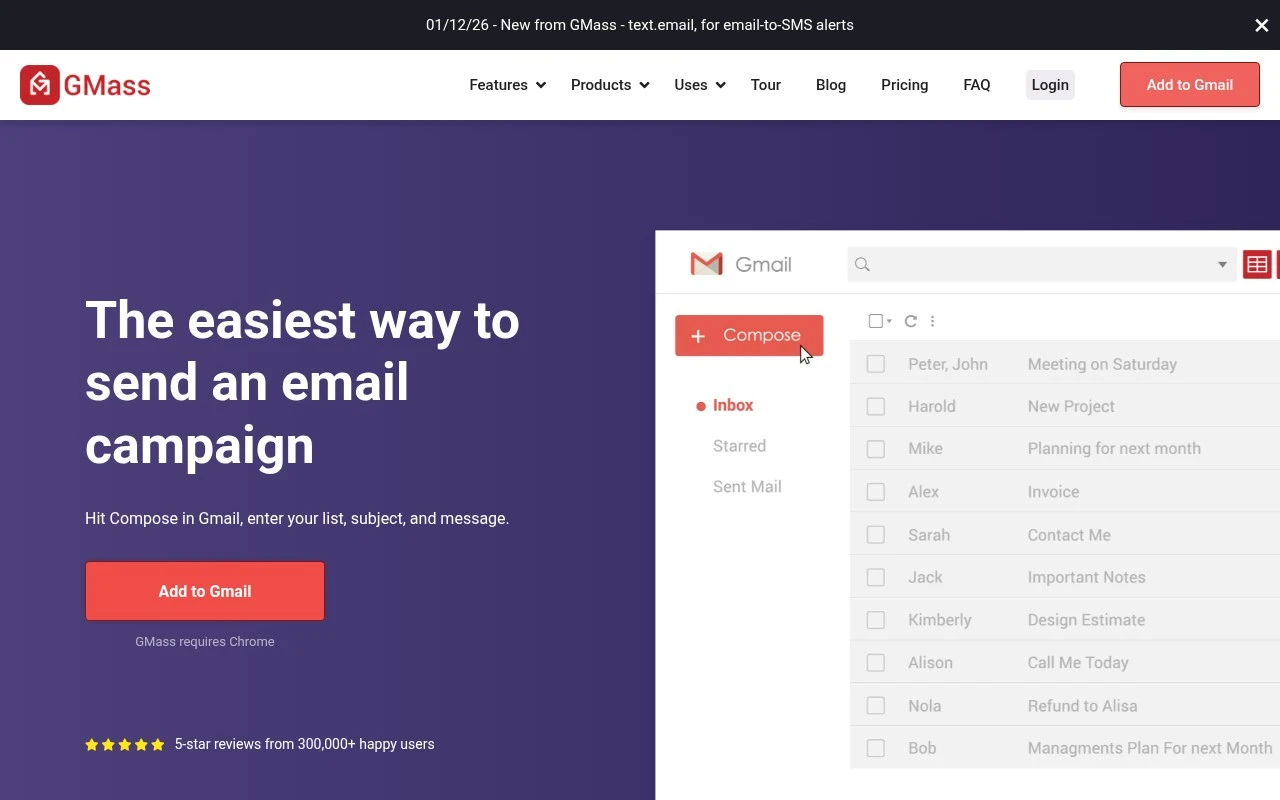
    Software Advice reviews say GMass users could “set everything up in minutes and start sending personalized outreach right away.” GMass is positioned around a Gmail workflow: “Hit Compose in Gmail, enter your list, subject, and message.”

  • Features

    The GMass product page lists mail merge with Google Sheets, automated follow-up sequences, campaign analytics, and reply management. The GMass product page also references verification, spam-trigger checks, scheduling, behavior-based campaigns, and Gmail limit expansion.

  • Pricing

    The GMass pricing page shows Standard, Premium, and Professional plans, including Standard at €26/month or €17/month annually. The GMass pricing page includes “unlimited emails,” “unlimited contacts,” and “unlimited campaigns.”

  • Integrations

    The GMass pricing page explicitly includes “API access (+Zapier).” GMass integrates with Gmail/Chrome and Google Sheets.

  • Support

    The GMass pricing page lists “Email support” and “High-priority support.” Capterra lists GMass at 4.8/5 across 1,401 reviews.

Who is this for?

Best for Gmail-centric outreach teams, GMass works inside a Gmail workflow and the product page lists mail merge with Google Sheets and automated follow-up sequences. Less suited to buyers that need many native marketing-platform integrations, the documented integration facts are Gmail/Chrome, Google Sheets, and “API access (+Zapier),” so workflows outside Google may require API or Zapier.

PRODUCT PREVIEW

Feature highlights

Gmail mail merge

Send personalized bulk emails right from Gmail using Sheets data.

Auto follow-ups

Schedule sequences that stop when someone replies.

Campaign tracking

Track opens, clicks, replies, and performance by campaign.

COMPARE

Discover curated alternatives worth comparing

Compare similar AI tools based on features, pricing and use cases

7.5/ 10Based on 12.890 reviews

Zoominfo

Lead GenerationCRM & Segmentation
Find and enrich B2B leads with firmographic and contact data
Best for:
Sales teams
Pricing
Paid only

8.6/ 10Based on 6.982 reviews

Zoho CRM

Sales & OutreachAnalytics & Reporting
AI assists CRM tasks: rewrite emails, detect anomalies, predict
Best for:
Sales teams
Pricing
Freemium

8.0/ 10Based on 1.041 reviews

Zoho Campaigns

Lead GenerationCRM & Segmentation
Create, automate, and analyze email and SMS marketing campaigns
Best for:
Marketing teams
Pricing
Freemium

Join thousands using GMass to turn cold outreach into real replies. Start sending smarter campaigns today and watch your response rates climb.

FAQ

Frequently asked
questions

Everything you need to know about this AI tool,
its features, pricing, use cases, and limitations.

Who is GMass a good fit for, and when should you pick something else?
GMass fits teams that want to run personalized outreach directly from Gmail—sales, recruiting, PR, and small marketing teams that rely on Google Workspace. It’s especially useful when you want mail-merge style personalization, follow-ups, and simple reporting without moving to a separate ESP. If you need multi-channel automation, complex customer journeys, or deep CRM-native workflows, a dedicated marketing automation platform may be a better match.
Does GMass have a free plan, and what do you lose compared to paid tiers?
GMass typically offers a limited free option/trial, but ongoing sending, automation, and reporting features are mainly in paid plans. Paid tiers unlock higher sending limits, advanced scheduling/automation, and fuller tracking/analytics. If you’re comparing tools, check whether the plan you’re considering includes follow-up sequences and the daily send volume you need.
How does GMass compare with Mailchimp, Apollo, or other email outreach tools?
GMass is Gmail-native, so it’s often faster for teams who want campaigns to appear as regular Gmail sends rather than using a separate sending infrastructure like Mailchimp. Compared with sales engagement tools (e.g., Apollo-style platforms), GMass is lighter on CRM features but simpler for email-only outreach. If you need landing pages, list growth tools, or multi-step marketing journeys, a traditional ESP may cover more use cases.
How quickly can you get GMass running, and what onboarding effort should you expect?
GMass is centered on Gmail, so it’s not ideal if your organization uses Outlook-based workflows or needs a platform-agnostic sender. Some advanced capabilities (rules, sequences, and reporting) can take time to learn compared with simpler newsletter tools. Costs can rise as your list size and sending needs grow, which matters if you’re scaling high-volume campaigns.
What should you know about data handling, privacy, and compliance when using GMass?
Because GMass operates through your Gmail/Google Workspace account, your sending and contact data are closely tied to Google’s environment plus GMass’s processing for features like tracking and automation. If you operate under GDPR/CCPA or have strict vendor reviews, confirm where data is stored, what’s logged, and how tracking (opens/clicks) is implemented. Also verify whether your use case requires consent management, unsubscribe handling, and retention controls beyond what Gmail provides.