Curated ToolThis tool is part of our curated AI directory. We only include tools that meet our standards for relevance, usability and real-world value.

Getresponse

AI for email content, send-time optimization, and landing pages

Lead GenerationCRM & Segmentation
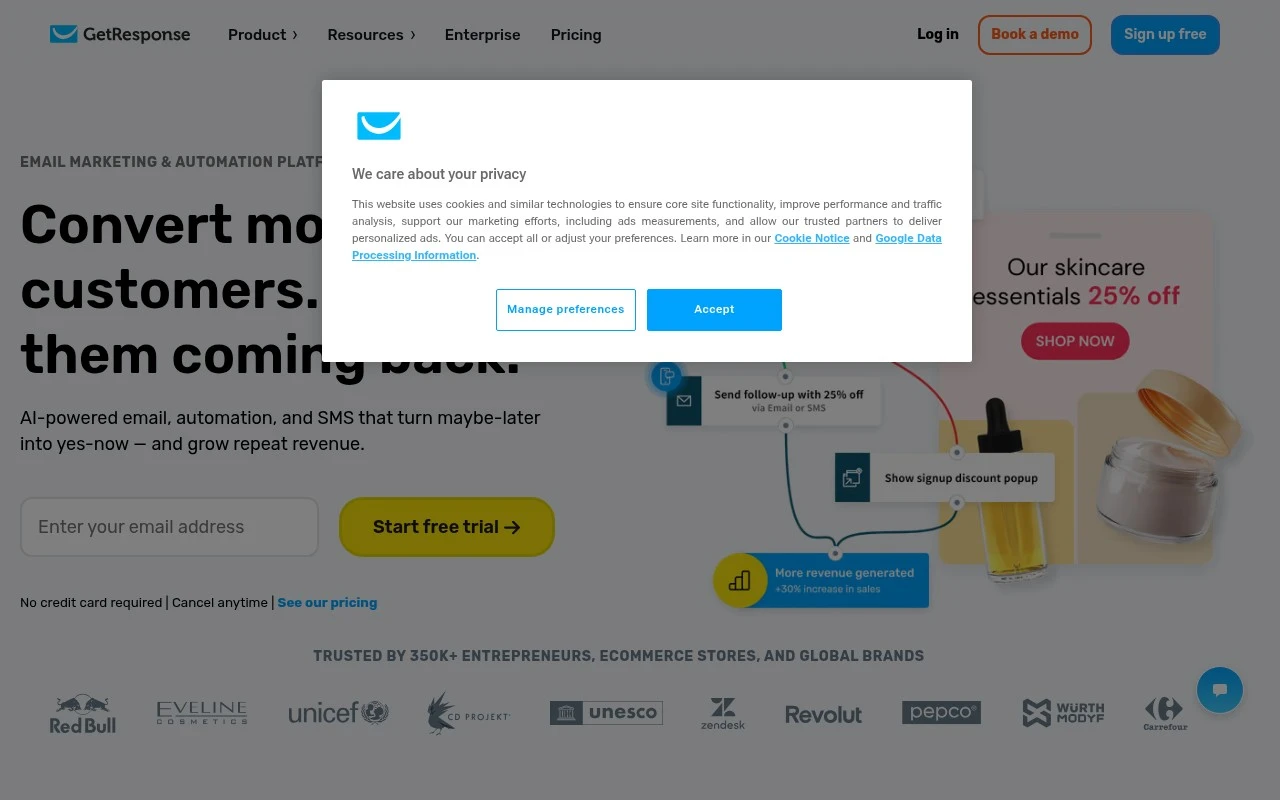
Getresponse is an email marketing and automation platform focused on helping businesses convert leads and drive repeat revenue. Its official site emphasizes unlimited emails, automations, and landing pages, plus AI-assisted content, send-time optimization, SMS, web push, product recommendations, funnels, webinars, and 150+ integrations.

FYAI Score

8.4 / 10

Based on 1.138 reviews

Pricing:

Free trial

Best for:

Marketing teams running email-first lead gen and retention

Score Breakdown

  • Ease of use8.0 / 10
  • Features8.6 / 10
  • Pricing8.5 / 10
  • Integrations8.5 / 10
  • Support8.6 / 10

PRODUCT PREVIEW

What this AI tool does

Getresponse is an online platform used to create and manage email-based communication with customers and subscribers. It’s typically used by small businesses, creators, and marketing teams who want a structured way to build mailing lists, send newsletters, and track how recipients interact with messages. In practice, it helps organize contacts, design email campaigns, and automate common follow-ups such as welcome messages or reminders. It also provides reporting so you can review delivery and engagement results over time, which can support decisions about content, timing, and audience segments. If you’re researching getresponse, it’s useful to consider how it fits into your existing workflow, including how you collect subscriber consent, how you plan campaigns, and what level of automation and analytics you need. The tool is generally positioned for ongoing email communication rather than one-off announcements.

Use cases

Best for

Marketing Automation

Use Getresponse to trigger email, SMS, and web push automations from signups, purchases, and link clicks using workflow rules.

Customer Segmentation

Segment contacts by behavior, purchase data, tags, and custom fields, then send targeted campaigns to each audience group.

Build Landing Page

Build a landing page with templates, forms, and A B testing, then connect it to email lists and automation workflows.

ANALYSIS

Strengths & limitations

Strengths
  • Combines email campaigns, automation workflows, landing pages, and additional conversion tools in one platform.
  • Includes AI features for email content, send-time recommendations, landing page copy and layouts, and product recommendations.
  • Supports broader marketing workflows through SMS, web push, forms, popups, funnels, webinars, and 150+ integrations.
Limitations
  • The provided site content does not give detailed pricing, plan restrictions, or which features are included in each tier.
  • It is primarily described as a marketing automation and email platform, not a full CRM, helpdesk, or sales pipeline system.
  • Claims such as deliverability rate and affordability are presented by the vendor and would need independent validation for procurement decisions.

Evaluation

FYAI score breakdown

Our structured evaluation across five key criteria

8.4 / 10

Overall score

Based on 1.138 reviews

  • Ease of use8.0 / 10
  • Features8.6 / 10
  • Pricing8.5 / 10
  • Integrations8.5 / 10
  • Support8.6 / 10

What users say

Findings from public reviews, documentation and community sources.

  • Ease of use

    G2 reports 4.3/5 across 1,138 reviews for GetResponse and summarizes that users “consistently praise the intuitive interface and ease of use.” Reddit comments cited in the notes include users calling parts of the UI clunky.

  • Features

    The GetResponse pricing page lists email marketing with unlimited sends, AI generators, automation workflows, landing pages, webinars, and ecommerce reporting across tiers.

  • Pricing

    The GetResponse pricing page lists Starter at €13.12/mo annually, Marketer at €44.28/mo annually, Creator at €50.84/mo annually, and Enterprise custom pricing; the page also states a free 14-day trial and unlimited monthly email sends.

  • Integrations

    GetResponse states it has “150+ integrations,” and the GetResponse pricing page lists Google Analytics, Facebook Pixel, PayPal and Stripe integrations, API, and SMTP connection.

  • Support

    The GetResponse pricing page lists email support and chat support across plans. The GetResponse pricing page lists phone support, Slack support, dedicated onboarding, priority support, and a dedicated Customer Experience Manager on enterprise.

Who is this for?

Best for teams that want email marketing with built-in conversion tools, the GetResponse pricing page lists unlimited monthly email sends, automation workflows, landing pages, and webinars. Less suited to buyers who need advanced capabilities in every plan, the pricing note says advanced capabilities are tiered into higher plans.

PRODUCT PREVIEW

Feature highlights

Automation workflows

Build drip sequences and triggers that nurture leads automatically.

Funnels & landing pages

Launch opt-in pages and funnels to capture and convert leads.

Send-time optimization

Deliver emails when each contact is most likely to open.

COMPARE

Discover curated alternatives worth comparing

Compare similar AI tools based on features, pricing and use cases

7.5/ 10Based on 12.890 reviews

Zoominfo

Lead GenerationCRM & Segmentation
Find and enrich B2B leads with firmographic and contact data
Best for:
Sales teams
Pricing
Paid only

8.6/ 10Based on 6.982 reviews

Zoho CRM

Sales & OutreachAnalytics & Reporting
AI assists CRM tasks: rewrite emails, detect anomalies, predict
Best for:
Sales teams
Pricing
Freemium

8.0/ 10Based on 1.041 reviews

Zoho Campaigns

Lead GenerationCRM & Segmentation
Create, automate, and analyze email and SMS marketing campaigns
Best for:
Marketing teams
Pricing
Freemium

Join thousands of businesses using Getresponse to turn subscribers into customers. Launch smarter campaigns today and watch engagement and sales grow.

FAQ

Frequently asked
questions

Everything you need to know about this AI tool,
its features, pricing, use cases, and limitations.

Is Getresponse a good fit for ecommerce, creators, or B2B lead generation?
Getresponse tends to fit teams that rely on email-driven revenue, such as ecommerce stores running promos and lifecycle flows, or creators selling digital products. It’s also workable for B2B lead gen if you need landing pages, forms, and automated follow-ups in one place. If your priority is highly bespoke design or complex CRM-driven sales pipelines, you may find other platforms more specialized.
What’s the difference between Getresponse’s free plan and paid plans?
Getresponse’s free plan is mainly for trying the builder and sending basic newsletters to a small list, with tighter feature limits than paid tiers. Paid plans unlock more advanced automation, segmentation, and channel options, and pricing generally scales with list size. If you expect to use multi-step workflows or advanced features, budget for a paid tier early.
How does Getresponse compare with Mailchimp, ActiveCampaign, and Klaviyo?
Compared with Mailchimp, Getresponse often offers stronger built-in automation and funnel-style tools, but template customization can feel more constrained. Versus ActiveCampaign, it’s typically easier to get started, while ActiveCampaign can be more flexible for complex automation and CRM-heavy setups. Against Klaviyo, Getresponse is usually less ecommerce-data-centric, so deep store-event targeting may be better in Klaviyo.
How quickly can you set up Getresponse and start sending campaigns?
Email template design flexibility can be more limited than some competitors, which matters if brand styling is strict. Costs can rise as your list grows or as you add advanced features, so it’s worth modeling pricing at your 6–12 month list size. More sophisticated automation features may require a learning curve for non-technical teams.
What should I know about data privacy, security, and compliance with Getresponse?
Getresponse supports common email compliance needs like consent management and unsubscribe handling, but you still need to configure forms, double opt-in (if required), and retention practices to match your policies. Check where data is processed/stored, what sub-processors are used, and whether a DPA is available before committing. If you operate under GDPR/UK GDPR or similar rules, confirm you can export/delete contact data and document lawful basis for marketing.