Curated ToolThis tool is part of our curated AI directory. We only include tools that meet our standards for relevance, usability and real-world value.

Gempages

Generates editable Shopify page layouts from images or URLs

Sales & OutreachConversion Optimization

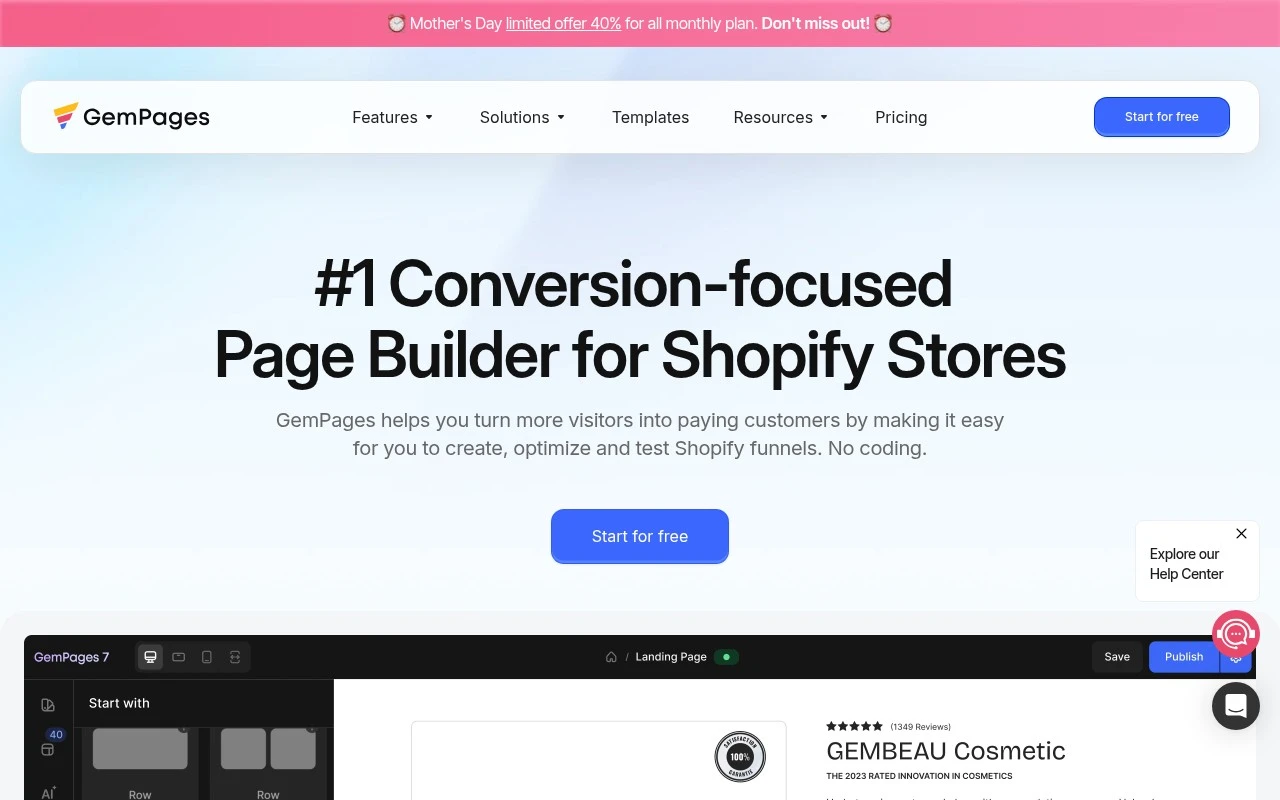
Gempages is a conversion-focused page builder for Shopify stores. It lets merchants design custom storefront pages and sales funnels without coding, using CRO-oriented templates, page elements, interaction tools, theme sections, and funnel-building features. The site also describes AI-assisted layout generation through GemAI Image 2 Layout, which can turn reference images or URLs into editable layouts.

FYAI Score

8.1 / 10

Based on 638 reviews

Pricing:

Freemium

Best for:

Shopify merchants building high-converting landing pages and funnels

Score Breakdown

  • Ease of use7.9 / 10
  • Features8.1 / 10
  • Pricing8.0 / 10
  • Integrations7.6 / 10
  • Support9.3 / 10

PRODUCT PREVIEW

What this AI tool does

Gempages is an AI-assisted tool designed to help teams create and refine page content more efficiently. It focuses on turning rough ideas into clearer copy and structured layouts, making it easier to draft pages that read well and stay consistent with a brand’s tone. It’s typically used when you need to produce or update web pages quickly, such as landing pages, product pages, or campaign content. By guiding the writing and editing process, gempages can support faster iteration and reduce the time spent on repetitive revisions, while still leaving final decisions and quality control to the user.

Use cases

Best for

Build Landing Page

Build Shopify landing pages in a drag and drop editor using CRO templates, theme sections, and reusable page elements.

Conversion Rate Optimization

Use Gempages to add conversion elements like countdowns, sticky add to cart, and popups to test and refine page layouts.

Funnel Optimization

Create and edit Shopify sales funnels by linking custom pages and optimizing each step with templates and interaction widgets.

ANALYSIS

Strengths & limitations

Strengths
  • Built specifically around Shopify storefront customization and ecommerce conversion workflows.
  • Supports multiple Shopify page types, including landing pages, product pages, collection pages, home pages, blog posts, and post-purchase upsell pages.
  • Includes conversion-oriented features such as CRO elements, sales funnels, interactions, instant landing pages, and A/B testing via GEMX.
Limitations
  • The tool is presented specifically for Shopify, so it is not a general website builder for non-Shopify sites.
  • Conversion and sales improvement claims are marketing claims from the official site and are not independently verified in the provided source.
  • Some named capabilities, such as GEMX A/B testing and GemAI Image 2 Layout, are mentioned but not explained in enough detail in the provided page text to assess limits or availability.

Evaluation

FYAI score breakdown

Our structured evaluation across five key criteria

8.1 / 10

Overall score

Based on 638 reviews

  • Ease of use7.9 / 10
  • Features8.1 / 10
  • Pricing8.0 / 10
  • Integrations7.6 / 10
  • Support9.3 / 10

What users say

Findings from public reviews, documentation and community sources.

  • Ease of use

    GemPages says users can build Shopify funnels with “No coding” and “quickly build high-converting funnels.” The GemPages pricing page lists a “Drag&Drop page builder.”

  • Features

    The GemPages product page lists “CRO-focused Page Builder,” “GemAI - Image 2 Layout,” “Sales Funnel Builder,” and “A/B Testing Platform with GEMX.”

  • Pricing

    The GemPages pricing page states “Start building for free. Scale as you grow. No hidden fees,” and lists a Free plan at “$0” with “1 Published page,” “Drag&Drop page builder,” and “Responsive web design.”

  • Integrations

    The GemPages help center says users can “Integrate third-party apps seamlessly with GemPages,” and the GemPages site describes “integrations with essential Shopify Apps.”

  • Support

    Trustpilot shows GemPages at 4.8/5 across 638 reviews, with a review snippet saying the “support and technical team goes above and beyond.” G2 includes a reviewer saying they had “such great customer service” and that the team is “explicitly helpful.”

Who is this for?

Best for Shopify merchants building funnels without developer help, GemPages says users can build Shopify funnels with “No coding,” and the pricing page lists a “Drag&Drop page builder.” Less suited to teams that need more than “1 Published page” while staying on the Free plan, the GemPages pricing page lists the Free plan at “$0” with “1 Published page.”

PRODUCT PREVIEW

Feature highlights

CRO Page Builder

Build custom product, landing, and home pages without code.

Sales Funnel Builder

Create multi-step funnels to guide shoppers from click to checkout.

Image-to-Layout AI

Turn a URL or image into an editable layout with GemAI.

COMPARE

Discover curated alternatives worth comparing

Compare similar AI tools based on features, pricing and use cases

7.5/ 10Based on 12.890 reviews

Zoominfo

Lead GenerationCRM & Segmentation
Find and enrich B2B leads with firmographic and contact data
Best for:
Sales teams
Pricing
Paid only

8.6/ 10Based on 6.982 reviews

Zoho CRM

Sales & OutreachAnalytics & Reporting
AI assists CRM tasks: rewrite emails, detect anomalies, predict
Best for:
Sales teams
Pricing
Freemium

8.0/ 10Based on 1.041 reviews

Zoho Campaigns

Lead GenerationCRM & Segmentation
Create, automate, and analyze email and SMS marketing campaigns
Best for:
Marketing teams
Pricing
Freemium

Launch conversion-focused pages faster and turn more visitors into buyers. See why growing e-commerce teams build with Gempages today.

FAQ

Frequently asked
questions

Everything you need to know about this AI tool,
its features, pricing, use cases, and limitations.

When is Gempages a good fit, and when should I pick a different landing page tool?
Gempages is best for Shopify-focused e-commerce teams that want to ship product, collection, and campaign landing pages quickly using templates and a visual editor. It’s a strong fit when conversion-focused layouts and integrations matter more than fully custom code. If you need highly bespoke front-end development workflows or a headless setup, a developer-centric builder may be a better match.
Does Gempages have a free plan, and what are the practical limitations compared to paid tiers?
Gempages typically offers tiered paid plans, and any free/trial access is mainly for evaluation rather than running ongoing campaigns. The main constraints you’ll notice at lower tiers are limits on published pages/features and fewer advanced elements or integrations. If you plan to run multiple campaigns or need more flexibility, budget for a paid tier early.
How does Gempages compare with Shopify’s built-in editor and other page builders like PageFly or Shogun?
Compared with Shopify’s native editor, Gempages usually provides more landing-page-oriented sections, templates, and conversion elements without requiring custom theme work. Versus PageFly or Shogun, the differences tend to come down to editor preference, template quality for your niche, and how each tool impacts performance on complex pages. If you’re choosing between them, test the same page layout in each and compare load speed, mobile editing, and any feature gating on your plan.
How fast can I get a first page live with Gempages, and what onboarding effort should I expect?
Advanced customization can feel limiting if you want deep control over code, reusable components, or highly unique interactions. Some users see slower performance on heavy pages, so you may need to keep layouts lean and monitor speed. Pricing can also be a deciding factor for smaller stores if you only need occasional landing pages.
What should I know about data handling, privacy, and compliance when using Gempages?
Gempages pages can collect customer data through forms and embedded apps, so your compliance obligations depend on what you capture and which third-party scripts you add. Review where data is stored/processed, how cookies and tracking are implemented, and whether you can configure consent banners via your Shopify setup or a CMP. For regulated use cases, confirm the vendor’s DPA, subprocessors, and retention/deletion options before rolling it out.