
Curated ToolThis tool is part of our curated AI directory. We only include tools that meet our standards for relevance, usability and real-world value.
EngageBay
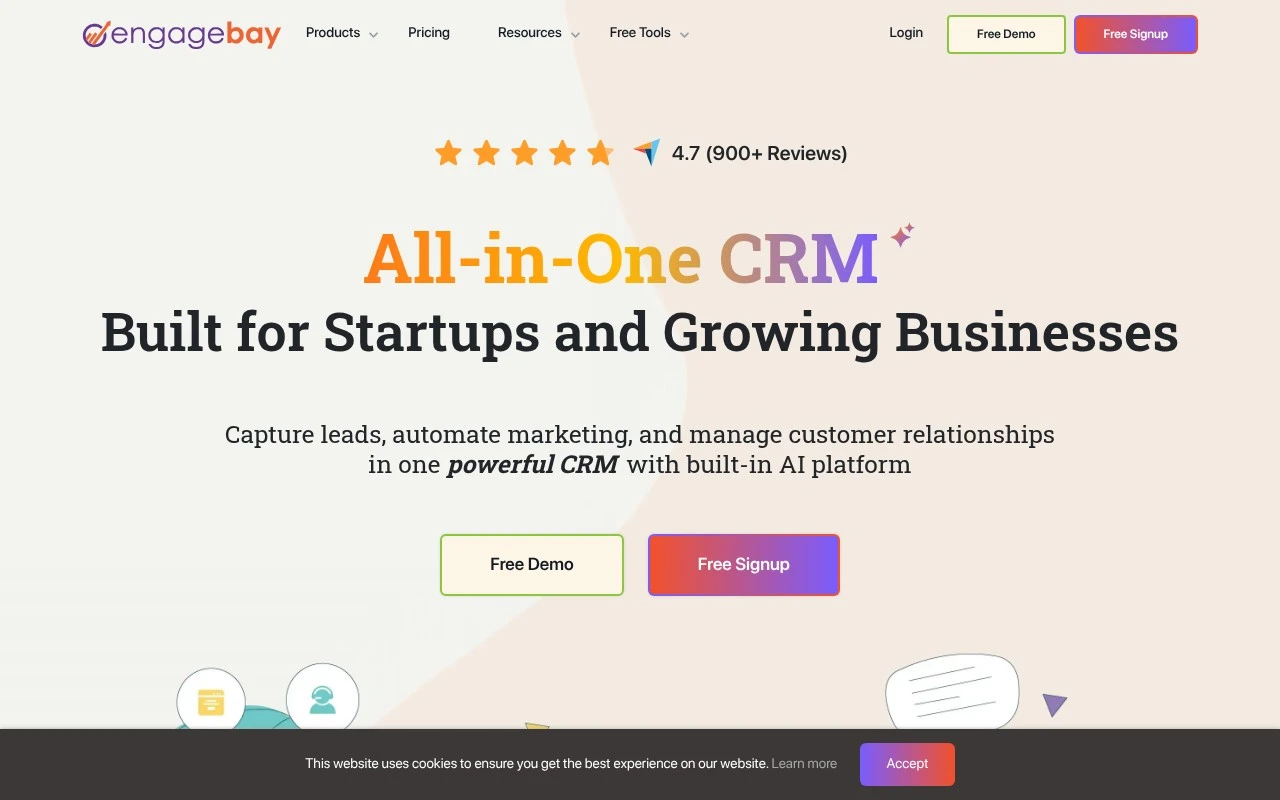
EngageBay is an all-in-one CRM platform for small businesses that combines marketing automation, sales pipelines, email campaigns, live chat, and helpdesk features. It supports customer segmentation to help teams organize contacts and target communications based on behavior, attributes, or lifecycle stage.
Sales & OutreachCRM & Segmentation

FYAI Score
8.8 / 10
Based on 1,017 reviews
Pricing:
Freemium
Best for:
Small businesses and startups needing an affordable all-in-one CRM
Score Breakdown
- Ease of use8.8 / 10
- Features8.9 / 10
- Pricing9.4 / 10
- Integrations7.6 / 10
- Support9.3 / 10
 | Strengths |
-
 Best suited to small businesses and startups that want CRM, marketing automation, email, scheduling, live chat, and helpdesk tools in one system because it reduces the need to manage separate platforms.
 -
Freemium access suits cost-conscious teams that want to start with core CRM and engagement workflows before committing to a paid subscription.
-
The trainable AI chatbot is useful for support-heavy teams because it can draw on business knowledge bases, files, and links to answer common customer questions.
 | Limitations |
-
 Less suitable for larger enterprises with highly specialized CRM, marketing, or service operations because the product is designed as a broad all-in-one suite for smaller teams.
 -
Teams expecting turnkey AI support must still prepare and maintain accurate knowledge content because chatbot usefulness depends on the quality of the material it is trained on.
-
Growing teams can outgrow the free plan because more advanced automation, scale, and feature needs sit behind paid freemium tiers.
Feature highlights
Marketing Automation
Automate email sequences and lead nurturing to boost conversions.
Sales CRM Pipeline
Track deals, tasks, and follow-ups in a visual sales pipeline.
AI Support Workflows
Speed up support with AI-assisted replies and workflow automation.
Compared in

 | 7.2/ 10Based on 177 reviews |
Arcads
Ad Creation
Creates short-form video ads with AI actors and avatars
Best for: | Marketing teams |
Pricing | Paid |
 | 9.0/ 10Based on 72 reviews |
HeyReach
Sales & OutreachMarketing Automation
Automates LinkedIn outreach, rotates senders, centralizes replies
Best for: | Marketing teams |
Pricing | Freemium |
 | 7.5/ 10Based on 12,890 reviews |
Zoominfo
Lead GenerationCRM & Segmentation
Finds prospects, enriches accounts, and flags buyer signals
Best for: | Sales teams |
Pricing | Paid only |