Curated ToolThis tool is part of our curated AI directory. We only include tools that meet our standards for relevance, usability and real-world value.

EmailOctopus

Email marketing platform for campaigns, automation, and reporting

Lead GenerationCRM & Segmentation
EmailOctopus is a focused email marketing service for managing subscribers and sending campaigns. It emphasizes simplicity and cost compared with broader marketing platforms, offering campaign creation, automations, signup forms, segmentation, personalization, reporting, integrations, and developer API access. The product is explicitly positioned as email marketing only, without SMS or bundled extra channels.

FYAI Score

8.7 / 10

Based on 655 reviews

Pricing:

Freemium

Best for:

Creators and small teams running simple, affordable email marketing

Score Breakdown

  • Ease of use9.2 / 10
  • Features7.3 / 10
  • Pricing9.3 / 10
  • Integrations8.5 / 10
  • Support9.3 / 10

PRODUCT PREVIEW

What this AI tool does

EmailOctopus is an email marketing tool designed to help individuals and small teams create and send email campaigns and newsletters to their subscribers. It provides a straightforward way to manage mailing lists, organize contacts, and keep communications consistent without requiring advanced technical setup. A typical use case is sending regular updates to an audience—such as product announcements, blog digests, or community news—while tracking basic engagement like opens and clicks. For informational needs, it can be useful for understanding how email campaigns are created, scheduled, and measured, and how subscriber data is handled within a campaign workflow. In practice, emailoctopus fits into a broader email marketing process that includes collecting sign-ups, segmenting audiences when needed, and reviewing results to improve future messages. It’s generally aimed at users who want a practical, manageable approach to running newsletters and other recurring email communications.

Use cases

Best for

Create Email Campaign

Build and send an email campaign with EmailOctopus using templates, personalization fields, and scheduled delivery to your list.

Customer Segmentation

Segment subscribers by signup source, tags, or custom fields to target specific groups with tailored emails.

Marketing Automation

Set up automated email sequences triggered by subscriptions or list changes, with timed delays between messages.

ANALYSIS

Strengths & limitations

Strengths
  • Focused on email marketing, which keeps the product simpler for users who do not need SMS or an all-in-one marketing suite.
  • Includes core newsletter and campaign tools such as a drag-and-drop editor, automations, forms, tags, segmentation, personalization, scheduling, reports, integrations, and an API.
  • Positioned around lower pricing and responsive support, with a free start option that does not require a credit card.
Limitations
  • Not intended for teams that need SMS, omnichannel campaign orchestration, or a broader marketing automation suite.
  • The provided site content does not establish advanced CRM, sales pipeline, ecommerce, or customer data platform capabilities.
  • AI-specific functionality is not clearly established beyond automatically generated brand-style templates, so it should not be treated as a dedicated AI marketing tool.

Evaluation

FYAI score breakdown

Our structured evaluation across five key criteria

8.7 / 10

Overall score

Based on 655 reviews

  • Ease of use9.2 / 10
  • Features7.3 / 10
  • Pricing9.3 / 10
  • Integrations8.5 / 10
  • Support9.3 / 10

What users say

Findings from public reviews, documentation and community sources.

  • Ease of use

    Capterra lists EmailOctopus at 4.8/5 across 655 reviews, and indexed Capterra review text says EmailOctopus offers “simplicity” and is “easy to navigate.” G2 review text describes a “simple and clean” interface for setting up campaigns, managing lists, and tracking performance.

  • Features

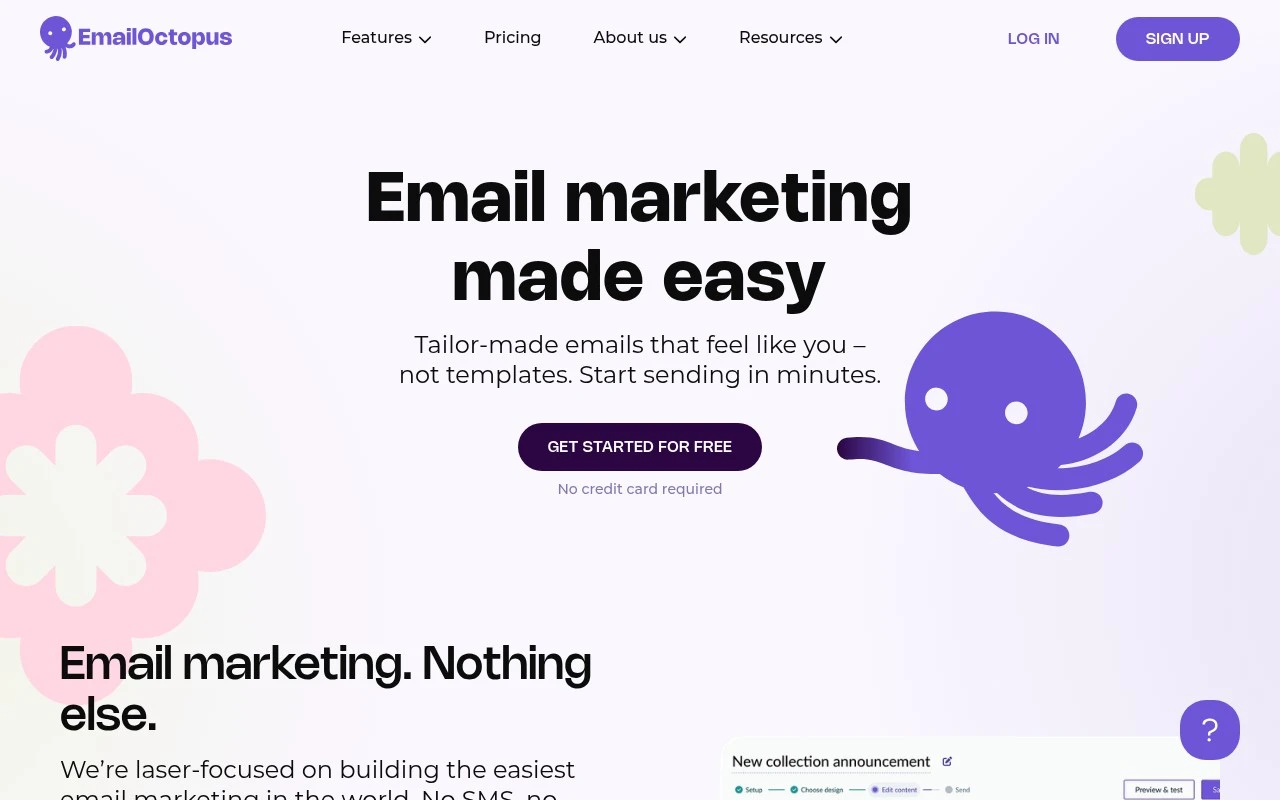
    EmailOctopus lists email-marketing features including a drag-and-drop editor, automations, tags and segmentation, and a developer API. EmailOctopus positions the product as “Email marketing. Nothing else” with “No SMS, no clutter.”

  • Pricing

    The EmailOctopus pricing page lists a free Starter plan for 2,500 subscribers and 10,000 emails per month, and Pro starting at “$9 per month, billed yearly” with a 10% annual discount. The EmailOctopus pricing page states nonprofits receive a “20% lifetime discount” and includes custom plans for over 500,000 subscribers.

  • Integrations

    The EmailOctopus product page says users can “Integrate EmailOctopus with your favourite apps, over 1,000 and counting.” The EmailOctopus product page also highlights a “Powerful API” with developer tools to connect a website, app, or third-party integration.

  • Support

    EmailOctopus says its support team is “always on hand” and cites an “Average response time on live chat” of 9 seconds. EmailOctopus homepage testimonials mention responsive, helpful support, including prompt responses on the free version.

Who is this for?

Best for newsletter and email-marketing teams that want a focused tool, because EmailOctopus positions the product as “Email marketing. Nothing else” and includes a free Starter plan for 2,500 subscribers and 10,000 emails per month. Less suited to teams looking for multichannel campaigns, because EmailOctopus states “No SMS, no clutter,” which means SMS is outside the product’s stated focus.

PRODUCT PREVIEW

Feature highlights

Campaign Builder

Create and send newsletters fast with templates and personalization.

Segmentation

Target subscribers by tags and fields for more relevant emails.

API & Integrations

Connect your stack with integrations and a developer-friendly API.

COMPARE

Discover curated alternatives worth comparing

Compare similar AI tools based on features, pricing and use cases

7.5/ 10Based on 12.890 reviews

Zoominfo

Lead GenerationCRM & Segmentation
Find and enrich B2B leads with firmographic and contact data
Best for:
Sales teams
Pricing
Paid only

8.6/ 10Based on 6.982 reviews

Zoho CRM

Sales & OutreachAnalytics & Reporting
AI assists CRM tasks: rewrite emails, detect anomalies, predict
Best for:
Sales teams
Pricing
Freemium

8.0/ 10Based on 1.041 reviews

Zoho Campaigns

Lead GenerationCRM & Segmentation
Create, automate, and analyze email and SMS marketing campaigns
Best for:
Marketing teams
Pricing
Freemium

Start sending campaigns that get opened, clicked, and acted on. Join growing businesses using EmailOctopus to turn subscribers into customers—without the complexity.

FAQ

Frequently asked
questions

Everything you need to know about this AI tool,
its features, pricing, use cases, and limitations.

What types of teams and campaigns is EmailOctopus a good fit for?
EmailOctopus works well for small teams that need newsletters, simple automations (welcome series, lead nurturing), and list growth without paying for a large suite. It’s a practical choice if your priority is sending reliable campaigns and basic segmentation rather than deep CRM-style workflows. If you run complex multi-channel journeys or need advanced experimentation, you may outgrow it.
How do EmailOctopus free and paid plans differ in practice?
The free plan is useful for validating deliverability and basic workflows on a small list, but you’ll hit limits as your subscriber count and sending needs grow. Paid plans mainly remove those scale constraints and are better if you need consistent sending volume and more operational headroom. If you require premium analytics or a large integration ecosystem, plan tier alone may not solve that.
How does EmailOctopus compare with Mailchimp, Brevo, or MailerLite?
EmailOctopus is typically more budget-friendly and straightforward, but it offers fewer advanced features than Mailchimp and often a smaller integration catalog than Brevo. Compared with MailerLite, it’s similarly SMB-focused, though the best choice depends on which editor, automation depth, and reporting you prefer. If you rely heavily on native integrations and rich dashboards, the larger platforms can be a better fit.
How quickly can you get EmailOctopus running for a real campaign?
The biggest compromises are lighter reporting/analytics and fewer advanced features than enterprise-oriented tools. Integrations are more limited, which can matter if your stack depends on many native app connections. It’s a solid option for cost control, but less ideal for teams that need deep attribution, complex segmentation logic, or extensive built-in apps.
What should I check about EmailOctopus data handling, privacy, and compliance?
Confirm where your data is processed/stored, what subprocessors are involved, and whether a DPA is available for your compliance needs. Review how EmailOctopus supports consent, unsubscribes, and suppression lists, since you’re still responsible for lawful collection and sending practices. If you operate under GDPR/UK GDPR or similar rules, verify the platform’s documentation and your own retention/access processes before migrating.