Curated ToolThis tool is part of our curated AI directory. We only include tools that meet our standards for relevance, usability and real-world value.

ConvertKit

Email marketing platform for newsletters, automations, and landing pag

Lead GenerationMarketing Automation
Kit, formerly ConvertKit, is a creator-first email marketing platform focused on helping users grow an email list, send newsletters, automate campaigns, and earn from their audience. Its positioning is distinct from general-purpose email tools because it emphasizes creator businesses, subscriber value, recommendations, and built-in monetization paths such as digital products, subscriptions, and sponsorships.

FYAI Score

7.7 / 10

Based on 234 reviews

Pricing:

Freemium

Best for:

Creators building newsletters, funnels, and paid offers from one platform

Score Breakdown

  • Ease of use7.2 / 10
  • Features7.6 / 10
  • Pricing8.5 / 10
  • Integrations7.4 / 10
  • Support7.7 / 10

PRODUCT PREVIEW

What this AI tool does

ConvertKit is an email marketing and audience management tool designed for people who publish content and want a straightforward way to communicate with subscribers. It focuses on helping you collect sign-ups, organize contacts, and send emails without needing a complex setup. In practice, it’s commonly used to create forms and landing pages, build automated email sequences, and segment subscribers based on what they sign up for or how they interact with your messages. This can be useful for newsletters, product launches, and ongoing customer updates. If you’re comparing options, it helps to think about how you plan to grow your list, how much automation you need, and whether you prefer a simpler workflow over a highly customizable system. The platform is typically chosen by creators and small teams who want predictable email campaigns and basic automation in one place.

Use cases

Best for

Create Email Campaign

Build and send a ConvertKit email campaign using templates, subscriber tags, and scheduled broadcasts to your list.

Customer Segmentation

Segment subscribers by tags, custom fields, and link clicks to target newsletters to specific audiences.

Marketing Automation

Automate email sequences with visual rules that trigger on signups, purchases, or tag changes and send timed emails.

ANALYSIS

Strengths & limitations

Strengths
  • Clearly focused on creators and newsletter-based businesses rather than broad enterprise email marketing.
  • Combines list growth tools, email sending, automation, and monetization in one platform.
  • Supports creator-specific growth channels such as landing pages, forms, and recommendations.
Limitations
  • The provided source does not establish it as an AI-native tool or describe specific AI features.
  • Its creator-first positioning may be less suitable for teams needing broad CRM, sales, or enterprise marketing-suite functionality.
  • The provided page does not give enough detail to verify advanced segmentation, deliverability controls, analytics depth, or integration coverage.

Evaluation

FYAI score breakdown

Our structured evaluation across five key criteria

7.7 / 10

Overall score

Based on 234 reviews

  • Ease of use7.2 / 10
  • Features7.6 / 10
  • Pricing8.5 / 10
  • Integrations7.4 / 10
  • Support7.7 / 10

What users say

Findings from public reviews, documentation and community sources.

  • Ease of use

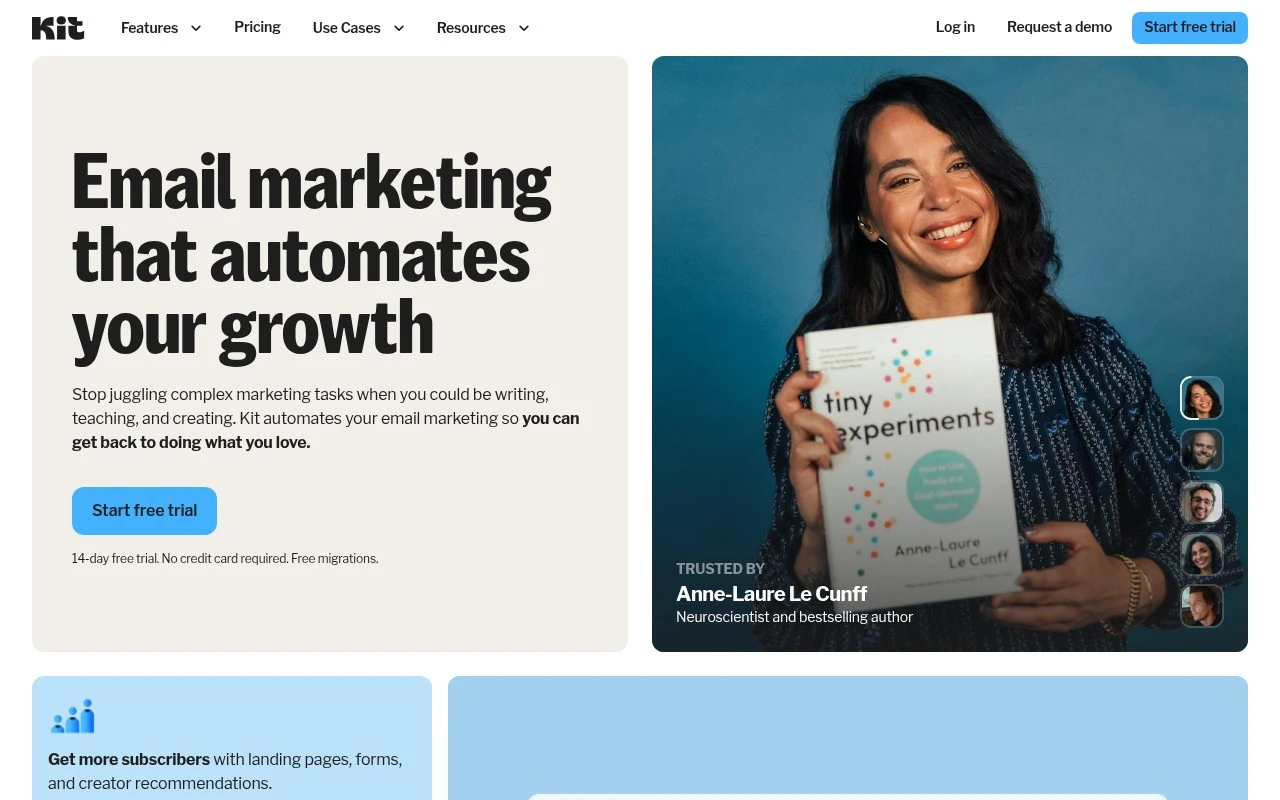
    Kit positions onboarding around a creator workflow with a “14-day free trial,” “No credit card required,” and “Free migrations.” A Reddit user described using Kit for “simple funnels,” while another Reddit comment reported strong frustration after recent issues.

  • Features

    The Kit pricing page lists unlimited landing pages/forms and broadcasts, tagging/segmentation, unlimited visual automations and sequences, and A/B testing. The Kit pricing page also lists digital products/subscriptions, SMS marketing, analytics, and a referral system.

  • Pricing

    The Kit pricing page lists a free Newsletter plan for 1,000 subscribers, Creator at $33/mo, and Pro at $66/mo. The Kit pricing page also lists a “14-day free trial,” “No credit card required,” and annual billing savings.

  • Integrations

    The Kit pricing page lists “Apps & integrations” on the Creator plan and “Facebook custom audiences” on Pro. The Kit homepage says users can “connect your creator tools directly to Kit.”

  • Support

    The Kit pricing page says paid plans include “24/7 email & chat support,” and Pro adds “24/7 priority email & chat support.” Trustpilot lists ConvertKit at 1.9/5 across 67 reviews and includes a support-escalation complaint.

Who is this for?

Best for creators who want email capture, broadcasts, segmentation, and automations in one marketing tool, the Kit pricing page lists unlimited landing pages/forms and broadcasts, tagging/segmentation, and unlimited visual automations and sequences. Best for trying a subscriber-based plan before paying, the Kit pricing page lists a free Newsletter plan for 1,000 subscribers plus a “14-day free trial” with “No credit card required.” Less suited to teams that depend on consistently strong public support sentiment. Trustpilot lists ConvertKit at 1.9/5 across 67 reviews and includes a support-escalation complaint.

PRODUCT PREVIEW

Feature highlights

Creator automations

Trigger emails by tags, clicks, and purchases to nurture subscribers.

Segmentation & tagging

Target the right subscribers with tags, segments, and personalization.

Built-in monetization

Sell digital products, subscriptions, and sponsorships to your list.

COMPARE

Discover curated alternatives worth comparing

Compare similar AI tools based on features, pricing and use cases

7.5/ 10Based on 12.890 reviews

Zoominfo

Lead GenerationCRM & Segmentation
Find and enrich B2B leads with firmographic and contact data
Best for:
Sales teams
Pricing
Paid only

8.6/ 10Based on 6.982 reviews

Zoho CRM

Sales & OutreachAnalytics & Reporting
AI assists CRM tasks: rewrite emails, detect anomalies, predict
Best for:
Sales teams
Pricing
Freemium

8.0/ 10Based on 1.041 reviews

Zoho Campaigns

Lead GenerationCRM & Segmentation
Create, automate, and analyze email and SMS marketing campaigns
Best for:
Marketing teams
Pricing
Freemium

Join creators growing loyal audiences with ConvertKit. Start turning subscribers into customers with emails that feel personal and drive consistent sales.

FAQ

Frequently asked
questions

Everything you need to know about this AI tool,
its features, pricing, use cases, and limitations.

Who is ConvertKit the best fit for, and when should you pick something else?
ConvertKit is a strong choice for creators and small teams who want email sequences, tagging, and simple funnels without heavy technical setup. It works well for newsletters, lead magnets, and selling digital products via targeted automations. If you need highly designed templates, complex multi-channel campaigns, or enterprise reporting, you may find other platforms a better match.
How does ConvertKit’s free plan compare to its paid plans in practice?
ConvertKit’s free plan is useful for getting started with basic email sending and list growth, but key automation and scaling features are limited compared to paid tiers. Paid plans unlock more advanced automations, segmentation options, and features that matter once you’re running multiple sequences or monetization flows. If you expect rapid list growth, compare total cost at your projected subscriber count before committing.
How does ConvertKit compare with Mailchimp, ActiveCampaign, and Klaviyo for automation and targeting?
ConvertKit typically feels simpler to operate than ActiveCampaign, but it’s less deep for complex automation logic and reporting. Compared with Mailchimp, ConvertKit often offers a more creator-focused workflow for sequences and tagging, while Mailchimp can be stronger for template design and broader marketing features. Against Klaviyo, ConvertKit is usually less specialized for ecommerce event-based targeting and revenue analytics.
How quickly can you get ConvertKit running, and what setup work should you expect?
ConvertKit’s email template design flexibility is more limited than some competitors, which can matter for brand-heavy newsletters. Pricing can become less competitive as your list grows, so it’s worth modeling costs at higher subscriber tiers. Analytics are adequate for many creators but may feel light if you need deep attribution, cohorting, or advanced reporting.
What should you check about ConvertKit’s data handling, privacy, and compliance before using it?
Confirm ConvertKit supports your compliance needs (e.g., GDPR) and review its Data Processing Agreement, subprocessors, and data retention/deletion options. If you operate in regulated contexts, verify where data is stored, how consent is captured, and what audit logs or access controls are available. Also check how integrations share subscriber data, since third-party connections can affect your overall compliance posture.