Curated ToolThis tool is part of our curated AI directory. We only include tools that meet our standards for relevance, usability and real-world value.

Convert

Remote MCP server to automate parts of A/B testing workflows

Conversion Optimization
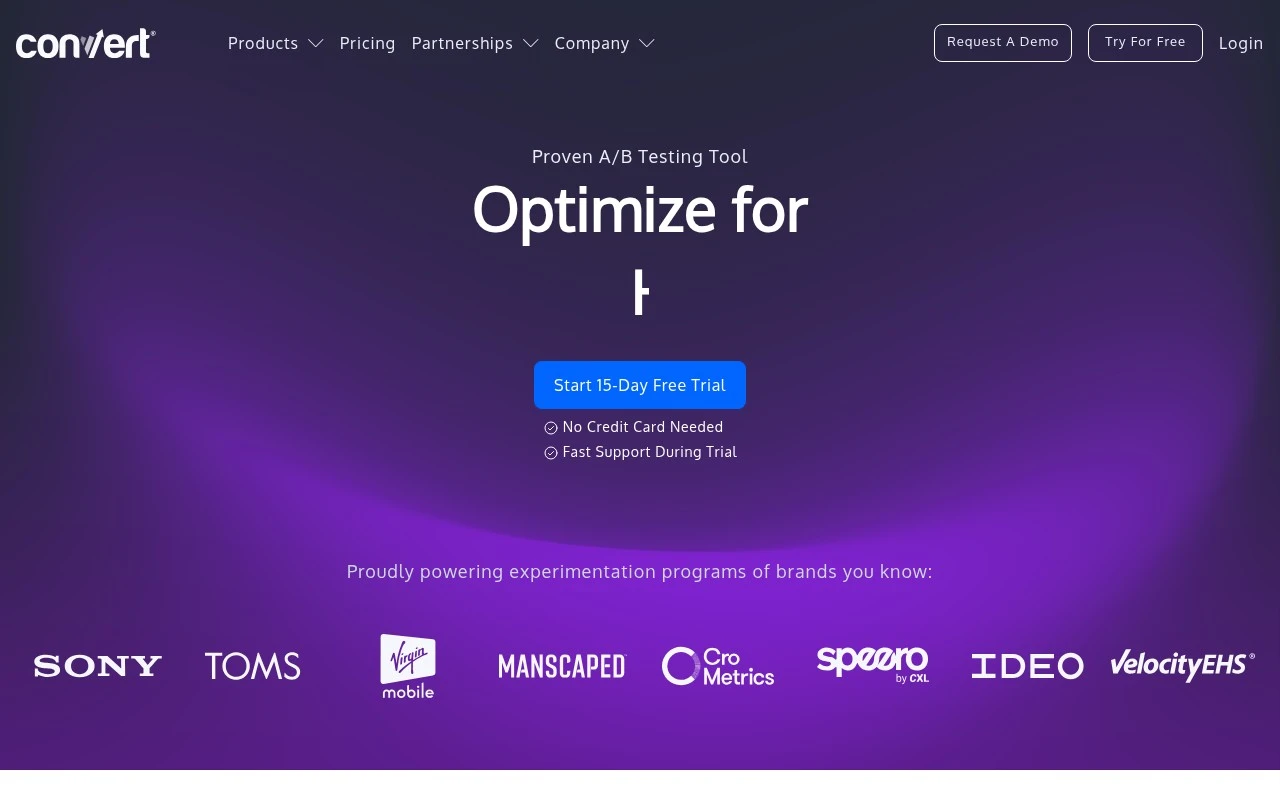
Convert, also branded as Convert Experiences, is a privacy-focused A/B testing and experimentation tool for teams that want to test website and product changes. It supports client-side testing, personalization, advanced targeting and goals, full-stack experimentation, feature flags, APIs, and integrations. The product emphasizes flicker-free test rendering, first-party cookies, GDPR/ePrivacy-oriented design, German data storage, and responsive support.

FYAI Score

8.8 / 10

Based on 445 reviews

Pricing:

Paid

Best for:

Growth and product teams running privacy-first A/B tests

Score Breakdown

  • Ease of use8.4 / 10
  • Features9.1 / 10
  • Pricing8.6 / 10
  • Integrations8.4 / 10
  • Support9.4 / 10

PRODUCT PREVIEW

What this AI tool does

Convert is an AI tool designed to help you transform content from one form into another with minimal manual effort. It’s useful when you have existing material—such as notes, a draft, or structured data—and you need it reshaped into a different format or style while keeping the original meaning intact. You can use it to rework text for different audiences, turn rough ideas into clearer writing, or adapt content to meet specific constraints like length, tone, or structure. The goal is to support everyday editing and rewriting tasks in a straightforward way, so you can focus on accuracy and intent rather than repetitive formatting. Because the tool is intended for informational use, it works best when you provide clear input and specify what you want the output to look like. Reviewing the result is recommended, especially for sensitive or technical material, to ensure the final version matches your requirements.

Use cases

Best for

Website A/B Testing

Convert runs A/B, split, and Shopify tests with audience targeting and goal tracking on your website.

Server-Side Experiments

Run full-stack experiments via APIs using feature flags and controlled rollouts to assign variants in your backend.

Experimentation Program Management

Manage experiments with statistical reporting, collision prevention, integrations, and onboarding and support workflows.

ANALYSIS

Strengths & limitations

Strengths
  • Supports both website A/B testing and full-stack experimentation, including APIs, feature flags, and rollouts.
  • Emphasizes privacy and compliance with first-party cookies, German data storage, and GDPR, TTDSG, and BDSG alignment.
  • Includes experimentation-specific features such as flicker-free rendering, advanced targeting, customizable Frequentist and Bayesian statistics, SRM checks, and collision prevention.
Limitations
  • It is specialized for experimentation and conversion testing, not a general marketing automation or analytics suite.
  • Pricing starts at $399 per month, which may be high for very small teams or low-traffic sites.
  • Teams still need to handle implementation and experiment setup, such as snippet installation, goals configuration, and integrations.

Evaluation

FYAI score breakdown

Our structured evaluation across five key criteria

8.8 / 10

Overall score

Based on 445 reviews

  • Ease of use8.4 / 10
  • Features9.1 / 10
  • Pricing8.6 / 10
  • Integrations8.4 / 10
  • Support9.4 / 10

What users say

Findings from public reviews, documentation and community sources.

  • Ease of use

    G2 includes 98 reviews, and a quoted user says Convert Experiences is “really easy to use and very intuitive” and that “the visual editor is quite good” for smaller changes.

  • Features

    Convert lists “Full-stack Experimentation,” “API,” “40+ filters,” and “Frequentist and Bayesian stats engines” among its experimentation features.

  • Pricing

    Convert pricing page shows Growth at “$399/mo” for “100K tested users/month,” Pro at “$599/mo,” annual discounts up to 25–30%, and a “15-Day Free Trial” with “No Credit Card Required.” Convert pricing page lists Enterprise as “Price on Request.”

  • Integrations

    Convert states “We Work With 90+ Of Your Favorite Tools” and highlights a “powerful API” that can run a headless version of Convert in a customer ecosystem.

  • Support

    Convert claims a “first-response time” of “7 minutes,” “fast support during trial,” and support that is “4x faster.” Convert pricing page specifies “Email and In-App Live Chat Support,” “Phone Support,” and Enterprise SLA options.

Who is this for?

Best for teams running marketing experiments on web or Shopify who want built-in testing depth. Convert lists “A/B Testing,” “Split Testing,” “Shopify Testing,” and “Full-stack Experimentation.” Less suited to teams that need fixed enterprise pricing before contacting sales, Convert pricing page lists Enterprise as “Price on Request.”

PRODUCT PREVIEW

Feature highlights

Flicker-free tests

Render variations smoothly to protect UX and data quality.

Targeting & goals

Segment audiences and measure what matters with flexible goals.

Privacy-first setup

First-party cookies and GDPR/ePrivacy-oriented design.

COMPARE

Discover curated alternatives worth comparing

Compare similar AI tools based on features, pricing and use cases

7.5/ 10Based on 12.890 reviews

Zoominfo

Lead GenerationCRM & Segmentation
Find and enrich B2B leads with firmographic and contact data
Best for:
Sales teams
Pricing
Paid only

8.6/ 10Based on 6.982 reviews

Zoho CRM

Sales & OutreachAnalytics & Reporting
AI assists CRM tasks: rewrite emails, detect anomalies, predict
Best for:
Sales teams
Pricing
Freemium

8.0/ 10Based on 1.041 reviews

Zoho Campaigns

Lead GenerationCRM & Segmentation
Create, automate, and analyze email and SMS marketing campaigns
Best for:
Marketing teams
Pricing
Freemium

Turn guesses into growth with Convert. Launch experiments, learn what works, and lift conversions with confidence—start optimizing today.

FAQ

Frequently asked
questions

Everything you need to know about this AI tool,
its features, pricing, use cases, and limitations.

When is Convert a good fit, and when should I pick a different testing tool?
Convert fits teams that want reliable A/B testing with options for multivariate tests and basic personalization without building everything in-house. It’s a strong choice if marketers need to launch and analyze experiments regularly and share results with stakeholders. If you rely heavily on a broad ecosystem of native integrations or want an all-in-one suite (testing + heatmaps + session replay), you may prefer a more bundled platform.
Does Convert have a free plan, and what are the practical limits of the paid tiers?
Convert is typically positioned as a paid product, with pricing tied to factors like traffic volume and feature access rather than a fully capable free tier. In practice, lower tiers can be sufficient for straightforward A/B tests but may constrain advanced capabilities (e.g., deeper personalization workflows or higher traffic allowances). If you’re cost-sensitive, compare the total cost at your current and projected monthly visitors before committing.
How does Convert compare with Optimizely, VWO, and Google Optimize alternatives?
Convert is often compared with VWO and Optimizely as a dedicated experimentation platform, but it generally targets teams that want solid testing and reporting without the overhead of an enterprise suite. Versus enterprise tools, you may trade some breadth (integrations, adjacent products, or very large-scale program management) for a more focused workflow. Since Google Optimize is discontinued, the main comparison is whether Convert’s paid cost is justified by the uplift you expect from ongoing experimentation.
How quickly can I get Convert running, and what onboarding effort should I expect?
Convert can be more expensive than lighter-weight testing tools, which matters if your traffic is high or budgets are tight. Some teams find integration coverage narrower than competitors, so you may need workarounds for parts of your stack. Also, while basic A/B testing is straightforward, the more advanced features can take time to learn and operationalize.
What should I check about data handling, privacy, and compliance before choosing Convert?
Confirm what user data Convert collects via its script (IDs, event data, IP handling) and whether it supports your consent requirements (e.g., firing only after opt-in). Review available controls for data retention, access permissions, and any data processing agreements you may need for GDPR/CCPA workflows. If you operate in regulated environments, verify where data is processed/stored and whether your legal team is comfortable with the vendor’s compliance documentation.