Curated ToolThis tool is part of our curated AI directory. We only include tools that meet our standards for relevance, usability and real-world value.

ContentStudio

AI for social media captions, hashtags, scheduling, and analytics

Marketing AutomationContent & Social
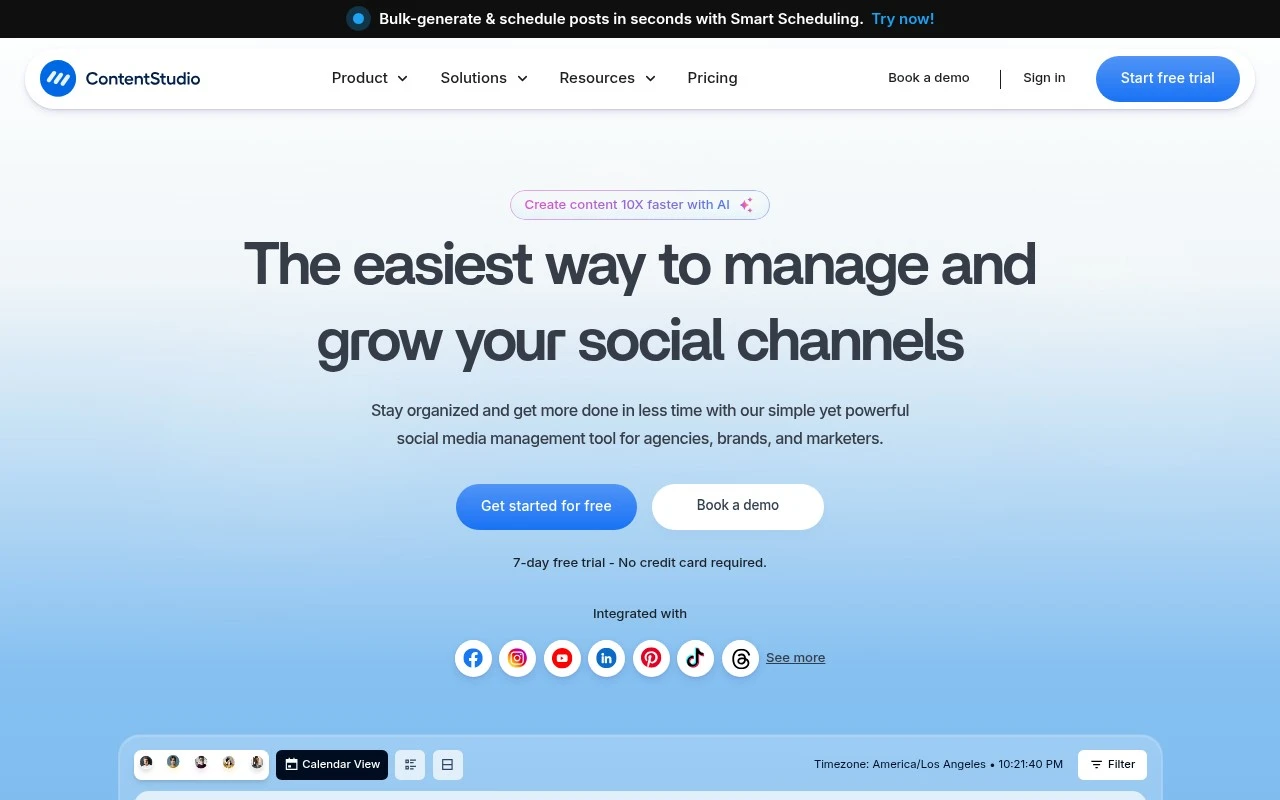
ContentStudio is an all-in-one social media management tool with AI-assisted content creation, scheduling, publishing, inbox management, analytics, reporting, RSS-based content discovery, and agency collaboration features. It is positioned for teams and agencies that need to manage multiple social accounts, clients, approvals, assets, and reports from a unified workspace rather than switching between native social platforms.

FYAI Score

8.7 / 10

Based on 673 reviews

Pricing:

Freemium

Best for:

Agencies managing multiple social accounts and client approvals

Score Breakdown

  • Ease of use8.4 / 10
  • Features8.9 / 10
  • Pricing9.0 / 10
  • Integrations8.7 / 10
  • Support8.5 / 10

PRODUCT PREVIEW

What this AI tool does

ContentStudio is an AI tool designed to help people draft and refine written content with less manual effort. It can be used when you need a starting point for a document, want to rephrase text for clarity, or need help maintaining a consistent tone across different pieces of writing. In practice, you provide a prompt or existing text and the tool generates suggestions you can review and edit. This makes it useful for informational writing tasks where speed and consistency matter, while still keeping the user in control of the final wording and accuracy.

Use cases

Best for

Social Media Content Creation

ContentStudio uses AI writing and an asset composer to draft captions and creatives, then schedules and publishes them to social channels.

Marketing Automation

Automate social posting by queuing scheduled content, recycling evergreen posts, and publishing RSS feeds to selected profiles on a set cadence.

Content Repurposing

Repurpose one idea into multiple platform-ready variations by rewriting captions and adapting formats for different social networks before scheduling.

ANALYSIS

Strengths & limitations

Strengths
  • Combines social scheduling, approvals, analytics, inbox management, reporting, RSS feeds, media storage, and AI writing/image support in one platform.
  • Includes agency-oriented features such as workspaces, client approvals, branded reports, white labeling, EasyConnect account connection links, and team roles.
  • Supports efficiency workflows such as bulk scheduling, evergreen campaigns, content categories, best-time recommendations, and automated reports.
Limitations
  • The official page describes it primarily as a social media management tool, so it should not be treated as a full CRM, marketing automation suite, or general CMS.
  • Many performance claims on the page, such as productivity gains and cost savings, are customer or marketing claims rather than independently verifiable product guarantees.
  • The page does not specify the exact supported social networks, pricing limits, API limits, or feature availability by plan, so those details require separate verification.

Evaluation

FYAI score breakdown

Our structured evaluation across five key criteria

8.7 / 10

Overall score

Based on 673 reviews

  • Ease of use8.4 / 10
  • Features8.9 / 10
  • Pricing9.0 / 10
  • Integrations8.7 / 10
  • Support8.5 / 10

What users say

Findings from public reviews, documentation and community sources.

  • Ease of use

    Capterra lists ContentStudio at 4.7/5 across 673 reviews, and a cited Capterra review calls it an “excellent platform for content management and social media scheduling.” ContentStudio’s product page describes one-dashboard workflows for planning, scheduling, publishing, inbox, approvals, and reporting.

  • Features

    ContentStudio’s product page lists AI captions/hashtags/images, a multi-view content calendar, competitor tracking, and a unified inbox.

  • Pricing

    ContentStudio’s pricing page lists Standard at “$19/month,” Advanced at “$49/month,” and Agency Unlimited at “$99/month,” with a “7-day free trial” and “No credit card required.” ContentStudio’s pricing page also lists paid add-ons for social listening, white label, SSO, and API usage.

  • Integrations

    ContentStudio’s pricing page lists API access and automation via “Zapier, Make, Claude, and n8n,” plus a developer API plan with “Zapier, Make, n8n, Pabbly.” ContentStudio’s pricing page names media integrations including “Google drive, Dropbox, Pixabay” and describes publishing across major social platforms.

  • Support

    ContentStudio’s pricing page says Agency Unlimited includes “Live training,” “Priority support,” “Guided onboarding,” and a “Dedicated account manager.” ContentStudio’s pricing page says Enterprise adds “Migration and onboarding support.”

Who is this for?

Best for marketing teams managing social publishing from one dashboard, ContentStudio’s product page describes workflows for planning, scheduling, publishing, inbox, approvals, and reporting. Less suited to teams that need the listed human-support commitments in entry tiers, ContentStudio’s pricing page places “Live training,” “Priority support,” “Guided onboarding,” and a “Dedicated account manager” on Agency Unlimited, while Enterprise adds “Migration and onboarding support.”

PRODUCT PREVIEW

Feature highlights

AI Content Assistant

Generate captions and ideas faster to keep your calendar full.

Unified Scheduling

Plan and publish across multiple social accounts in one place.

Analytics & Reports

Track performance and deliver client-ready reports in minutes.

COMPARE

Discover curated alternatives worth comparing

Compare similar AI tools based on features, pricing and use cases

7.5/ 10Based on 12.890 reviews

Zoominfo

Lead GenerationCRM & Segmentation
Find and enrich B2B leads with firmographic and contact data
Best for:
Sales teams
Pricing
Paid only

8.6/ 10Based on 6.982 reviews

Zoho CRM

Sales & OutreachAnalytics & Reporting
AI assists CRM tasks: rewrite emails, detect anomalies, predict
Best for:
Sales teams
Pricing
Freemium

8.0/ 10Based on 1.041 reviews

Zoho Campaigns

Lead GenerationCRM & Segmentation
Create, automate, and analyze email and SMS marketing campaigns
Best for:
Marketing teams
Pricing
Freemium

Join teams who publish faster and stay consistent across channels. Start planning, creating, and sharing content with ContentStudio today.

FAQ

Frequently asked
questions

Everything you need to know about this AI tool,
its features, pricing, use cases, and limitations.

Is ContentStudio a good fit for agencies, in-house teams, or solo marketers?
ContentStudio fits best when you need one place to plan, schedule, and monitor content across multiple social channels and blogs. Agencies and in-house teams benefit most from its multi-channel publishing and content curation workflow. Solo marketers can use it effectively, but the cost and feature depth may be more than needed if you only post to one or two networks.
Does ContentStudio have a free plan, and what are the practical limits of paid tiers?
ContentStudio typically offers a trial rather than a fully functional free plan, so ongoing use generally requires a subscription. Paid tiers mainly differ by the number of social accounts/workspaces, users, and available automation/analytics depth. If you’re comparing costs, check whether the plan you’re considering includes the channels you need and sufficient posting volume.
How does ContentStudio compare with tools like Buffer, Hootsuite, or Sprout Social?
Compared with Buffer, ContentStudio usually offers stronger content discovery/curation and broader content marketing workflow features. Against Hootsuite, it’s often simpler for publishing and curation, but may be less robust for enterprise governance and complex team controls. Versus Sprout Social, ContentStudio is generally more budget-friendly, while Sprout tends to lead on advanced reporting, CRM-style inbox features, and deeper integrations.
How quickly can a team get ContentStudio running, and what onboarding effort should you expect?
Template and layout customization can be restrictive if your brand requires highly specific post formats. Some users report occasional slowdowns or glitches during heavy usage, which can matter for teams posting at high volume. If you need advanced listening, a unified social inbox with deep CRM features, or very granular permissions, you may find competing platforms stronger.
What should we know about data privacy, access controls, and compliance when using ContentStudio?
ContentStudio requires connecting social accounts, so you should review how it stores tokens/credentials and what roles can publish or approve content. For regulated teams, confirm whether it supports audit trails, retention needs, and any required agreements (e.g., DPA) before rollout. Also verify where data is processed/stored and whether analytics tracking aligns with your internal privacy policies.