Curated ToolThis tool is part of our curated AI directory. We only include tools that meet our standards for relevance, usability and real-world value.

Clay

Enriches account and contact data for GTM workflows and outreach

Lead GenerationMarketing Automation
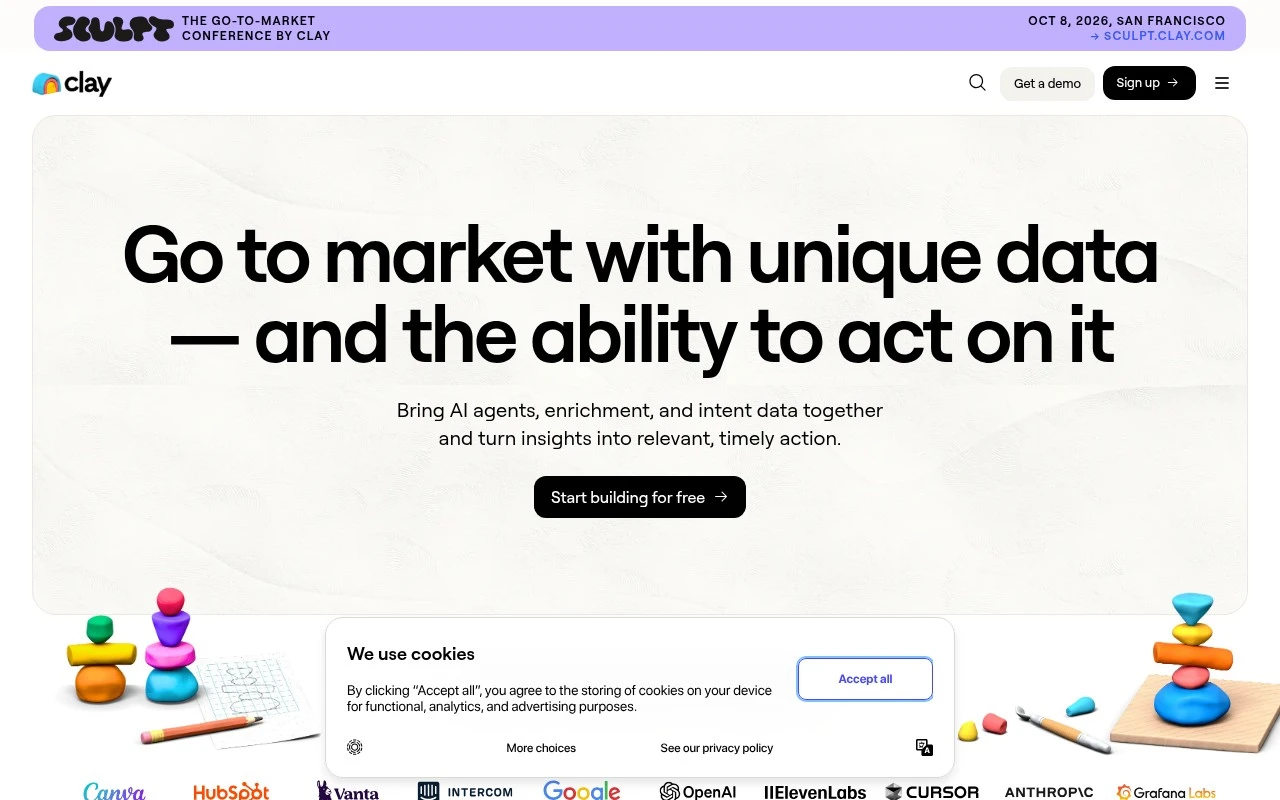
Clay is a GTM infrastructure platform that centralizes first- and third-party data, connects to many external data providers, and lets teams build AI-assisted workflows for revenue operations. It is used to source target accounts, enrich people and company records, monitor buying or career signals, score and route inbound leads, support outbound campaigns, and sync targeted audiences to platforms such as LinkedIn, Meta, and Google.

FYAI Score

8.0 / 10

Based on 226 reviews

Pricing:

Freemium

Best for:

Revenue ops and growth teams building scalable GTM workflows

Score Breakdown

  • Ease of use7.0 / 10
  • Features8.9 / 10
  • Pricing7.1 / 10
  • Integrations9.3 / 10
  • Support8.2 / 10

PRODUCT PREVIEW

What this AI tool does

Clay is an AI tool designed to help people work with information more efficiently, especially when tasks involve gathering details, organizing them, and turning them into something usable. It’s suited to workflows where you want to reduce manual copy‑and‑paste and keep your work consistent across repeated steps. In practice, clay can support research and data-enrichment style work by helping you pull together context from different sources and structure it in a way that’s easier to review or share. It’s typically used by teams and individuals who need a reliable way to compile and refine information without spending time on repetitive formatting and cleanup.

Use cases

Best for

Workflow Automation

Clay automates GTM workflows by enriching records, scoring leads, and routing them to CRM and outreach tools via synced tables.

Customer Segmentation

It segments customers by combining first-party CRM data with firmographic and intent enrichment, then filtering and scoring accounts in tables.

Marketing Automation

It automates marketing activation by syncing enriched audiences to LinkedIn, Meta, and Google for targeted ads and retargeting.

ANALYSIS

Strengths & limitations

Strengths
  • Combines multiple data providers in one workflow, which can improve enrichment coverage compared with relying on a single source.
  • Supports several GTM workflows in one place, including CRM enrichment, prospecting, inbound automation, outbound, ABM, and ad audience activation.
  • Includes AI-assisted research and workflow-building capabilities for account research, formatting, personalization, and GTM automation.
Limitations
  • It is specialized for go-to-market and revenue workflows, so it is not a general-purpose CRM, data warehouse, or marketing automation suite by itself.
  • Teams may need operations expertise to design, validate, and maintain more complex enrichment and automation workflows.
  • Results depend on the quality, availability, and permissions of connected data sources and third-party providers.

Evaluation

FYAI score breakdown

Our structured evaluation across five key criteria

8.0 / 10

Overall score

Based on 226 reviews

  • Ease of use7.0 / 10
  • Features8.9 / 10
  • Pricing7.1 / 10
  • Integrations9.3 / 10
  • Support8.2 / 10

What users say

Findings from public reviews, documentation and community sources.

  • Ease of use

    A Reddit user testing Clay said it was “pretty hard to navigate,” with “lots of hidden logic” and “not super intuitive.”

  • Features

    Clay’s site lists AI company/person research, “Waterfall” enrichment across multiple data providers, signals and intent tracking, and a “Data marketplace” with “200+ providers.”

  • Pricing

    A Reddit thread asks whether Clay is “worth the price,” and a user in the thread said they were “feeling mixed” and that “Pricing stacks ...”.

  • Integrations

    Clay’s site lists a “Data marketplace” to buy data from “200+ providers,” ad audience sync to “Linkedin, Meta, and Google,” Salesforce-focused functionality, and an “Agent plugin” with “API and CLI.”

  • Support

    Clay’s site lists “University,” “Support docs,” “Cohort live classes,” “Clay community,” and “Slack.”

Who is this for?

Best for GTM and marketing teams that need prospecting workflows across multiple data sources, Clay’s site lists “Waterfall” enrichment across multiple data providers and a “Data marketplace” with “200+ providers.” Less suited to users who need quick setup or highly intuitive navigation, a Reddit user testing Clay said it was “pretty hard to navigate,” with “lots of hidden logic” and “not super intuitive.”

PRODUCT PREVIEW

Feature highlights

Unified GTM data

Centralize first- and third-party data into clean account records.

AI enrichment flows

Enrich leads, find signals, and auto-score accounts with AI steps.

Audience sync

Push segmented audiences to ad and sales tools for activation.

COMPARE

Discover curated alternatives worth comparing

Compare similar AI tools based on features, pricing and use cases

7.5/ 10Based on 12.890 reviews

Zoominfo

Lead GenerationCRM & Segmentation
Find and enrich B2B leads with firmographic and contact data
Best for:
Sales teams
Pricing
Paid only

8.6/ 10Based on 6.982 reviews

Zoho CRM

Sales & OutreachAnalytics & Reporting
AI assists CRM tasks: rewrite emails, detect anomalies, predict
Best for:
Sales teams
Pricing
Freemium

8.0/ 10Based on 1.041 reviews

Zoho Campaigns

Lead GenerationCRM & Segmentation
Create, automate, and analyze email and SMS marketing campaigns
Best for:
Marketing teams
Pricing
Freemium

Turn messy lead data into rich profiles and outreach that converts. See why modern GTM teams use Clay to scale personalized campaigns in hours, not weeks.

FAQ

Frequently asked
questions

Everything you need to know about this AI tool,
its features, pricing, use cases, and limitations.

When is Clay a good fit for marketing teams, and when is it overkill?
Clay fits best when you need to enrich lead/account records from multiple sources and keep profiles updated for outbound, ABM, or lifecycle segmentation. It’s especially useful if your team already runs campaigns in a CRM/marketing automation tool and needs better data quality to target reliably. If you mainly need a lightweight CRM or basic email outreach without heavy enrichment, simpler tools may be easier and cheaper.
Does Clay have a free plan, and what are the typical limitations compared to paid?
Clay commonly offers a free tier or trial, but it’s usually constrained by usage limits such as credits, rows/records, and access to certain data providers or enrichment actions. Paid plans generally increase enrichment volume, unlock more integrations, and support larger workflows. Before choosing, confirm how quickly your team will burn through credits based on list size and refresh frequency.
How does Clay compare to Clearbit, Apollo, ZoomInfo, or a traditional CRM?
Clay is often used as an enrichment and workflow layer that can pull from multiple data sources, while tools like Clearbit or ZoomInfo are primarily data providers and Apollo blends data with outreach. Compared with a CRM, Clay doesn’t replace pipeline management; it improves the quality and completeness of the records your CRM relies on. If you want one vendor for both data and sequencing, Apollo may be simpler; if you want flexible multi-source enrichment, Clay is usually stronger.
How long does it take to set up Clay, and what onboarding effort should you expect?
Clay can require more operational discipline than simpler tools because enrichment workflows need monitoring to avoid inconsistent fields, duplicates, or unnecessary credit spend. There’s also a learning curve for teams not used to working with data tables and automation logic. Cost can rise with high-volume enrichment or frequent refreshes, so it’s important to model usage before committing.
What should you check about Clay’s data handling, privacy, and compliance before using it?
Review how Clay stores and processes customer and prospect data, including where data is hosted, retention controls, and whether it supports your requirements for access control and auditability. If you’re enriching personal data, confirm how Clay and any connected data providers handle consent, lawful basis, and deletion requests under frameworks like GDPR/CCPA. Also verify what data is sent to third-party integrations and whether you can restrict sensitive fields.