Curated ToolThis tool is part of our curated AI directory. We only include tools that meet our standards for relevance, usability and real-world value.

Birch

Automates paid ad management and performance insights across platforms

Ad Creation
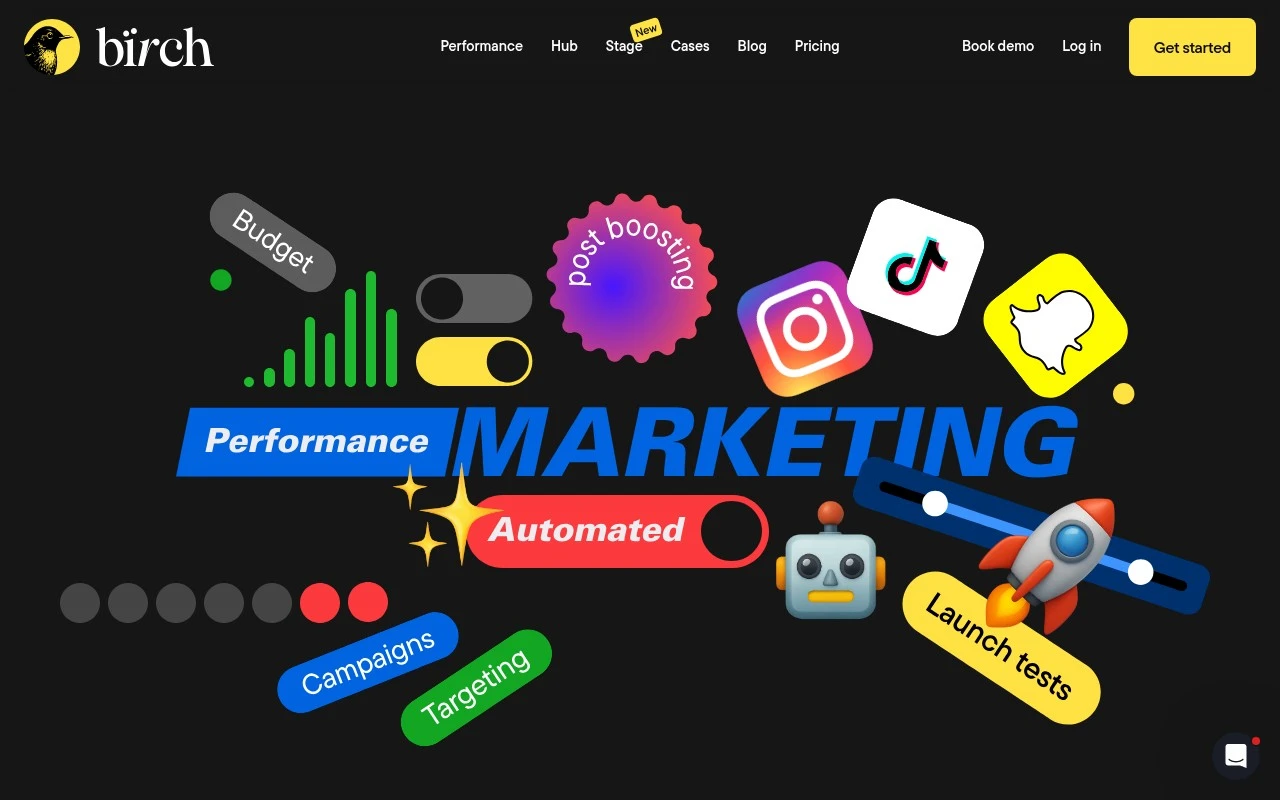
Birch, presented on its site as Birch (Revealbot), is built for performance marketing teams that manage paid advertising across multiple platforms. The official site describes it as a workflow for improving tracking, launching ads at scale, automating performance, and exploring creative insights, with integrations for Meta, Instagram, Google Ads, Snapchat Ads, and TikTok Ads.

FYAI Score

8.0 / 10

FYAI rating based on features, pricing and integrations

Pricing:

Free trial

Best for:

Performance marketing teams managing multi-platform paid ads

Score Breakdown

  • Ease of use7.4 / 10
  • Features8.1 / 10
  • Pricing8.6 / 10
  • Integrations8.0 / 10
  • Support8.2 / 10

PRODUCT PREVIEW

What this AI tool does

Birch is an AI tool page intended to help readers understand what the tool is and how it can be used in practice. It provides a straightforward overview of the tool’s purpose, typical workflows, and the kinds of tasks it may support, written for an informational audience. Because the available context does not define a specific main use case, this description focuses on setting expectations: what you might need to get started, what inputs the tool generally works with, and what outputs you can expect. It aims to be clear and human-friendly, so you can quickly decide whether birch fits your needs and where it might sit in your broader process.

Use cases

Best for

Automated Ad Actions

Automate ad management actions like pausing, budget changes, and rule based optimizations across connected ad accounts.

Campaigns At Scale

Birch launches paid campaigns in bulk across Meta, Instagram, Google Ads, Snapchat Ads, and TikTok Ads from one workflow.

Performance Insights Review

Review tracking and creative performance metrics across connected channels and drill into results within the same ad workflow.

ANALYSIS

Strengths & limitations

Strengths
  • Supports multi-platform ad workflows rather than focusing on a single ad network.
  • Combines campaign launch, tracking, automation, and creative insight functions in one workflow.
  • Positioned for high-volume advertisers, with customer examples from e-commerce and agencies.
Limitations
  • The provided site text does not explain the AI feature in detail, so the exact AI capabilities are unclear.
  • It is specifically focused on paid advertising workflows, not broader marketing operations or organic content management.
  • Its value appears most relevant to teams already running meaningful ad volume across connected ad accounts.

Evaluation

FYAI score breakdown

Our structured evaluation across five key criteria

8.0 / 10

Overall score

FYAI rating based on features, pricing and integrations

  • Ease of use7.4 / 10
  • Features8.1 / 10
  • Pricing8.6 / 10
  • Integrations8.0 / 10
  • Support8.2 / 10

What users say

Findings from public reviews, documentation and community sources.

  • Ease of use

    Bïrch's features page says the product offers a “14-day free trial,” “No credit card required,” and “Bïrch Crash Course: step-by-step guides to every feature.” Bïrch's features page positions the product around multi-platform ad automation.

  • Features

    Bïrch's features page says automation rules include “more than 20 actions,” “nested conditions,” metric comparisons, and ranking conditions. The features page says Bïrch supports Meta Ads, Google Ads, Snapchat Ads, and TikTok Ads.

  • Pricing

    Bïrch's pricing page lists Essential and Pro tiers at $49/mo and $99/mo for up to $10K monthly ad spend, with annual billing at “-20%.” The pricing page also says the 14-day free trial includes “unlimited access to all of Bïrch's features.”

  • Integrations

    Bïrch's pricing page names Slack, Google Sheets, AppsFlyer, and Hyros. The pricing FAQ references connected ad accounts across Meta, Google, Snapchat, and TikTok.

  • Support

    Bïrch's pricing page says Essential includes “Support via email,” Pro adds “Support via live chat,” and Enterprise includes onboarding help, tech setup help, and “Premium support.” The site also surfaces Help and Crash Course resources.

Who is this for?

Best for performance marketers managing ads across Meta Ads, Google Ads, Snapchat Ads, and TikTok Ads, Bïrch combines automation rules with “more than 20 actions” and “nested conditions.” It is less suited to teams that need live chat on the Essential tier, Bïrch's pricing page says Essential includes “Support via email,” while Pro adds “Support via live chat.”

PRODUCT PREVIEW

Feature highlights

Unified ad tracking

Improve tracking across channels to trust results and optimize faster.

Scale ad launches

Streamline workflows to launch campaigns and creatives at scale.

Performance automation

Automate actions based on performance to keep spend efficient.

COMPARE

Discover curated alternatives worth comparing

Compare similar AI tools based on features, pricing and use cases

7.5/ 10Based on 12.890 reviews

Zoominfo

Lead GenerationCRM & Segmentation
Find and enrich B2B leads with firmographic and contact data
Best for:
Sales teams
Pricing
Paid only

8.6/ 10Based on 6.982 reviews

Zoho CRM

Sales & OutreachAnalytics & Reporting
AI assists CRM tasks: rewrite emails, detect anomalies, predict
Best for:
Sales teams
Pricing
Freemium

8.0/ 10Based on 1.041 reviews

Zoho Campaigns

Lead GenerationCRM & Segmentation
Create, automate, and analyze email and SMS marketing campaigns
Best for:
Marketing teams
Pricing
Freemium

Turn customer data into campaigns people actually respond to. Start with Birch today and drive higher engagement and sales with messaging that feels personal.

FAQ

Frequently asked
questions

Everything you need to know about this AI tool,
its features, pricing, use cases, and limitations.

Which marketing teams and use cases is Birch a good fit for?
Birch fits teams that rely on customer segmentation and lifecycle messaging (e.g., retention, win-back, upsell) and want campaigns personalized by behavior and attributes. It’s typically a better match for B2C and high-volume B2B funnels where engagement data changes frequently. If your needs are mostly one-off newsletters or simple blasts, lighter tools may be more cost-effective.
Does Birch offer a free plan, and what are the practical limitations versus paid tiers?
Birch is generally positioned as a paid product, and any trial access is usually time-limited rather than a fully featured free tier. The main constraints you’ll want to verify are contact limits, advanced segmentation/automation availability, and analytics depth on lower tiers. If you need multi-channel orchestration or granular reporting, expect those to sit behind higher-priced plans.
How does Birch compare with other marketing automation and personalization tools?
Compared with broader marketing automation suites, Birch tends to emphasize segmentation-driven personalization and actionable analytics over an all-in-one CRM replacement. If you’re choosing between tools, compare how each handles real-time audience updates, campaign experimentation, and reporting clarity. Also check integration breadth—some competitors may connect more easily to older or niche systems.
How quickly can a team get Birch running, and what onboarding effort should we expect?
Birch can require a higher upfront investment than simpler email or campaign tools, which matters for smaller teams. Some users find advanced capabilities take time to master, especially around segmentation logic and analytics interpretation. If you depend on legacy platforms, limited integration options may add engineering work or require middleware.
What should we check about data handling, privacy, and compliance when evaluating Birch?
Confirm what customer data Birch stores, where it’s hosted, and whether it supports your required retention and deletion workflows. Ask about access controls, audit logs, and how consent preferences are captured and enforced across campaigns. If you operate under GDPR/CCPA or similar rules, verify DPA availability and whether exports/erasure requests can be handled without manual workarounds.