Curated ToolThis tool is part of our curated AI directory. We only include tools that meet our standards for relevance, usability and real-world value.

Benchmark Email

Email marketing platform for campaigns, lists, and analytics

Lead GenerationEmail Marketing & Deliverability
Benchmark Email is a simple email marketing platform focused on helping users upload contacts, build emails, send campaigns, grow subscriber lists, and review performance. Its official positioning emphasizes ease of use over broad marketing-suite complexity, with tools such as a drag-and-drop email editor, templates, lists, tags, forms, personalization, and reporting.

FYAI Score

7.9 / 10

Based on 196 reviews

Pricing:

Freemium

Best for:

Small businesses and nonprofits running simple email campaigns

Score Breakdown

  • Ease of use8.7 / 10
  • Features7.0 / 10
  • Pricing8.6 / 10
  • Integrations7.1 / 10
  • Support8.2 / 10

PRODUCT PREVIEW

What this AI tool does

Benchmark Email is an AI-assisted tool page intended to help readers understand what the product does and how it may fit into an email marketing workflow. It focuses on explaining the tool in plain language, so you can quickly assess whether it matches your needs without digging through technical documentation. In general, tools in this category support common tasks such as drafting email content, improving clarity and tone, and speeding up routine campaign preparation. This page is written for informational search intent, offering a straightforward overview of typical use cases and what to consider when evaluating an AI tool for email creation and campaign support. If you are comparing options, the description highlights practical context—who the tool is for, what kinds of outcomes it can help with, and where human review is still important (for example, brand voice, compliance, and final approvals). The goal is to provide enough detail to make an informed decision while keeping expectations realistic.

Use cases

Best for

Create Email Campaign

Build and send a campaign using Benchmark Email’s drag and drop editor, templates, personalization fields, and contact lists.

Customer Segmentation

Segment contacts using lists, tags, and subscriber data fields to target different groups with specific email content.

Lead Capture

Capture new subscribers by embedding Benchmark Email signup forms on your site and adding signups directly to lists.

ANALYSIS

Strengths & limitations

Strengths
  • Straightforward email campaign workflow for users who want to create and send emails quickly.
  • Includes core email marketing tools such as contact management, segmentation, subscriber forms, templates, reports, and an activity feed.
  • Offers a free plan with 500 contacts, 2,500 monthly sends, and support by chat and email.
Limitations
  • Positioned as a simplified email marketing platform, so it may not suit teams looking for a broad all-in-one marketing automation suite.
  • The official page does not describe advanced capabilities such as complex automation workflows, CRM features, or deep integration ecosystems.
  • Paid plan limits and costs depend on contact volume, send volume, users, and verified sending domains.

Evaluation

FYAI score breakdown

Our structured evaluation across five key criteria

7.9 / 10

Overall score

Based on 196 reviews

  • Ease of use8.7 / 10
  • Features7.0 / 10
  • Pricing8.6 / 10
  • Integrations7.1 / 10
  • Support8.2 / 10

What users say

Findings from public reviews, documentation and community sources.

  • Ease of use

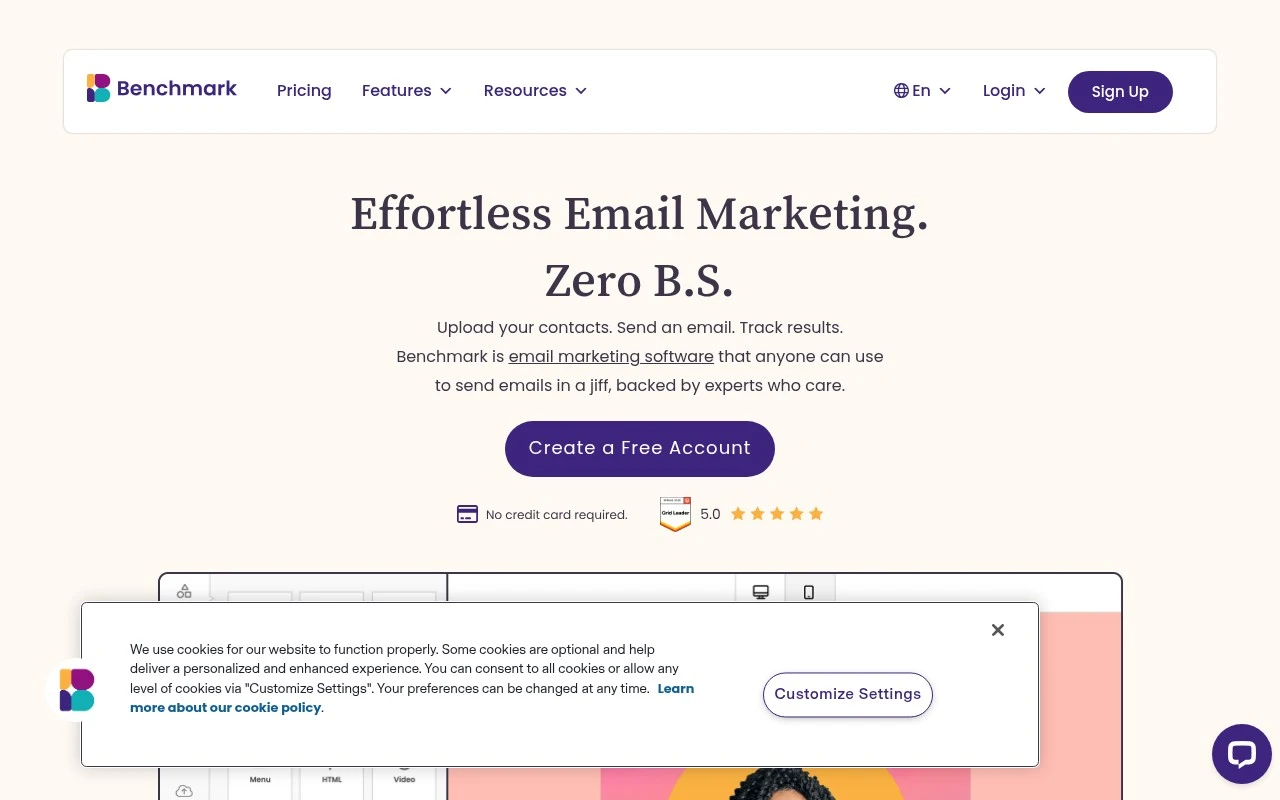
    Benchmark Email’s homepage says users can “Upload your contacts. Send an email. Track results.” G2’s 120-review signal says users “consistently praise the ease of use and intuitive templates.”

  • Features

    Benchmark Email’s pricing page lists a drag-and-drop email builder, segmentation, Smart Text, and AI-generated images. Benchmark Email’s pricing page frames the product as a simplified email platform rather than a broader marketing suite.

  • Pricing

    Benchmark Email’s pricing page presents a Free plan at $0/mo including 500 contacts and up to 2,500 email sends. Benchmark Email’s pricing page says Pro tiers include 10× contact-limit sends, stated per-user add-on pricing, and “every feature in every plan.”

  • Integrations

    Benchmark Email’s pricing page says forms include Google reCAPTCHA and stock images are powered by Unsplash, Pexels, and Pixabay. Benchmark Email’s pricing page says the universal embed code “works with WordPress, Shopify, Wix, and any platform that accepts HTML.”

  • Support

    Benchmark Email lists chat and email support on Free and Pro. Benchmark Email says larger accounts add dedicated account management, monthly health checks, and phone support, and the homepage emphasizes “support from real people.”

Who is this for?

Best for small businesses that want a simple email workflow, Benchmark Email’s homepage describes the process as “Upload your contacts. Send an email. Track results,” and the Free plan includes 500 contacts and up to 2,500 email sends. Less suited to teams that need a broad native app directory or clearly documented API ecosystem, the cited connections are Google reCAPTCHA, Unsplash, Pexels, Pixabay, and a universal embed code for WordPress, Shopify, Wix, and platforms that accept HTML.

PRODUCT PREVIEW

Feature highlights

Drag-and-drop emails

Build branded emails fast with an easy editor and ready templates.

Lists, tags & forms

Import contacts, segment with tags, and grow subscribers with forms.

Campaign reporting

Track opens, clicks, and engagement to improve your next send.

COMPARE

Discover curated alternatives worth comparing

Compare similar AI tools based on features, pricing and use cases

7.5/ 10Based on 12.890 reviews

Zoominfo

Lead GenerationCRM & Segmentation
Find and enrich B2B leads with firmographic and contact data
Best for:
Sales teams
Pricing
Paid only

8.6/ 10Based on 6.982 reviews

Zoho CRM

Sales & OutreachAnalytics & Reporting
AI assists CRM tasks: rewrite emails, detect anomalies, predict
Best for:
Sales teams
Pricing
Freemium

8.0/ 10Based on 1.041 reviews

Zoho Campaigns

Lead GenerationCRM & Segmentation
Create, automate, and analyze email and SMS marketing campaigns
Best for:
Marketing teams
Pricing
Freemium

Join thousands of SMBs sending smarter campaigns. Start turning subscribers into customers with Benchmark Email today.

FAQ

Frequently asked
questions

Everything you need to know about this AI tool,
its features, pricing, use cases, and limitations.

What types of teams and campaigns is Benchmark Email a good fit for?
Benchmark Email tends to work best for small to mid-sized teams that want to run newsletters, promotions, and basic-to-moderate lifecycle automations without heavy technical setup. It’s a practical choice if you prioritize a drag-and-drop builder and clear reporting over deep design control. If you need complex, multi-channel journeys or highly customized templates, you may find other platforms more flexible.
How does Benchmark Email’s free plan compare to its paid plans in real usage?
Benchmark Email’s free tier is typically sufficient for trying the editor, sending simple campaigns, and validating deliverability with a small list. Paid plans become necessary when you need higher sending limits, more advanced automation, and features that support scaling (like deeper segmentation and expanded reporting). If your list grows quickly, pricing can rise faster than some alternatives.
How does Benchmark Email compare with Mailchimp, Constant Contact, or Brevo?
Benchmark Email is often easier to use than more complex suites, with a straightforward builder and accessible automation for common scenarios. Compared with Mailchimp, it can feel simpler but may offer less depth in advanced customization and ecosystem breadth. Against Brevo, Benchmark Email is more email-centric, while Brevo may be stronger if you want SMS and broader multi-channel workflows in one tool.
How quickly can you get started with Benchmark Email, and what setup work is required?
Advanced users may find the design and template customization less flexible than tools aimed at power users. Some customers report slower support response times during busy periods, which matters if you rely on rapid troubleshooting. Costs can become less attractive as your contact list grows or if you need higher-tier automation features.
What should I check for privacy, data handling, and compliance when using Benchmark Email?
Confirm where Benchmark Email stores and processes data, and whether it offers a Data Processing Agreement (DPA) suitable for your regulatory needs (e.g., GDPR). Review how consent, unsubscribes, and suppression lists are handled, especially if you import contacts from other systems. If you operate in regulated industries, verify retention controls, access permissions, and auditability before committing.