Curated ToolThis tool is part of our curated AI directory. We only include tools that meet our standards for relevance, usability and real-world value.

Animoto

Creates branded videos from templates, media, music, and voiceover

Ad Creation
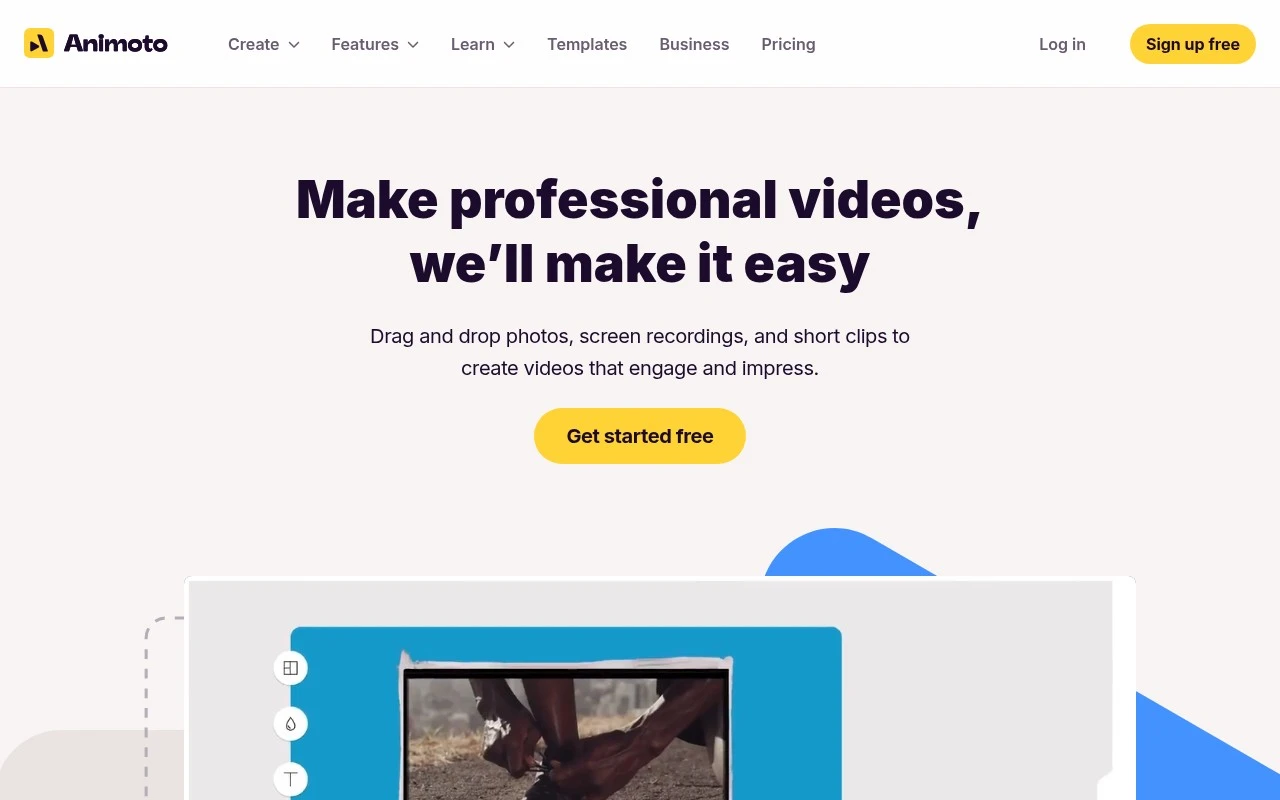
Animoto helps users make professional-looking videos through a simple drag-and-drop editor. Users can upload photos and clips, record their screen or webcam, add voice-over, choose licensed music, use Getty Images stock media, apply templates, and keep branding consistent with saved fonts, colors, logos, intros, and outros. It is positioned for people and teams that need good-looking videos quickly rather than advanced manual editing.

FYAI Score

8.0 / 10

Based on 1.109 reviews

Pricing:

Freemium

Best for:

Marketers and small teams making on-brand videos fast

Score Breakdown

  • Ease of use9.0 / 10
  • Features7.6 / 10
  • Pricing7.8 / 10
  • Integrations7.0 / 10
  • Support8.3 / 10

PRODUCT PREVIEW

What this AI tool does

Animoto is an AI-assisted video creation tool designed to help people turn photos, video clips, and text into simple, shareable videos. It’s commonly used when you need a quick way to assemble a slideshow-style video or a short promo without working directly in complex editing software. The typical workflow involves choosing a template or style, adding your media, and letting the tool handle much of the pacing and layout. You can then make basic adjustments—such as trimming clips, changing text, or swapping music—to better match your message. This makes animoto a practical option for small teams, educators, and individuals who want a straightforward way to produce videos for social media, presentations, or internal updates.

Use cases

Best for

Edit Video

Edit video by dragging in clips and photos, trimming scenes, adding text, and applying templates in Animoto.

Generate Video

Generate video from uploaded media by selecting a template, adding licensed music, and exporting a finished cut.

Video Ad Creation

Create video ads by using branded templates, adding a logo and CTA text, and pulling stock clips from Getty Images.

ANALYSIS

Strengths & limitations

Strengths
  • Beginner-friendly drag-and-drop workflow for assembling, trimming, merging, and styling videos.
  • Includes practical business video features such as templates, screen recording, voice-over, stock media, licensed music, saved branding, and team collaboration.
  • Well suited to repeatable video formats for marketing, internal communications, training, and social content.
Limitations
  • The site does not present Animoto as an AI video generator; users still need to supply, record, or assemble the content.
  • It is positioned around easy template-based editing, so it may not suit complex professional editing workflows that require deep timeline control.
  • The provided page does not specify plan limits, export restrictions, or which features are included in free versus paid tiers.

Evaluation

FYAI score breakdown

Our structured evaluation across five key criteria

8.0 / 10

Overall score

Based on 1.109 reviews

  • Ease of use9.0 / 10
  • Features7.6 / 10
  • Pricing7.8 / 10
  • Integrations7.0 / 10
  • Support8.3 / 10

What users say

Findings from public reviews, documentation and community sources.

  • Ease of use

    G2 lists 94 reviews at 4.3/5, and reviewers describe Animoto as “super easy to use” with “very user-friendly, drag-and-drop features.”

  • Features

    Animoto’s features page lists drag-and-drop editing, screen and webcam recording, Getty stock media, and saved brands. Animoto also lists templates, voice-over, licensed music, reusable templates, and shared workspaces.

  • Pricing

    Animoto’s pricing page lists Free, Basic, Professional, and Professional Plus tiers. Animoto’s pricing page references feature differences such as watermark-free downloads, 1080p, 4K, Getty stock access, saved brands/templates, and team collaboration.

  • Integrations

    Animoto’s help documentation states, “We do not currently offer APIs or have integrations with external tools.”

  • Support

    Animoto’s pricing page says it offers video editing tutorials, a blog, and a help center. Animoto’s higher tier includes a “Dedicated account manager” plus “Onboarding and training.”

Who is this for?

Best for marketing teams that want templated video creation with drag-and-drop editing, templates, Getty stock media, saved brands, and shared workspaces. Less suited to teams that need automated workflows or connections to external systems, because Animoto’s help documentation states, “We do not currently offer APIs or have integrations with external tools.”

PRODUCT PREVIEW

Feature highlights

Drag-and-drop editor

Build pro-looking videos fast with a simple, guided workflow.

Templates & branding

Save fonts, colors, logos, intros, and outros for consistency.

Stock media & music

Access Getty Images visuals and licensed music to elevate edits.

COMPARE

Discover curated alternatives worth comparing

Compare similar AI tools based on features, pricing and use cases

7.5/ 10Based on 12.890 reviews

Zoominfo

Lead GenerationCRM & Segmentation
Find and enrich B2B leads with firmographic and contact data
Best for:
Sales teams
Pricing
Paid only

8.6/ 10Based on 6.982 reviews

Zoho CRM

Sales & OutreachAnalytics & Reporting
AI assists CRM tasks: rewrite emails, detect anomalies, predict
Best for:
Sales teams
Pricing
Freemium

8.0/ 10Based on 1.041 reviews

Zoho Campaigns

Lead GenerationCRM & Segmentation
Create, automate, and analyze email and SMS marketing campaigns
Best for:
Marketing teams
Pricing
Freemium

Create polished videos in minutes—no editing experience needed. Start telling your story with Animoto today and share content that looks truly professional.

FAQ

Frequently asked
questions

Everything you need to know about this AI tool,
its features, pricing, use cases, and limitations.

What types of marketing videos is Animoto best suited for?
Animoto is a strong fit for template-driven marketing content like social ads, promos, testimonials, event recaps, and simple product explainers. It works well when you already have clips, photos, screen recordings, and brand assets and want a fast assembly workflow. If your projects require heavy motion graphics, complex timelines, or detailed color/audio work, you may outgrow it.
How does Animoto’s free plan compare to its paid plans in practice?
Animoto’s free tier is mainly for trying the editor and producing drafts, with restrictions that typically include Animoto branding and tighter export/feature limits. Paid plans are where you generally get cleaner exports, more licensing options for music/stock, and business features like brand kits and team workflows. Check the current plan page for exact export resolution, watermarking, and asset-library differences.
How does Animoto compare with Canva, Adobe Express, or Kapwing for marketing teams?
Animoto is more focused on quick video assembly from templates with built-in stock media and straightforward editing, while Canva and Adobe Express often cover broader design needs beyond video. Kapwing tends to offer more flexible web-based editing for captions and social formats, but can feel less guided than Animoto’s template approach. If your team prioritizes speed and consistency over deep customization, Animoto is often the simpler choice.
How fast can a new user get a publishable video out of Animoto?
Animoto is optimized for speed and simplicity, so it can be limiting for advanced editing tasks like multi-track compositing, detailed keyframing, or complex audio mixing. It’s best for repeatable business video formats rather than highly customized post-production. Also, based on the provided source, you shouldn’t assume Animoto includes generative AI video features when comparing it to AI-first tools.
What should I consider about data privacy, licensing, and compliance when using Animoto?
If you’re uploading customer footage, internal screen recordings, or voice-over, review Animoto’s Terms and Privacy Policy to understand storage, retention, and sharing controls. Confirm how licensing works for included music and stock media so your usage (ads, client work, social) is covered. For regulated teams, verify account controls, access management for collaborators, and whether the plan supports your compliance requirements.