Curated ToolThis tool is part of our curated AI directory. We only include tools that meet our standards for relevance, usability and real-world value.

AdCreative

Generates, resizes, and scores ad creatives with competitor analysis

Ad CreationMarket Research
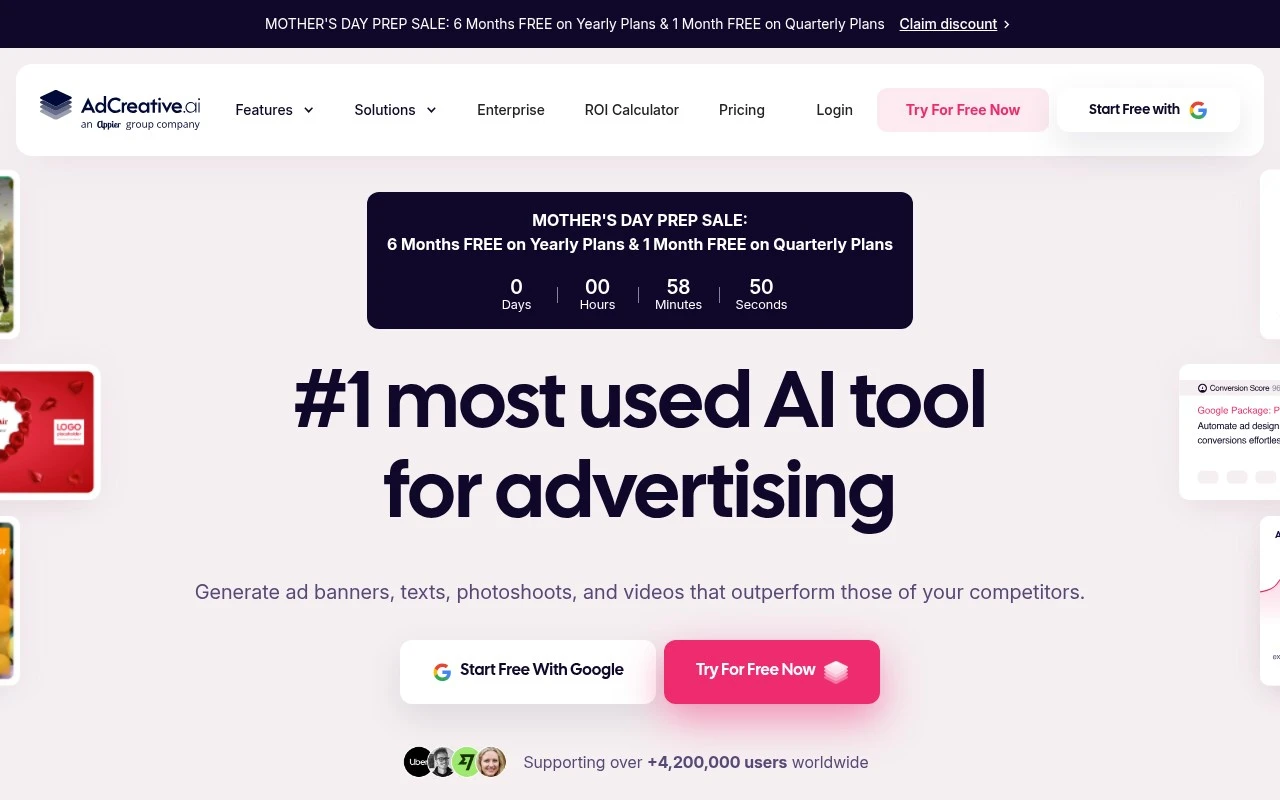
AdCreative.ai is an AI advertising creative platform for producing, resizing, and testing ad assets. Its official site positions it as a tool for generating banners, ad text, product photoshoots, and videos, while also offering creative scoring and competitor insight features intended to help users improve paid ad performance.

FYAI Score

7.2 / 10

Based on 4.319 reviews

Pricing:

Paid only

Best for:

Performance marketers scaling paid social and display creatives

Score Breakdown

  • Ease of use7.3 / 10
  • Features7.3 / 10
  • Pricing7.1 / 10
  • Integrations7.2 / 10
  • Support7.0 / 10

PRODUCT PREVIEW

What this AI tool does

AdCreative is an AI tool designed to help teams and individuals produce ad-ready creative assets more efficiently. It focuses on generating variations of marketing visuals and copy that can be used across common advertising channels, making it useful when you need multiple options to test or adapt for different audiences. In practice, you provide basic inputs such as your product or offer details, brand elements, and preferred style, and the tool returns draft creatives you can review and refine. This can support early-stage ideation, speed up routine production work, and help maintain consistency when creating many ads over time. adcreative is typically used by marketers, small businesses, and agencies who want a structured way to create and iterate on ad concepts without starting from a blank page each time. As with any AI-generated content, it works best when you apply brand guidelines, verify claims, and edit outputs to match your tone and compliance requirements.

Use cases

Best for

Ad Campaign Optimization

Generate and resize ad creatives and ad copy, then use creative scoring to prioritize variants for paid campaign tests.

Competitor Analysis

Use AdCreative competitor insights to review rival ad creatives and messaging patterns for your market.

Product Visualization

Create product photoshoots and ad-ready visuals from product inputs to populate banners and social ads.

ANALYSIS

Strengths & limitations

Strengths
  • Covers several ad asset types in one workflow, including banners, copy, product photography, and video ads.
  • Built around ad performance workflows rather than general graphic design, with features such as creative scoring, competitor insights, and variation generation.
  • Useful for teams that need many ad sizes, templates, and creative variants for different platforms.
Limitations
  • Its value is mainly tied to paid advertising and e-commerce-style creative production, so it may be less relevant for broader brand design or non-ad content needs.
  • Performance claims such as higher conversions and AI scoring are vendor-stated and should still be validated with real campaign testing.
  • The provided site text does not fully clarify details such as platform integrations, collaboration workflows, or how performance data is sourced and applied.

Evaluation

FYAI score breakdown

Our structured evaluation across five key criteria

7.2 / 10

Overall score

Based on 4.319 reviews

  • Ease of use7.3 / 10
  • Features7.3 / 10
  • Pricing7.1 / 10
  • Integrations7.2 / 10
  • Support7.0 / 10

What users say

Findings from public reviews, documentation and community sources.

  • Ease of use

    AdCreative.ai describes a template-led workflow with claims including “Create ads in 60 seconds,” “Scan Your Website to Generate AI-Powered Ads,” and “countless ready-made templates.”

  • Features

    AdCreative.ai’s product page describes generation for “ad banners, texts, photoshoots, and videos,” plus “Creative Scoring AI,” “Competitor Insight AI,” and A/B-oriented variation generation.

  • Pricing

    AdCreative.ai’s pricing page references “$39 $20 /month,” “10 Credits / Month,” “1 Brand,” and a free trial. On Reddit’s r/MarketingAutomation, a user reported that “funds were deducted from my card” after the trial.

  • Integrations

    AdCreative.ai describes connecting “your ad accounts to your brands,” and Leadspicker names Google Ads and Meta Ads connectivity.

  • Support

    AdCreative.ai public information mentions contact via email and “in-app support chat.” Capterra lists a 3.3/5 rating across 169 reviews, and Capterra review excerpts report “Customer service is slow and not helpful.”

Who is this for?

Best for marketers who need quick ad creative variations, AdCreative.ai claims “Create ads in 60 seconds” and describes “countless ready-made templates” plus A/B-oriented variation generation. Less suited to buyers who need dependable post-trial billing confidence or responsive service, a Reddit user reported that “funds were deducted from my card” after the trial, and Capterra review excerpts report “Customer service is slow and not helpful.”

PRODUCT PREVIEW

Feature highlights

AI Ad Creatives

Generate banners, ad copy, and variants tailored to your brand.

Resize for Every Format

Auto-adapt creatives to multiple sizes for each ad platform.

Creative Scoring

Predict performance and spot winning concepts before you spend.

COMPARE

Discover curated alternatives worth comparing

Compare similar AI tools based on features, pricing and use cases

7.5/ 10Based on 12.890 reviews

Zoominfo

Lead GenerationCRM & Segmentation
Find and enrich B2B leads with firmographic and contact data
Best for:
Sales teams
Pricing
Paid only

8.6/ 10Based on 6.982 reviews

Zoho CRM

Sales & OutreachAnalytics & Reporting
AI assists CRM tasks: rewrite emails, detect anomalies, predict
Best for:
Sales teams
Pricing
Freemium

8.0/ 10Based on 1.041 reviews

Zoho Campaigns

Lead GenerationCRM & Segmentation
Create, automate, and analyze email and SMS marketing campaigns
Best for:
Marketing teams
Pricing
Freemium

Launch more winning ads, faster. Create high-performing variations in minutes and keep your campaigns fresh across every channel with AdCreative.

FAQ

Frequently asked
questions

Everything you need to know about this AI tool,
its features, pricing, use cases, and limitations.

When is AdCreative a good fit, and when should I pick a different tool?
AdCreative fits teams running performance ads who need lots of variations of banners, product creatives, and ad copy across multiple sizes quickly. It’s most useful when your workflow is “generate → test → iterate” rather than bespoke design. If you need advanced photo/video editing, brand-heavy design systems, or long-form creative production, a general design or video editor may be a better primary tool.
What’s the difference between AdCreative’s free trial and paid plans?
The free trial is typically limited by creative credits, so you can sample the workflow but may not be able to run broad, multi-campaign testing. Paid plans generally increase credit limits and unlock higher-volume generation and team features. If you plan to produce many variants per product or per audience, check credit consumption per asset type before committing.
How does AdCreative compare to Canva, Adobe Express, or other ad creative generators?
Compared with Canva or Adobe Express, AdCreative is more focused on ad-specific generation, resizing, and iteration rather than manual design flexibility. Versus other AI ad generators, AdCreative stands out for bundling multiple asset types (copy, images, sizes, and sometimes video) plus performance-oriented features like creative scoring and competitor insights. If your priority is full creative control and editing depth, general design tools usually win; if speed and variation volume matter most, AdCreative is often stronger.
How fast can I get AdCreative producing usable ads, and what setup is required?
AdCreative is specialized for advertising creatives, so it won’t replace a full design suite or a dedicated video editor for complex work. The platform’s scoring and performance claims may not be transparent enough for teams that require explainable methodology. Also, credit-based limits can make high-iteration testing expensive if you generate many variants across multiple sizes and channels.
What should I know about data handling, privacy, and compliance when using AdCreative?
Assume any text, images, and brand assets you upload are processed on AdCreative’s servers, so avoid uploading sensitive customer data unless you’ve reviewed their terms and data processing details. For regulated industries, confirm where data is stored, retention policies, and whether a DPA is available. If you plan to use competitor insights features, ensure your internal compliance team is comfortable with how that data is sourced and displayed.